
Domus
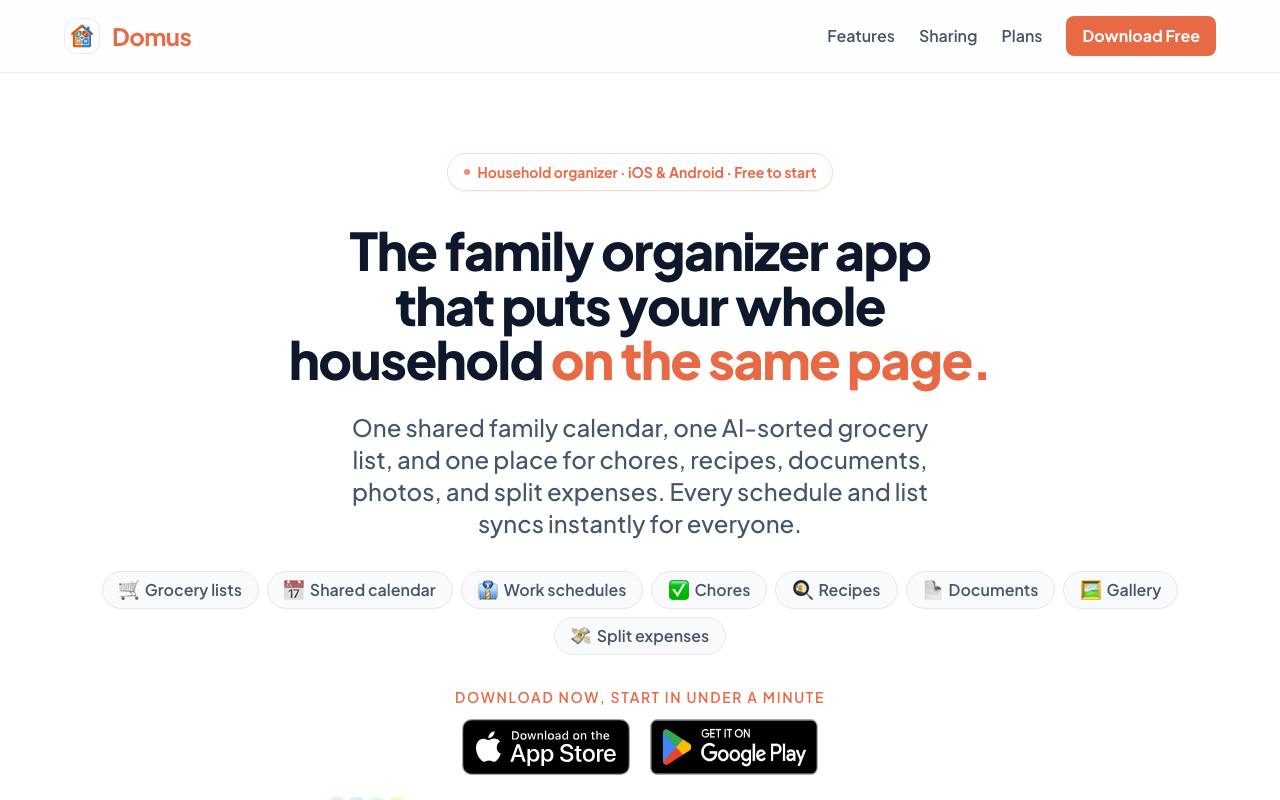
All‑in‑one family organizer app for recipes, groceries, chores, calendars, documents, photos, and videos. Save or import recipes with AI and keep your home organized.
About Domus
Best for: families, couples, roommates, shared households
Key features
- AI organizes grocery lists by store section for efficient shopping.
- Shared calendar supports month, week, and agenda views for all members.
- Chore and to-do lists are visible and assignable to household members.
- Recipes can be imported from URLs or created manually, and turned into shopping lists with AI.
- Document scanning and storage allows access to important household files.
- Gallery feature enables sharing of photos and videos within the household.
- Split expenses and track balances among household members.
- Loyalty cards can be stored and shared in a digital wallet.
Use cases
- Coordinate family or roommate schedules and appointments in one calendar.
- Manage grocery shopping collaboratively with real-time synced lists.
- Assign and track household chores and recurring tasks.
- Save, import, and share recipes for meal planning and shopping.
- Store and access important documents like health cards and warranties.
- Split and settle shared expenses without manual calculations.
Pros
- Free tier available with core features for households.
- Real-time sync across all devices keeps everyone updated instantly.
- Available on both iOS and Android platforms.
Limitations
- Free plan limits document storage, gallery, wallet, and some AI features.
Screenshots
Reviews
Sign in to share your experience with this tool.
Sign inNo reviews yet. Be the first to review this tool.
Domus alternatives
More Other tools → DataDasherOther
DataDasher is an AI-powered meeting assistant built for advisors, automating meeting prep, note-taking, action items, and follow-ups so you can focus entirely on your clients.
 Chat StreamOther
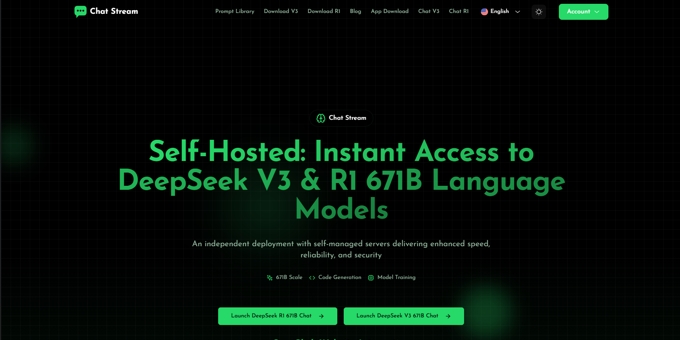
An unofficial platform by DeepSeek enthusiasts providing self-hosted access to DeepSeek V3 and R1 (671B) language models. Independent from DeepSeek official, it offers fast and secure access through self-managed servers.
 Map Your VoyageOther
Plan trips from Instagram reels in minutes, not weeks!
 Promptly AOther
Promptly is an all-in-one browser extension that rewrites your prompts into clear, structured ones in a single click - plus a personal prompt library and conversation exporter for ChatGPT, Claude & Gemini.
 HireKeyOther
HireKey is a recruiter-informed job-search platform that helps candidates decide whether a role is worth pursuing before they apply. It shows what their experience supports, where the gaps are, and he
 APIMartOther
APIMart is a unified AI API platform that provides access to over 500 AI models, including GPT-5 and Sora 2, through a single API key, ensuring cost savings and ease of integration.
Related tools
 ResearchCollab.aiProductivity
Stop drowning in browser tabs and research articles. ResearchCollab.ai is the ultimate research hub for content creators, students, and academics.
 elimu.devProductivity
ELIMU is an AI-powered learning workspace that transforms any study material - PDFs, documents, slides, or URLs - into instant study tools: summaries, flashcards, quizzes, and interactive lesson chat. Built for students and instructors who want to go from information overload to exam-ready confidence.
 ZealosProductivity
Manage your entire life in one place. The first AI Operating System for Founders & Revenue Teams
 Ponder AIProductivity
Ponder is an integrated workspace that transforms how you think and work. Instead of using a linear chat or scattered notes, it gives you an infinite canvas where ideas naturally branch and connect. You can start by chatting, uploading documents, or adding web content - Ponder automatically builds a c
 VoiceBrief.ioProductivity
Turn any PDF into natural-sounding audio lessons with AI. Upload a textbook or document, get summaries, podcasts, voice chat with an AI tutor, quizzes, and flashcards - all from one upload.
 Odin AIProductivity
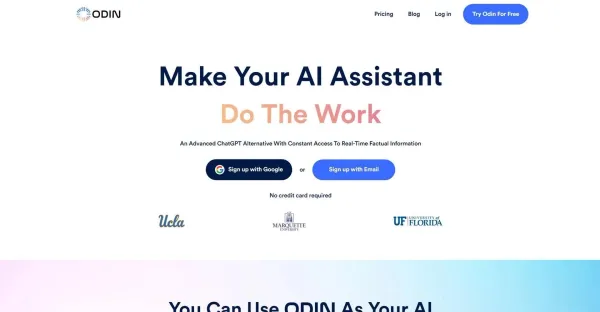
Odin AI serves as a dedicated AI assistant that boosts your productivity by managing tasks and enabling you to reclaim valuable time.
 CruelxBusiness
Professional multi-model AI website analysis built around buyer psychology, with clear fixes for why visitors hesitate, leave, or fail to convert.
 Lyra AI AssistantAssistant
Lyra is an AI assistant built directly inside Telegram. Chat naturally, send voice messages, analyze photos, summarize documents, generate images, use it in groups, and send emails after setup.