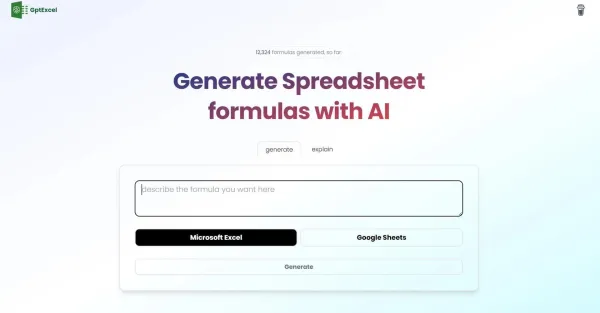
GPTExcel
GPTExcel makes the process of creating and comprehending formulas in Excel and Google Sheets easier, streamlining spreadsheet management.
About GPTExcel
Best for: spreadsheet users, data analysts, Excel and Google Sheets users, business professionals
Key features
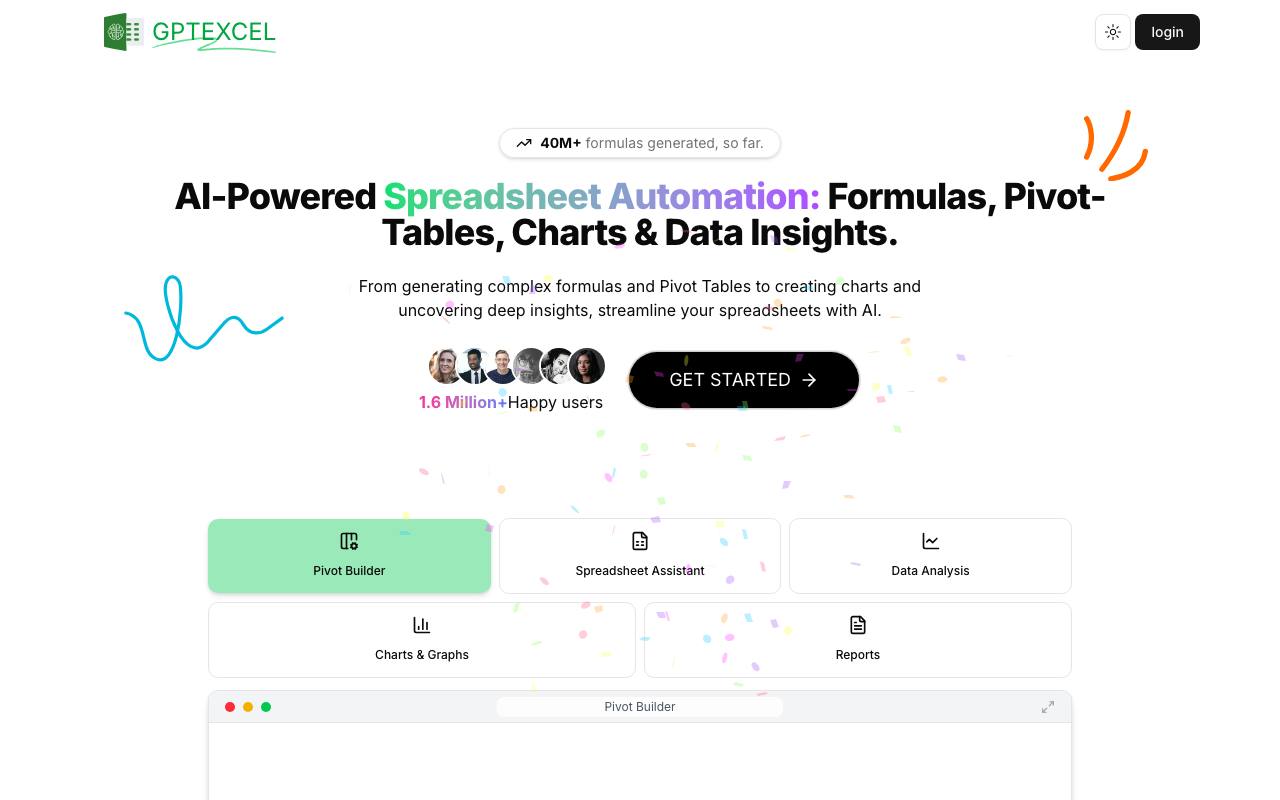
- Creates and explains formulas for Excel, Google Sheets, LibreOffice Calc, and Airtable
- Generates and modifies Pivot Tables using AI
- Produces SQL queries for various database systems
- Generates VBA, Apps Script, and Airtable automation scripts
- Creates and interprets regular expressions for data validation and filtering
- Converts tables from images into editable spreadsheets
- Provides interactive chat with Excel files for data insights and clarifications
- Generates charts and graphs automatically from spreadsheet data
Use cases
- Automating the creation of complex spreadsheet formulas
- Building and editing Pivot Tables for data analysis
- Writing and troubleshooting SQL queries for databases
- Generating automation scripts for repetitive spreadsheet tasks
- Extracting editable tables from images for further analysis
- Analyzing spreadsheet data to produce insights and summary reports
Pros
- Free plan available with essential features and daily request limits
- Supports multiple spreadsheet platforms including Excel, Google Sheets, LibreOffice Calc, and Airtable
- No credit card required to start using the free plan
- Interactive chat feature for direct data queries and insights
Limitations
- Free plan limits users to 4 requests per day, refreshed every 12 hours
Screenshots
Reviews
Sign in to share your experience with this tool.
Sign inNo reviews yet. Be the first to review this tool.
GPTExcel alternatives
More Productivity tools →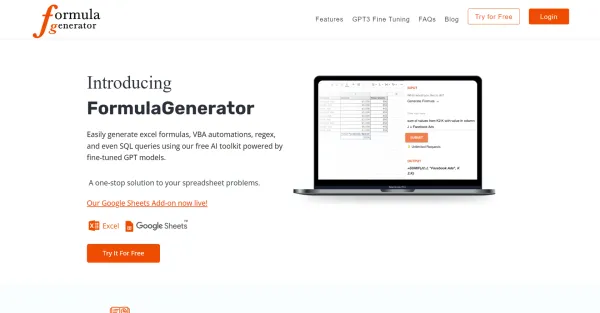 Formula GeneratorProductivity
The Formula Generator is a convenient toolkit that utilizes artificial intelligence to generate excel formulas, VBA automation, regex patterns, and SQL queries.
 HISAB 360Productivity
Easy Excel: pull, reconcile, report ledger data.
 Build ChatbotProductivity
Build Chatbot is an innovative no-code chatbot builder, revolutionizing the way businesses and individuals create personalized AI chatbots. With a focus on simplicity and efficiency, it enables users to design their own chatbots without needing any coding skills. Its advanced AI capabilities allow i
 MIND-Interview AIProductivity
MIND-Interview is an advanced AI-powered coaching platform designed to help users excel in job interviews. By simulating real interview scenarios, it offers personalized feedback, tips, and practice sessions tailored to individual needs. Whether you’re a recent graduate or a seasoned professional, M
 Numerous AIProductivity
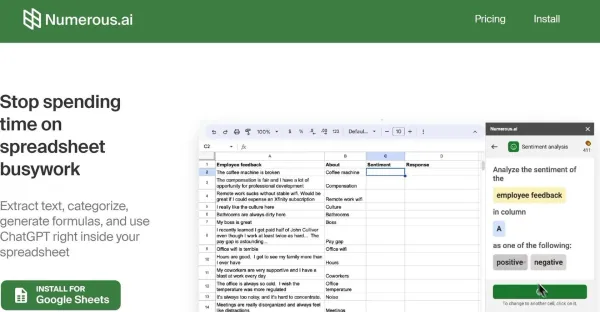
An array of AI solutions provides an AI-infused spreadsheet that automates tasks, revolutionizing data management and enhancing efficiency.
 Chat4DataProductivity
An AI-powered Chrome extension that lets you extract structured data from any website - just by chatting. No coding required.
Related tools
 Clairon AIBusiness
Track your brand visibility across AI engines like ChatGPT, Claude, Perplexity, Gemini and more. Optimize your content to get mentioned by AIs.
 GraphicInfoDesign
AI-Powered Infographic Generator - Turn content into compelling infographic in 1 click.
 Didoo AIOther
URL in, Meta ads out. One Click to Outperform. The A-to-Z ad solution built for SMBs.
 Bogar AIWriting
Bogar AI supercharges your content creation process, helping you create better content 10x faster and boosting your productivity.
 Lutra AIProductivity
Lutra is an AI Agent that can perform web research for you, extract information from unstructured data, and use AI directly with apps you use including Airtable, HubSpot, Google Sheets, Gmail, and more.
 AddenOther
Adden is an AI copilot for Meta & Google Ads that auto-builds reports, detects performance issues, explains why they happened, and gives instant recommendations cutting agency workload by 30-70%.
 GPT WorkspaceProductivity
The GPT Workspace enhances productivity within various Google applications, transforming your workspace into a centralized hub of efficiency.
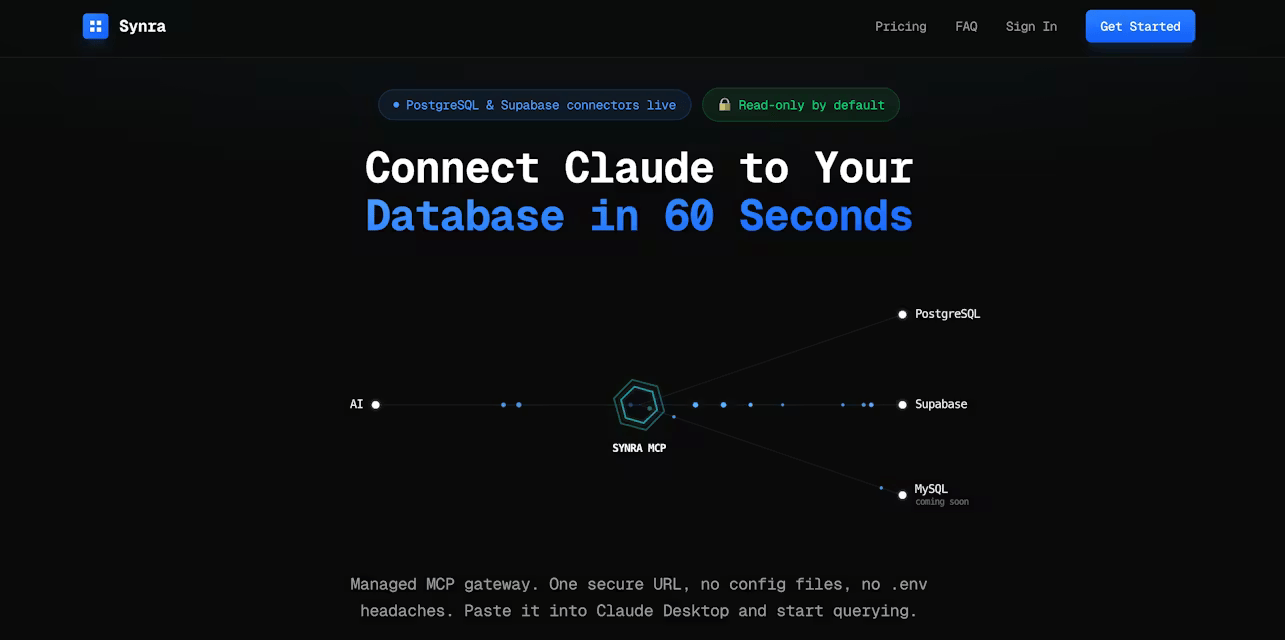 SynraOther
Connect Claude to your database via one secure URL. No config files needed.