
ImgEditor AI
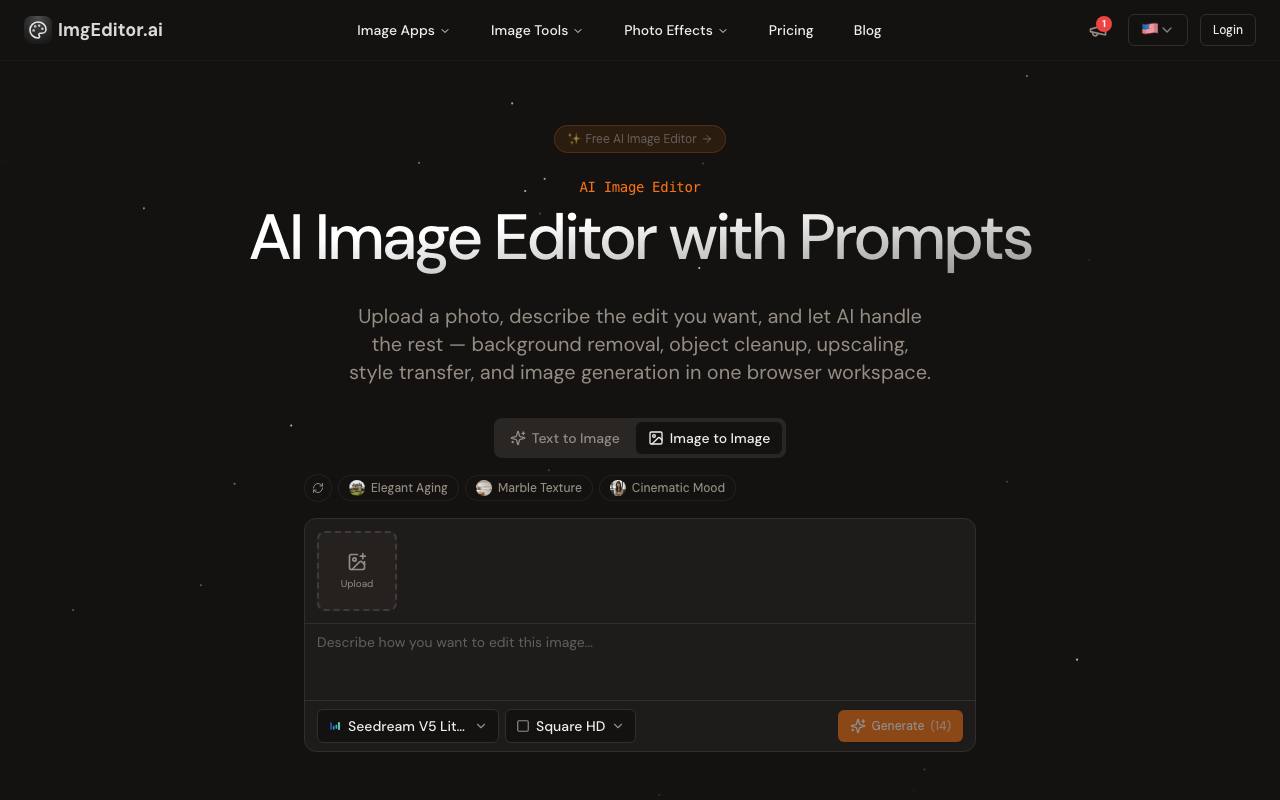
AI Image Editor is a premier AI-powered image editing platform crafted for creators and professionals. It surpasses basic editors with intelligent object detection, precision editing, background removal, high-resolution upscaling, and style transfer - delivering professional-grade results effortless
About ImgEditor AI
Best for: designers, photographers, content creators, marketers
Key features
- Removes backgrounds from images using AI
- Upscales image resolution with AI enhancement
- Erases unwanted objects from photos
- Applies style transfers such as Ghibli or Pixar effects
- Offers prompt-based editing
- Supports output up to 4K
- Provides over 15 AI editing tools
- Runs in the browser without installation
Use cases
- Removing backgrounds for product or profile photos
- Upscaling low-resolution images for print or web
- Erasing unwanted objects from travel or event photos
- Applying creative effects for social media content
- Restoring old or damaged photographs
- Generating headshots or stylized portraits
Pros
- Free plan available for new users
- No software installation required
- Interface available in multiple languages
- Commercial license included in all plans
- The vendor says images are processed without being stored
Limitations
- Free plan limited to 100 credits per month and basic models
Screenshots
Reviews
Sign in to share your experience with this tool.
Sign inNo reviews yet. Be the first to review this tool.
ImgEditor AI alternatives
More Image tools → aiphotoeditorproImage
AI-powered web app for prompt-based photo editing and image generation.
 AI Image to Image GeneratorImage
Effortlessly edit photos with Image to Image Generator: upscale, remove backgrounds or objects, restore and colorize old photos - just describe what you want.
 PixArmoryImage
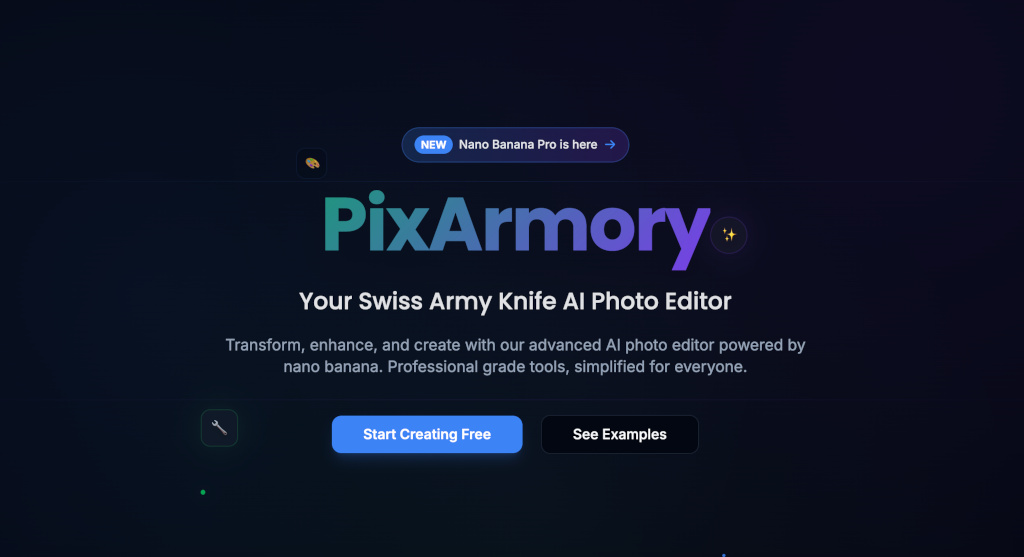
PixArmory is your all-in-one AI image editing toolkit. Remove backgrounds, add anime effects, enhance photos, or generate new styles in seconds. Fast, secure, and credit-based - perfect for creators, designers, and anyone who wants pro results without Photoshop.
 EditpalImage
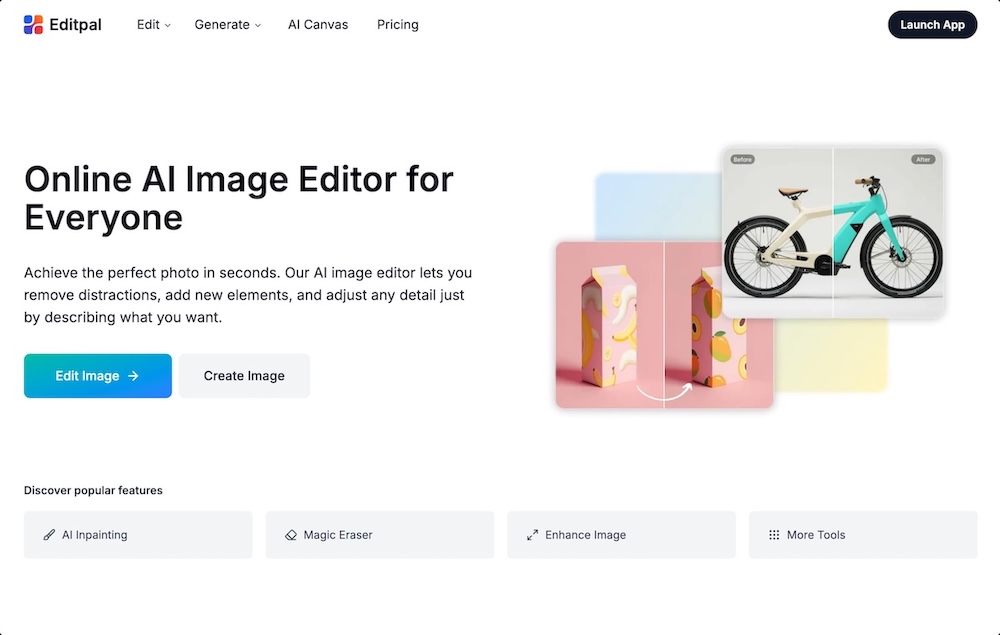
Editpal is an online AI image editor that lets anyone edit, enhance, replace, expand, and generate images using simple text prompts.
 RetouchiaImage
An AI-powered browser-based image editor for professional background removal, object erasure, upscaling, and restoration.
 old photo restorerImage
HeyDream’s Free AI Old Photo Restorer uses advanced artificial intelligence to repair blurred, scratched, faded, and damaged old photos. Restore clarity, fix damage, and bring natural colors back to your precious memories in just one click.
Related tools
 AI BoostDesign
All-in-one service for creating and editing images with AI
 Adobe Firefly Background RemoverDesign
Strip backgrounds from photos with one click.
 Regi AIProductivity
Professional AI-powered tools and free utilities for all your creative needs.
 Vailo AiVideo
Vailo: multi-model AI video from text/images to video in seconds. Sora/Veo/Kling. No watermark, no quality caps. 450 free credits (~11 videos).
 AIGenToolsProductivity
From an old photo to a finished podcast voiceover, in one place - restore, upscale to 8K, animate a still, or clone a voice without switching tabs.
 HitPaw FotorPeaImage
HitPaw FotorPea is an AI photo enhancer. Instantly upscale, denoise, sharpen, or remove backgrounds and watermarks. Perfect for restoring old photos, fixing blurry images, and creating clear visuals.
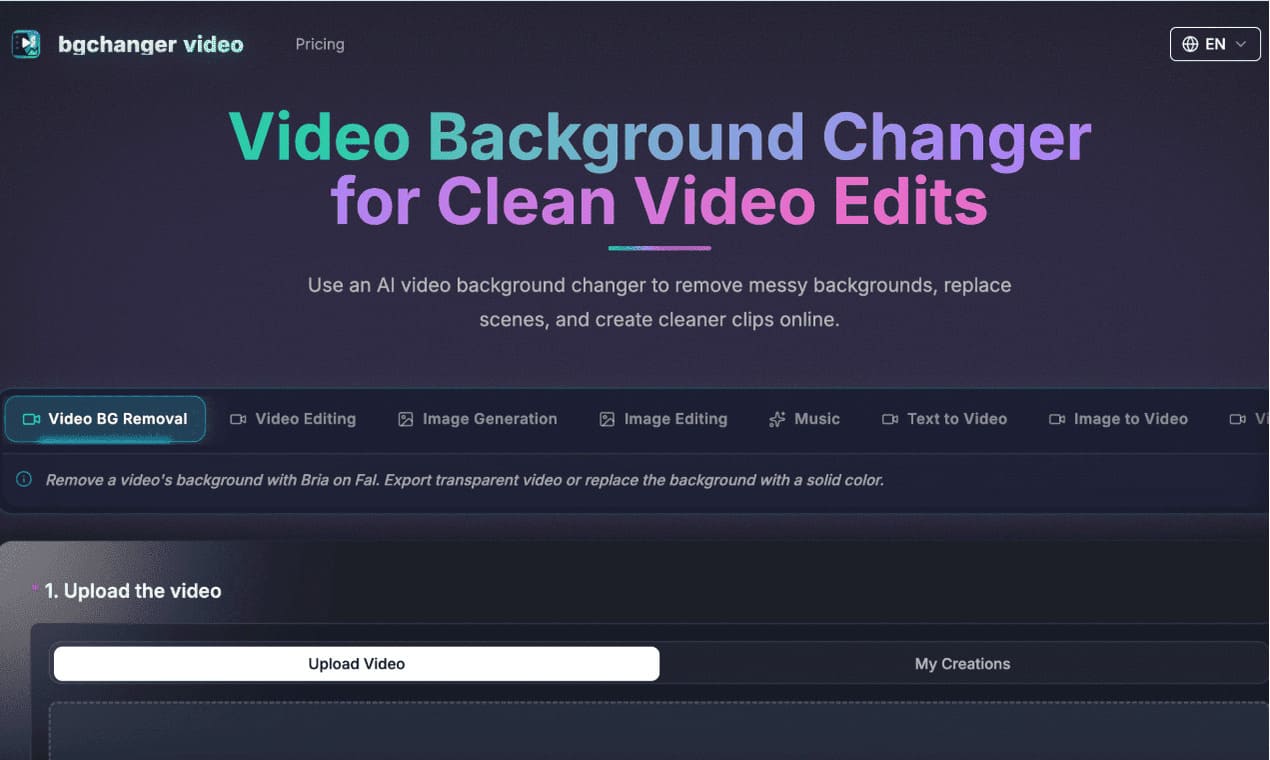 AI Video Background ChangerVideo
https://bgchanger.video is an online tool for removing, cleaning up, and replacing video backgrounds with AI. Users can upload a video, isolate the main subject, export transparent background videos, or replace the original background with solid colors such as white, black, green, or custom colors.
 Nero AI Image UpscalerImage
Nero AI Image Upscaler is an AI-powered image enhancement tool that enlarges low-resolution images up to 32K while improving sharpness, clarity, and fine details. It helps users upscale photos, portraits, anime, product images, old family pictures, and digital artwork without complex editing skills.