
Magic Layers
Turn any image into editable layers
About Magic Layers
Best for: designers, marketers, content creators, e-commerce sellers, game developers
Key features
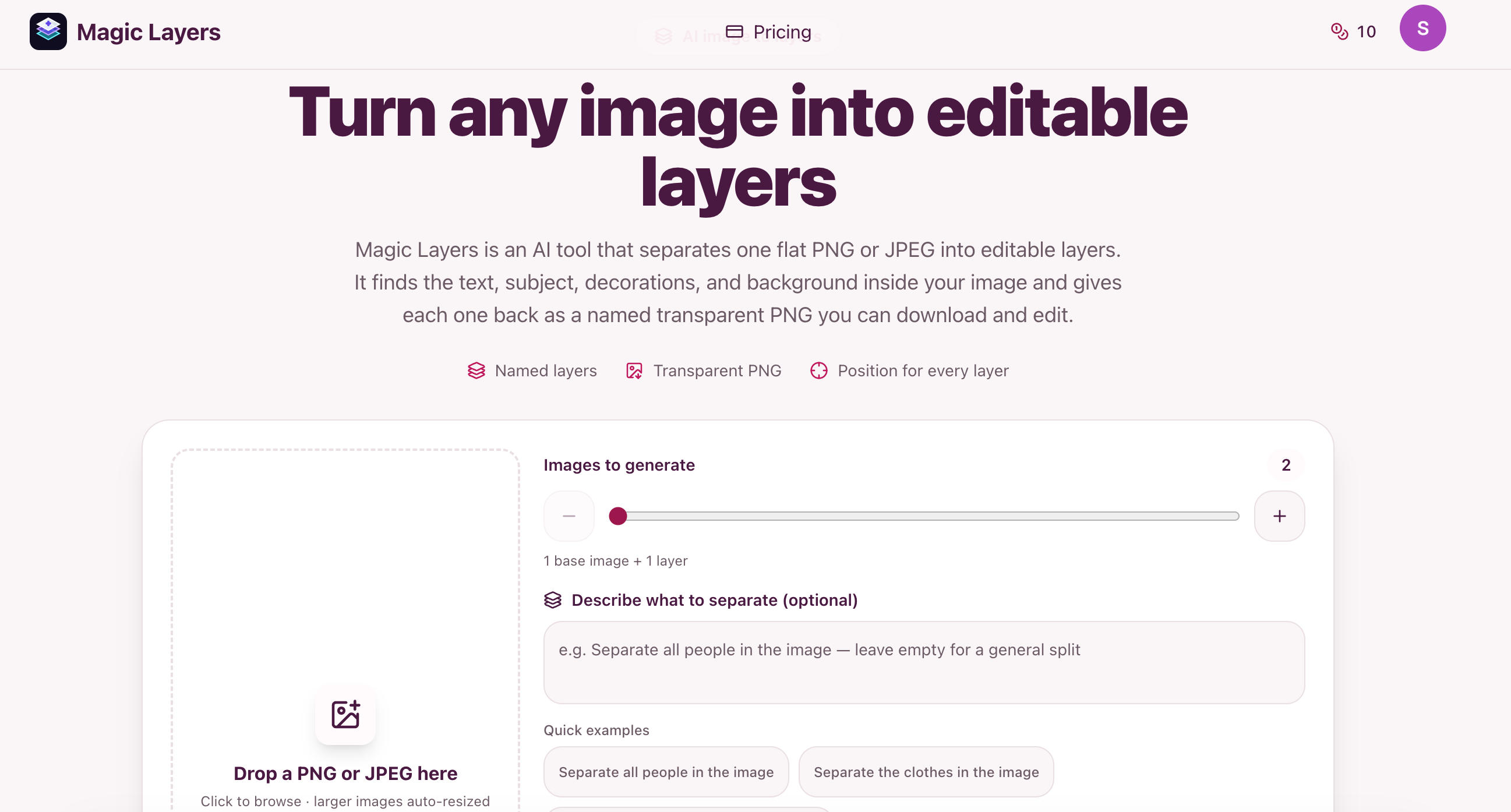
- Splits a flat PNG or JPEG into separate visual elements as transparent PNG layers.
- Allows users to specify which elements to separate and the number of layers to generate.
- Each layer is named, described, and includes its original position in the image.
- Supports images up to 10 MB and a minimum of 512×512 px, with automatic downscaling for larger files.
Use cases
- Extracting backgrounds, text, and products from marketing visuals for reuse.
- Rebuilding presentation assets from screenshots by separating charts, icons, and shapes.
- Preparing game or UI assets by separating characters and props from concept art.
- Restaging e-commerce images by isolating products and labels from the background.
Pros
- Does not require the original project or source file to separate elements.
- Works with standard creative tools like Photoshop, Figma, and Canva.
Limitations
- Cannot recover original fonts, vectors, or effects from the source file.
- Only supports PNG or JPEG uploads, not other image formats.
Screenshots
Reviews
Sign in to share your experience with this tool.
Sign inNo reviews yet. Be the first to review this tool.
Magic Layers alternatives
More Design tools → KoozeeDesign
Koozee is an AI visual production platform for apparel sellers - covering model try-ons, product images, fashion videos, and listing assets in one workflow, with native Shopify integration.
 ManualFigDesign
ManualFig is an AI-powered tool that transforms product photos into clear line drawings and assembly instructions, streamlining the creation of manuals and instructional content.
 Garden LettersDesign
Create Beautiful Garden Letters with AI
 AIClothSwapDesign
Free AI clothes changer for full-outfit virtual try-ons. Upload a person and up to 6 garments, including swimwear, bikinis, one-pieces, shoes, bags, and accessories.
 AI BoostDesign
All-in-one service for creating and editing images with AI
 PixelListingDesign
AI product listing images from one photo
Related tools
 AI Video Background ChangerVideo
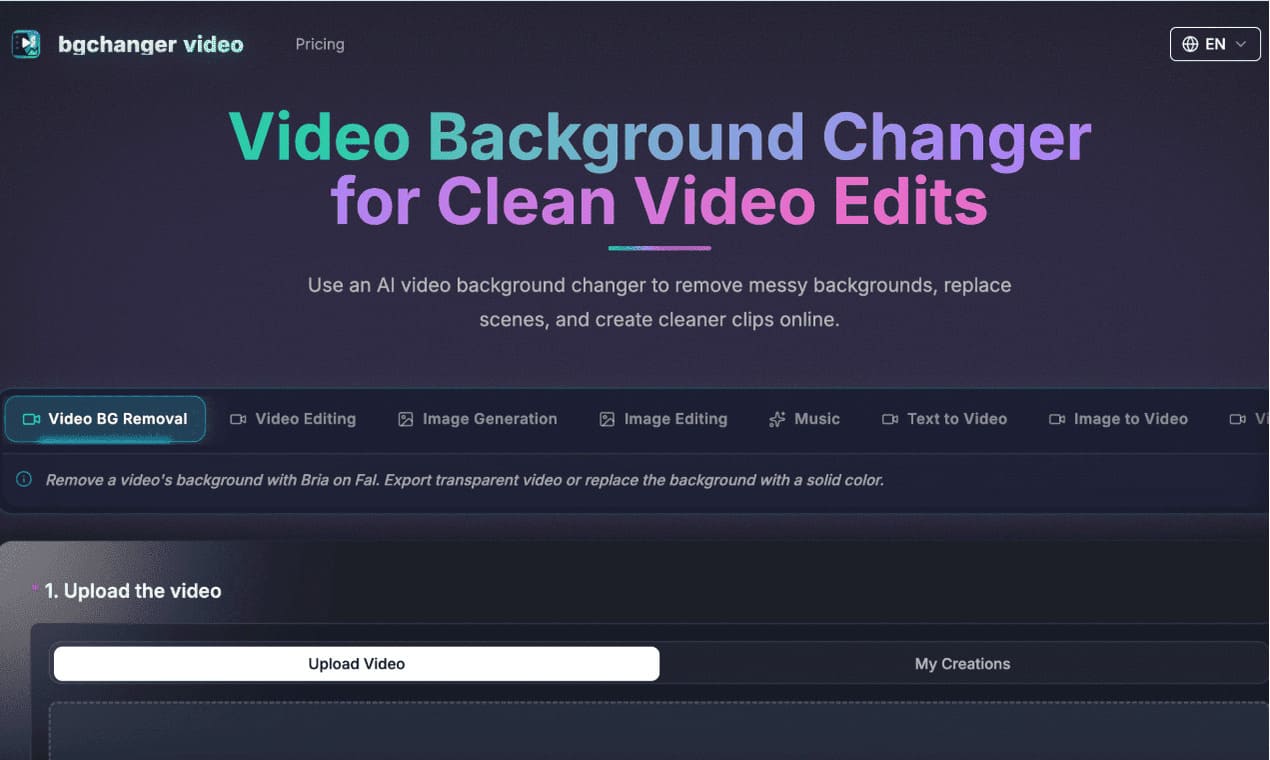
https://bgchanger.video is an online tool for removing, cleaning up, and replacing video backgrounds with AI. Users can upload a video, isolate the main subject, export transparent background videos, or replace the original background with solid colors such as white, black, green, or custom colors.
 AI Image to Image GeneratorImage
Effortlessly edit photos with Image to Image Generator: upscale, remove backgrounds or objects, restore and colorize old photos - just describe what you want.
 ZeroGenProductivity
Your all-in-one AI image creation platform.
 APIMartOther
APIMart is a unified AI API platform that provides access to over 500 AI models, including GPT-5 and Sora 2, through a single API key, ensuring cost savings and ease of integration.
 AI Image Cleanup ToolProductivity
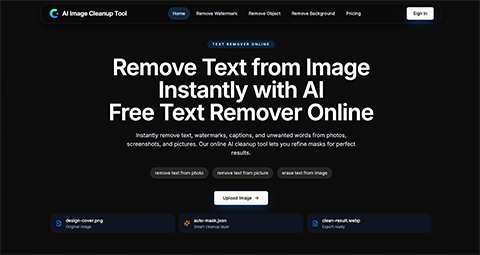
ImageCleanupAI is an online AI image cleanup tool that helps you remove text, watermarks, unwanted objects, and backgrounds from photos, screenshots, and pictures. It supports automatic detection with manual mask refinement for cleaner, more natural results.
 ImgfulImage
Imgful.io is an intelligent AI photo editing platform driven by Nana Banana. Users can edit images via simple text commands to remove backgrounds, adjust styles and optimize details easily.
 AI Photo EditorImage
Edit and transform photos with natural-language AI prompts
 AiPoseImage
AI headshot generator, professional portrait maker, AI photo editor, background remover, passport photo creator, AI image and video generation, portrait photography AI, face swap tool, photo enhancement, AI recoloring, business headshot generator, ID photo maker, LinkedIn profile photo, AI photo stu