
Modify Video
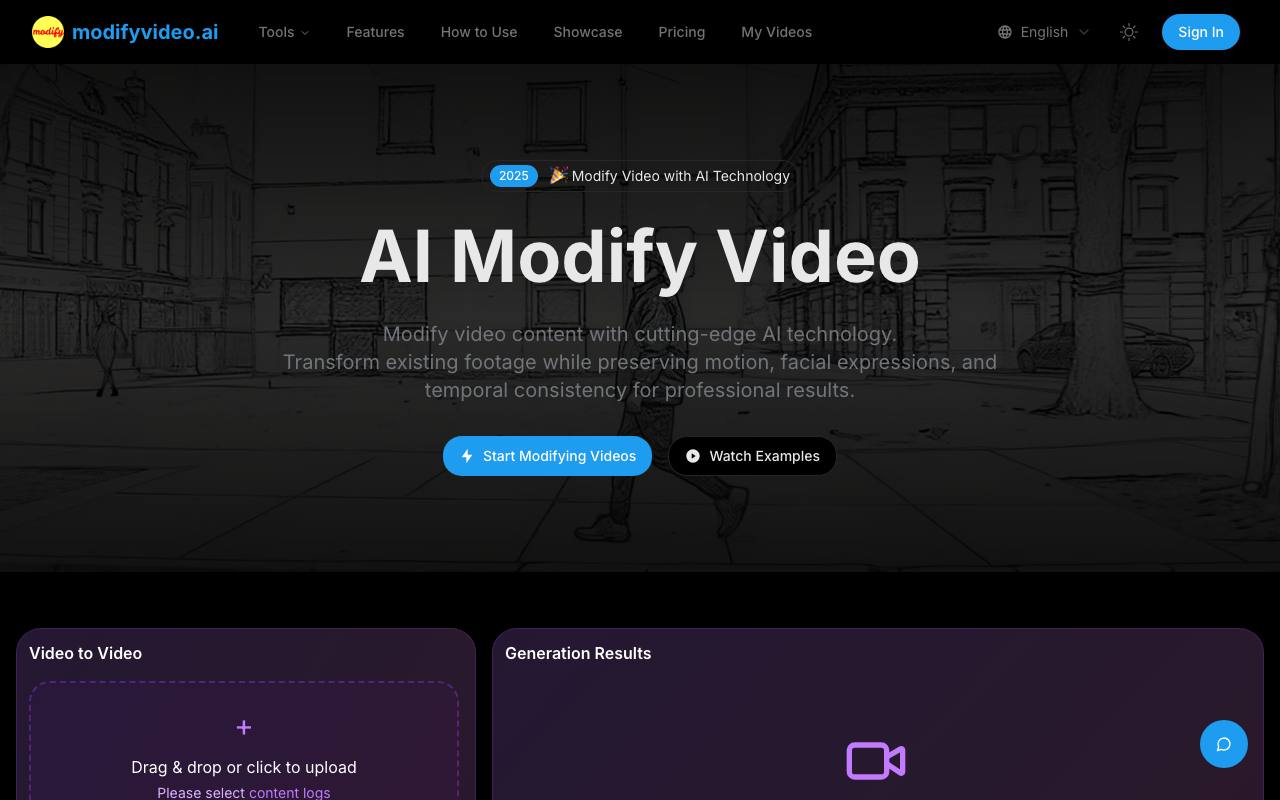
AI Modify Video | Preserve Motion, Transform Backgrounds & Styles
About Modify Video
Best for: content creators, video marketers, agencies, video production teams, social media managers
Key features
- Preserves motion and facial expressions during video modifications
- Allows background, style, and environment changes in videos
- Supports selective editing of video elements
- Offers creative style transfer, including animation and artistic effects
- Batch processing for modifying multiple videos at once
- Provides real-time preview before final processing
- Includes templates for common modifications
Use cases
- Changing video backgrounds for marketing or creative projects
- Transforming live-action footage into animated or stylized versions
- Producing multiple versions of the same video for different campaigns
- Enhancing video quality for social media or professional use
Pros
- No subscription required - pay-as-you-go credit system
- Supports major video formats up to 100MB
Limitations
- Maximum video file size is 100MB
Screenshots
Reviews
Sign in to share your experience with this tool.
Sign inNo reviews yet. Be the first to review this tool.
More Video tools
 MojoMakeVideo
MojoMake (https://mojomake.com) is an all-in-one AI creation studio featuring top models like Veo, Sora, Kling, and Runway. It enables creators to generate 4K images and 1080P cinematic videos with simple prompts. Perfect for marketers and social media creators.
 MojoMake AI Video & Image StudioVideo
Generate AI video and image with Veo, Kling, Flux, and 15+ models - plus 100+ effects - in one account.
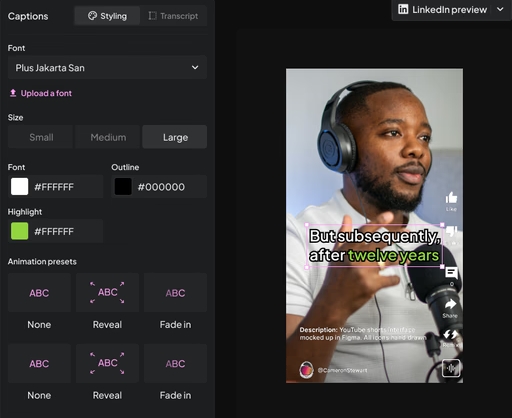 Montage.appVideo
AI video platform for B2B marketers that converts webinars and podcasts into LinkedIn-ready clips using brief-based recommendation scoring.
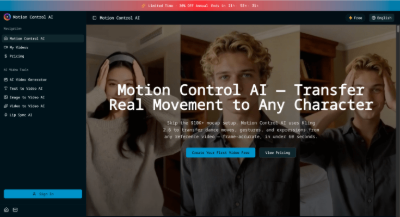 Motion Control AIVideo
Transfer dance moves, gestures & expressions to any character with Motion Control AI. Powered by Kling 2.6 - no mocap equipment needed. Start free.
 MiniMax H3Video
MiniMax H3
 Mindvideo AIVideo
Create vibrant 4K videos with this free AI tool. Turn text or images into engaging animations using various AI effects. Watermark-free and privacy-focused. Perfect for marketing, teaching, and social media.
 Meta SummonVideo
Generate high-quality images with Nano Banana Pro (Gemini 3 Pro Image) and create videos with Sora 2. Features image-to-image, image-to-video, text-to-image, and text-to-video generation.
 MedeoVideo
Create finished, professional videos just by chatting. Medeo’s AI agents handle scripting, visuals, voice, music, and editing, so you can turn any idea into a story-driven video without a crew or editing skills.