
OmniEnhancer
Image Enhancer - Improve Image Quality with AI
About OmniEnhancer
Best for: photographers, e-commerce sellers, social media managers, real estate agents, content creators
Key features
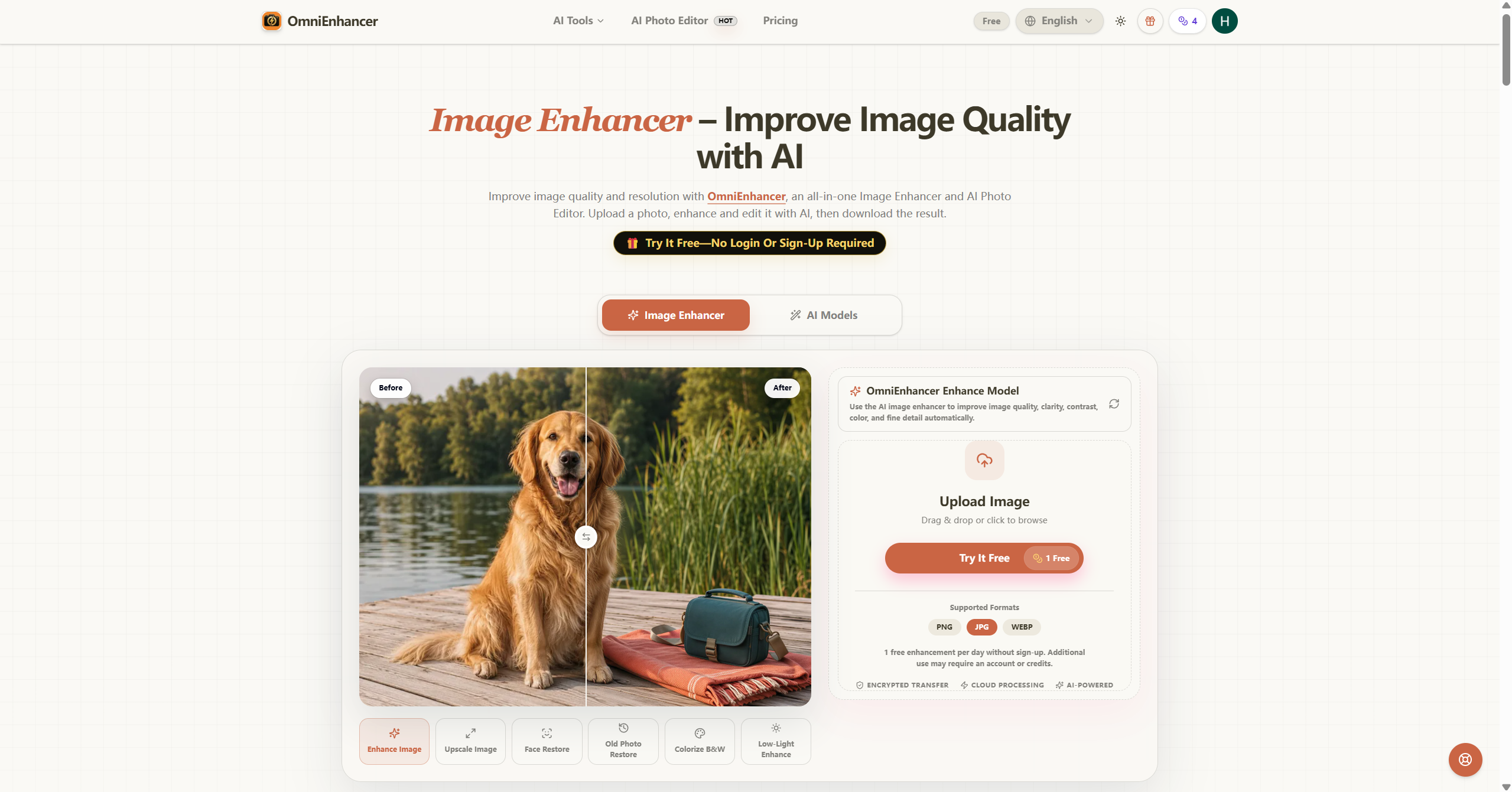
- Uses AI models to enhance image clarity, contrast, color, and detail automatically.
- Supports multiple enhancement modes including upscaling, face restoration, and colorization.
- Allows users to compare the enhanced image with the original before downloading.
- Accepts JPG, PNG, and WebP image formats for upload and processing.
- Provides cloud-based AI processing for image enhancement without software installation.
- Offers additional tools for background removal, object cleanup, and creative editing.
Use cases
- Sharpen and clarify product photos for online stores and marketplaces.
- Restore old or low-quality family photos by improving contrast and resolution.
- Enhance portraits by improving facial detail and natural texture.
- Prepare cleaner images for social media by removing clutter and recovering detail.
- Improve property listing photos by enhancing light, color, and room detail.
Pros
- One free image enhancement per day without requiring sign-up.
- No software installation needed due to cloud-based processing.
Limitations
- Results may vary depending on the source image and selected model.
Screenshots
Reviews
Sign in to share your experience with this tool.
Sign inNo reviews yet. Be the first to review this tool.
OmniEnhancer alternatives
More Image tools → refiniImage
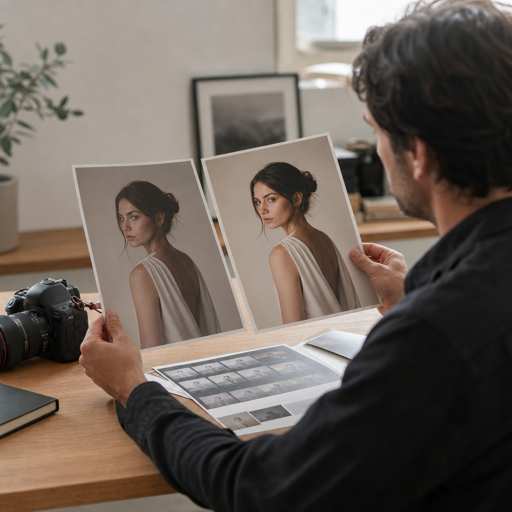
Refini is a comprehensive photo restoration solution that combines advanced AI algorithms with user-friendly design to deliver exceptional photo enhancement and restoration services. Our platform specializes in breathing new life into your precious memories through intelligent photo processing.
 MomentSiftImage
AI photo culling and enhancement for faster selects
 AI Resize ImageImage
Crop, Expand, and Upscale Images with AI in One Editor.
 ClipLumiImage
Browser-based AI photo editor with plain-language editing and reference-image style control.
 LucidpicImage
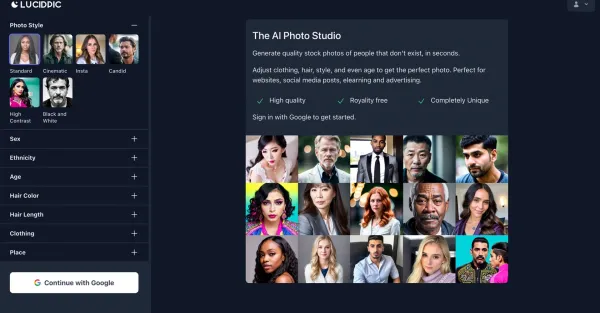
In a matter of seconds, Lucidpic, an AI-powered photo studio, produces high-quality stock photos featuring individuals who are entirely computer-generated.
 ViesusImage
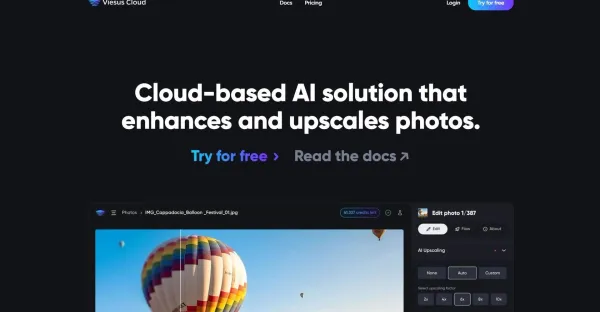
Viesus offers API-based solutions for businesses, facilitating the enhancement and upscaling of photos. By improving the quality of visual content, it elevates the overall visual attractiveness.
Related tools
 AI UpscalerVideo
AI Upscaler - Enhance & Upscale Images/Videos to 4K/8K
 Pixel DojoVideo
One AI Studio for Images and Video
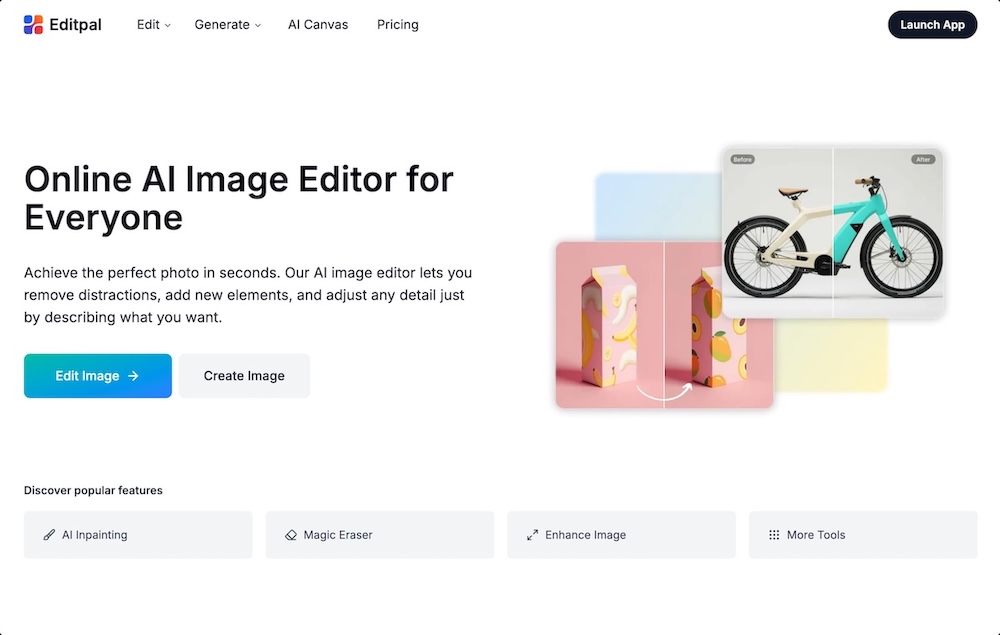 EditpalImage
Editpal is an online AI image editor that lets anyone edit, enhance, replace, expand, and generate images using simple text prompts.
 MyImageUpscalerProductivity
AI-powered image upscaler that enhances & upscales photos in seconds. Text preservation mode keeps labels sharp. Free tier available.
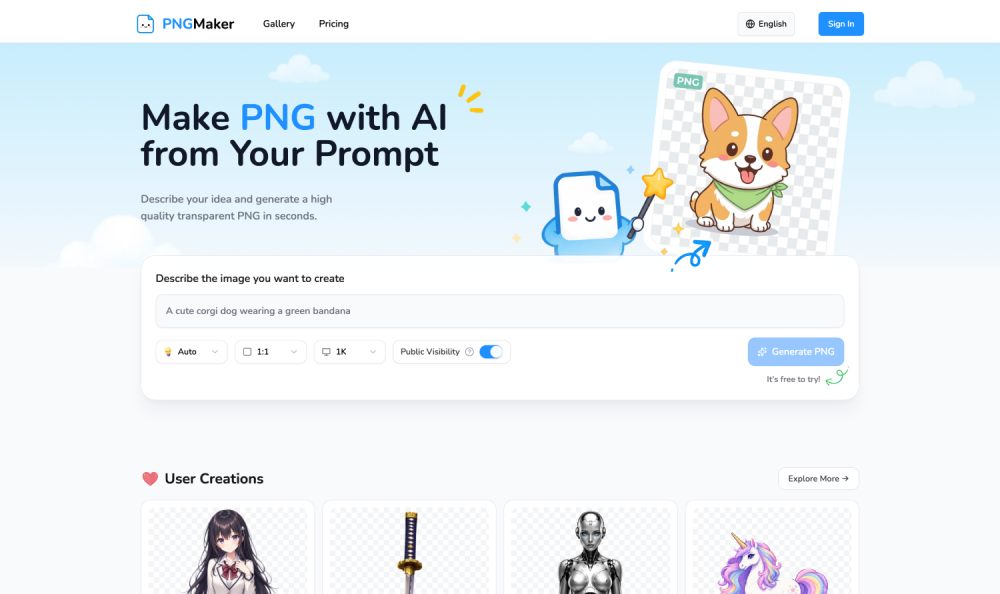 PNGMakerImage
PNGMaker is an AI-powered platform for creating transparent PNG images, helping creators generate high-quality PNGs instantly from text prompts.
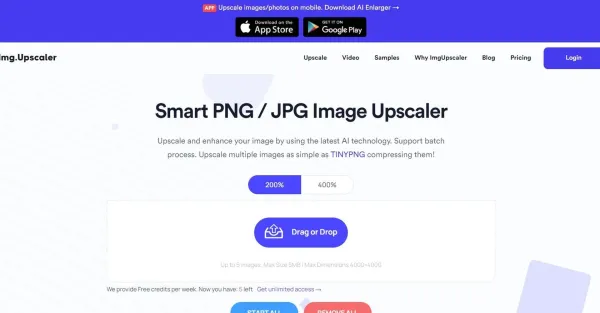 Img UpscalerImage
With the utilization of AI, the Img Upscaler enhances and upscales your images, guaranteeing top-notch visuals on each occasion.
 VibeMVVideo
Create complete AI music videos from finished songs.
 SupermachineDesign
Generate unique stock photos, art & visuals in under 15 seconds. 40+ AI models, full commercial rights. Perfect for creators & marketers.