
PDF to Markdown
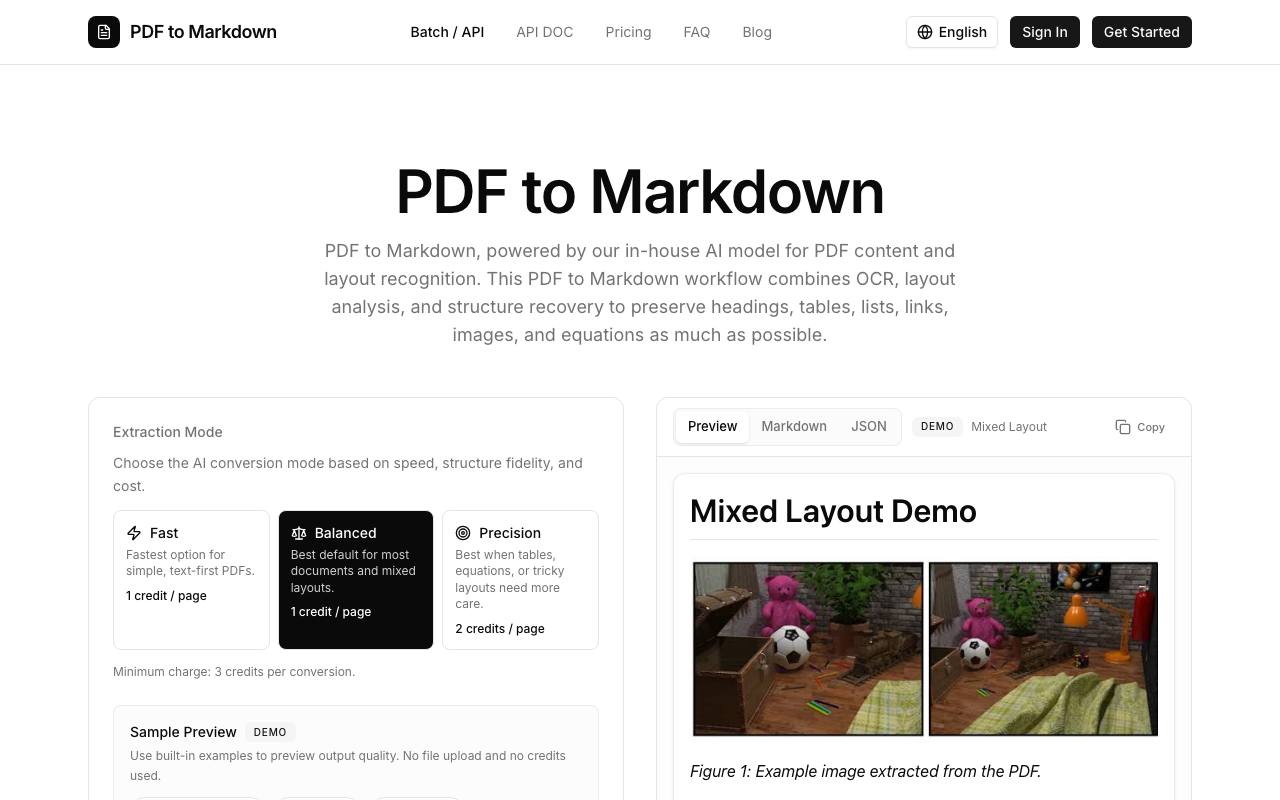
PDF to Markdown is an AI-powered web tool that converts PDF files into clean, editable Markdown with OCR, layout analysis, and structure recovery.
About PDF to Markdown
Best for: researchers, technical writers, knowledge managers, developers integrating PDF conversion, content migration specialists
Key features
- Uses AI for OCR, layout analysis, and structure recovery when converting PDFs to Markdown.
- Supports multiple extraction modes to optimize for speed, structure fidelity, or complex layouts.
- Preserves document structure including headings, tables, lists, links, images, and equations where possible.
- Batch upload and API access available for larger workflows or automation.
- Provides copyable and downloadable Markdown output for further use.
- Supports both file uploads and remote file URLs via API.
- Offers a preview mode with built-in examples without using credits or uploading files.
Use cases
- Extracting research papers or technical documents for annotation and review.
- Migrating legacy PDF content into modern publishing or documentation systems.
- Preparing documents for knowledge bases like Obsidian or Notion.
- Converting manuals and SOPs into editable Markdown for ongoing maintenance.
- Making archived documents easier to search, version, and repurpose.
- Preparing cleaner source text for LLM and RAG workflows.
Pros
- Offers both web interface and public API for flexible integration.
- Supports batch processing for multiple PDFs at once.
- Preview output quality with built-in examples before uploading files.
Limitations
- Minimum charge applies per conversion regardless of document length.
- Scanned PDFs depend on OCR quality for accurate conversion.
Screenshots
Reviews
Sign in to share your experience with this tool.
Sign inNo reviews yet. Be the first to review this tool.
PDF to Markdown alternatives
More Productivity tools → Ponder AIProductivity
Ponder is an integrated workspace that transforms how you think and work. Instead of using a linear chat or scattered notes, it gives you an infinite canvas where ideas naturally branch and connect. You can start by chatting, uploading documents, or adding web content - Ponder automatically builds a c
 VehlaProductivity
One Mac app. Your entire workflow.
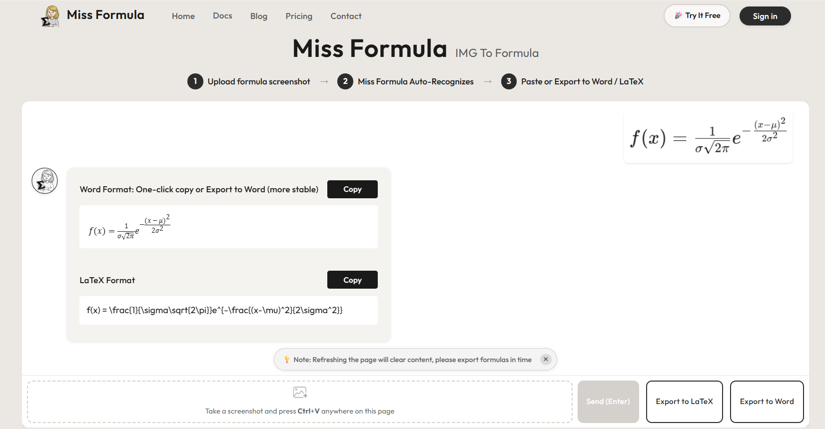 Miss FormulaProductivity
A browser-based AI tool to convert image formulas to LaTeX and editable Word format. A convenient, cost-effective Mathpix alternative with Ctrl+V paste support.
 PDF to MD ConverterProductivity
AI-Powered PDF to Markdown Converter
 BrowseGPTProductivity
BrowseGPT allows users to navigate the web using text-based instructions, transforming the online realm into an interactive playground.
 ProlocaProductivity
A private iPhone trading journal to review trades, psychology, P&L, risk, goals, and capital with clarity.
Related tools
 Ridiculousness - Turn one line into an AI memeImage
Ridiculousness is a web-based AI meme generator for creators, marketers, and anyone who wants quick, funny visuals. Type a prompt, pick a style, and generate meme-ready images you can download and share. It’s designed to be fast and simple, with an optional account to keep your generations organized
 MiroFishAssistant
AI simulation chat that turns questions and documents into scenario predictions
 Photo to ExcelImage
Turn table photos and screenshots into editable Excel files with Photo to Excel. Merge images, remove duplicates, preview, and download free - no login required.
 Hush Touch | Voice-to-Text for MacOSProductivity
Offline voice-to-text for macOS, fully on-device with 2 tandem Apple transcription engines and an Apple Intelligence final pass. $20 lifetime license.
 FloorAIDesign
AI floor plan generator that turns sketches, photos or PDFs into clean, editable plans in about a minute.
 DataDasherOther
DataDasher is an AI-powered meeting assistant built for advisors, automating meeting prep, note-taking, action items, and follow-ups so you can focus entirely on your clients.
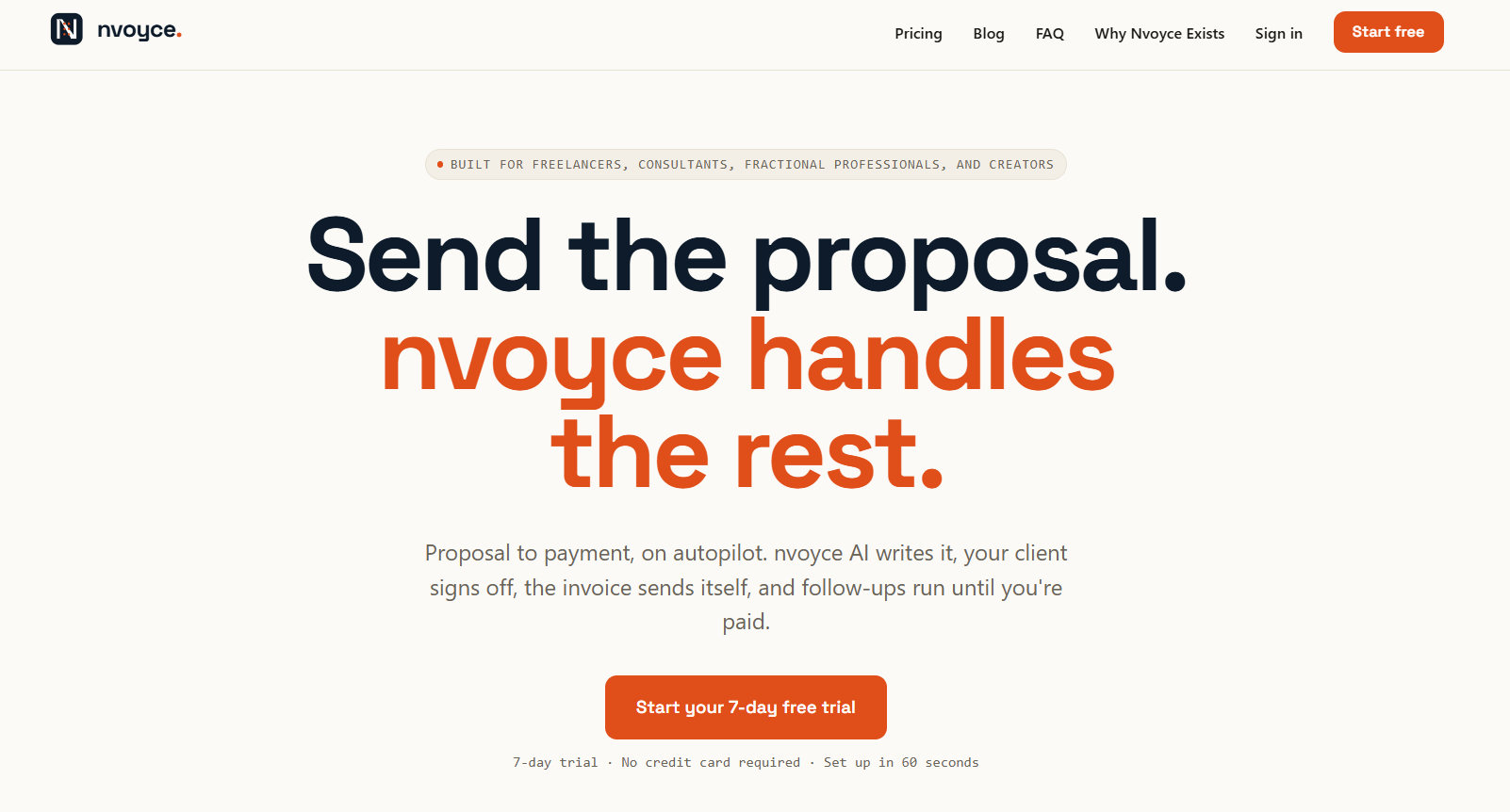 NvoyceBusiness
Stop chasing payment. Get paid.
 ReleasePadProductivity
AI-generated release notes for teams that ship faster than they communicate