remio
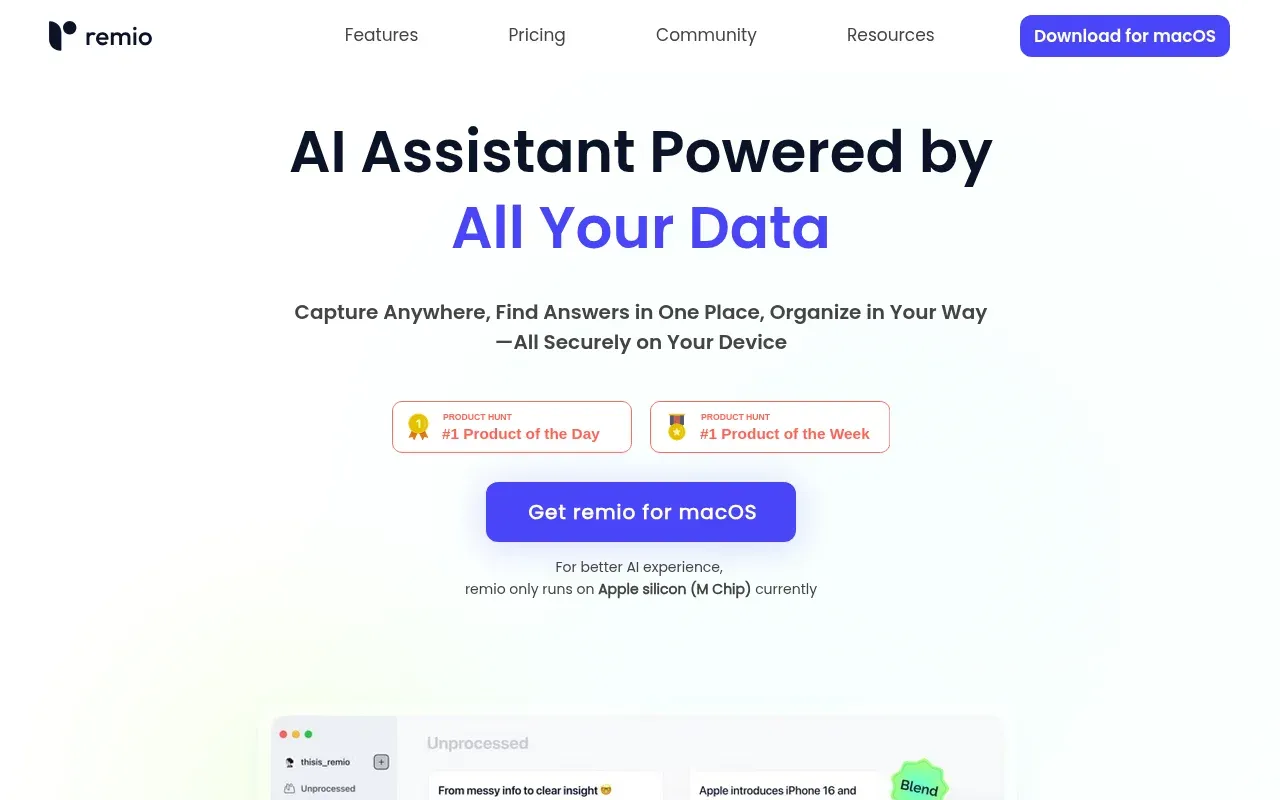
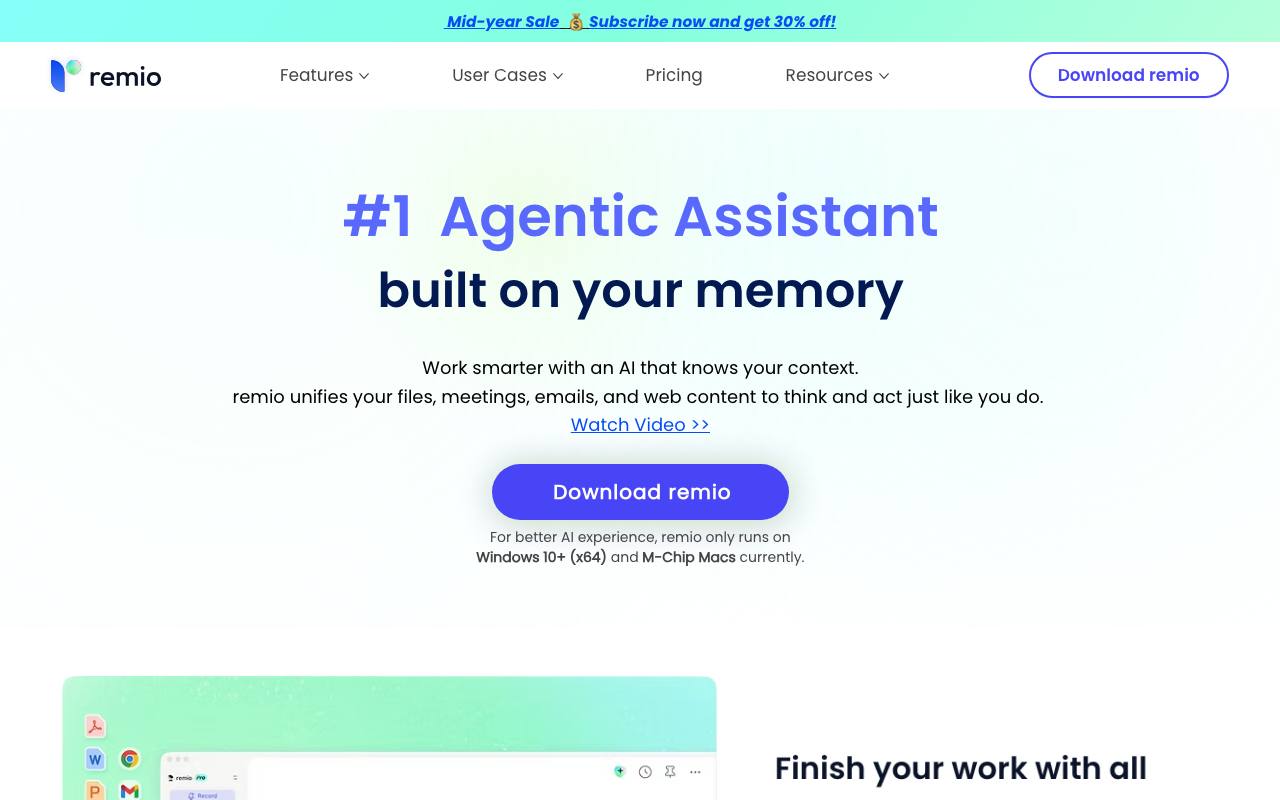
remio is the next-gen AI productivity assistant, designed to revolutionize the way users capture, organize, and utilize information.
About remio
Best for: knowledge workers, product managers, engineers, sales professionals, marketers, students
Key features
- Captures and organizes web pages, meetings, emails, and files into searchable knowledge.
- Supports over 30 file formats including documents, PDFs, spreadsheets, images, audio, and video.
- Integrates with Google Drive, Gmail, Microsoft 365, Slack, and GitHub.
- Provides unlimited local recording and transcription for meetings and audio.
- Offers AI-powered presentation and Excel tools for creating and editing work files.
- Allows use of multiple AI models, including ChatGPT, Claude, Gemini, DeepSeek, and Kimi.
- Enables local data control, with core data, search, and indexing on the user's device.
- Mobile app available, but requires desktop app to function.
Use cases
- Transforming files, meetings, and research into finished deliverables.
- Recording and transcribing online meetings without inviting a bot.
- Summarizing YouTube videos and podcasts for quick reference.
- Creating editable PowerPoint presentations from scratch or updating existing ones.
- Searching and synthesizing information across multiple work sources.
- Managing notes, highlights, and comments on web pages and documents.
Pros
- Free plan available with basic knowledge management and AI features.
- Unlimited webpage capture and local file parsing on all plans.
- Local-first approach keeps core data and processing on the user's device.
- Supports a wide range of integrations and file formats.
Limitations
- Mobile app requires the desktop app to function.
- Currently only runs on Windows 10+ (x64) and M-Chip Macs.
Screenshots
Reviews
Sign in to share your experience with this tool.
Sign inNo reviews yet. Be the first to review this tool.
remio alternatives
More Productivity tools → YouMindProductivity
YouMind is an innovative creation agent that harnesses the power of generative AI to transform diverse materials into inspired creations.
 HyNote AIProductivity
AI-powered note-taking solution that captures, transcribes, and summarizes meetings, documents, and multimedia content in real-time
 elimu.devProductivity
ELIMU is an AI-powered learning workspace that transforms any study material - PDFs, documents, slides, or URLs - into instant study tools: summaries, flashcards, quizzes, and interactive lesson chat. Built for students and instructors who want to go from information overload to exam-ready confidence.
 VoiceBrief.ioProductivity
Turn any PDF into natural-sounding audio lessons with AI. Upload a textbook or document, get summaries, podcasts, voice chat with an AI tutor, quizzes, and flashcards - all from one upload.
 PDFtoMDProductivity
Convert any PDF into clean, structured Markdown in seconds with PDFtoMD, a free online AI tool that offers efficient PDF to MD conversion without the need for sign-up.
 PDF to MD ConverterProductivity
AI-Powered PDF to Markdown Converter
Related tools
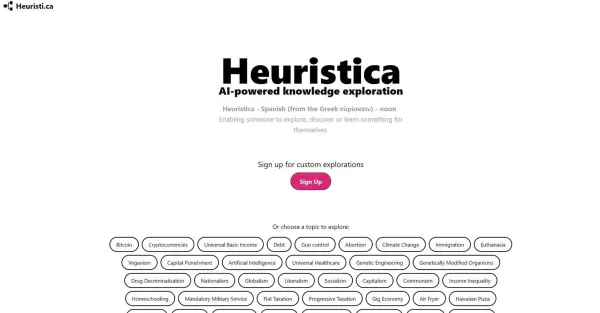 HeuristicaEducation
Heuristica assists in finding personalized content based on selected topics to cater to your research requirements.
 B7LabsEducation
B7Labs Converse saves you time and improves your research by instantly generating summaries of webpages, providing quick information retrieval.
 Image to PromptProductivity
Transform your images into detailed AI prompts instantly, completely free and without any limits on generations.
 BLUFEducation
BLUF extracts and comprehends web page information, providing concise and accurate insights for your research and learning.
 GlarityProductivity
Glarity, a cost-free browser extension, accelerates the research process by condensing and presenting concise summaries of search result data.
 Miniflow AIOther
Seamlessly Connect Multiple AI Tools to Create Tailored Solutions - Experience Easy, No Code Automated Workflows for Everyone!
 Readpodcast AIAudio
Readpodcast AI is an AI tool that helps people read any podcast they love and get more out of every episode.
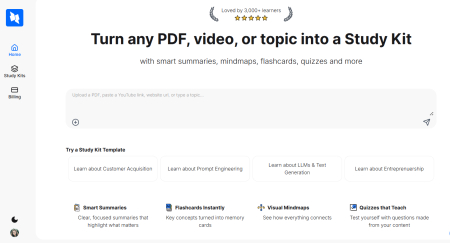 StudyPalEducation
AI study assistant that turns PDFs, YouTube videos, or topics into summaries, flashcards, mindmaps, quizzes & more - instantly.