
RenamerX
Rename and organize messy files with local AI
About RenamerX
Best for: individuals managing large file collections, small teams needing organized file storage, users concerned about file privacy
Key features
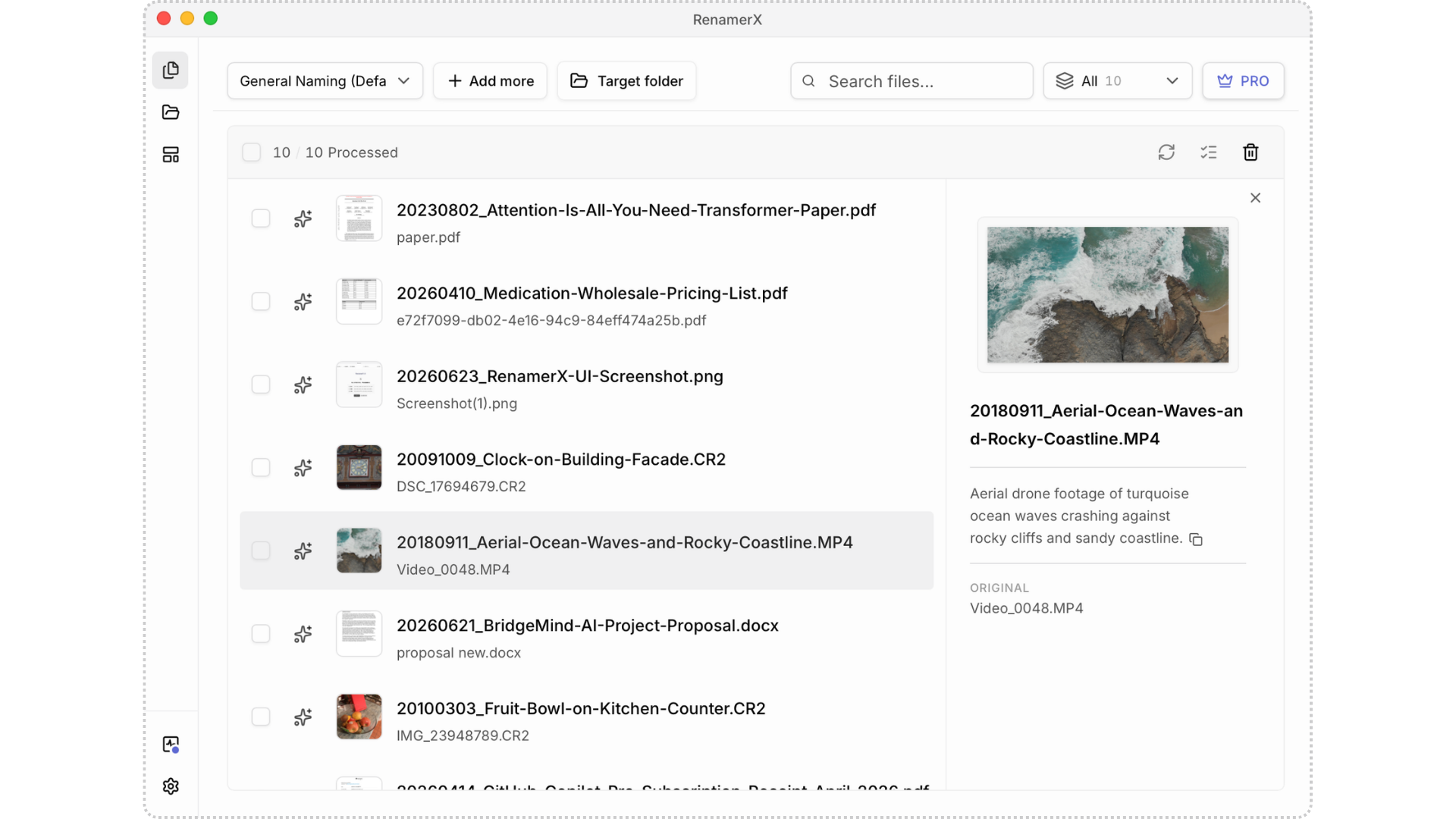
- 1. Rename files by content: Generate clear, searchable filenames from file content, so you can find files later without
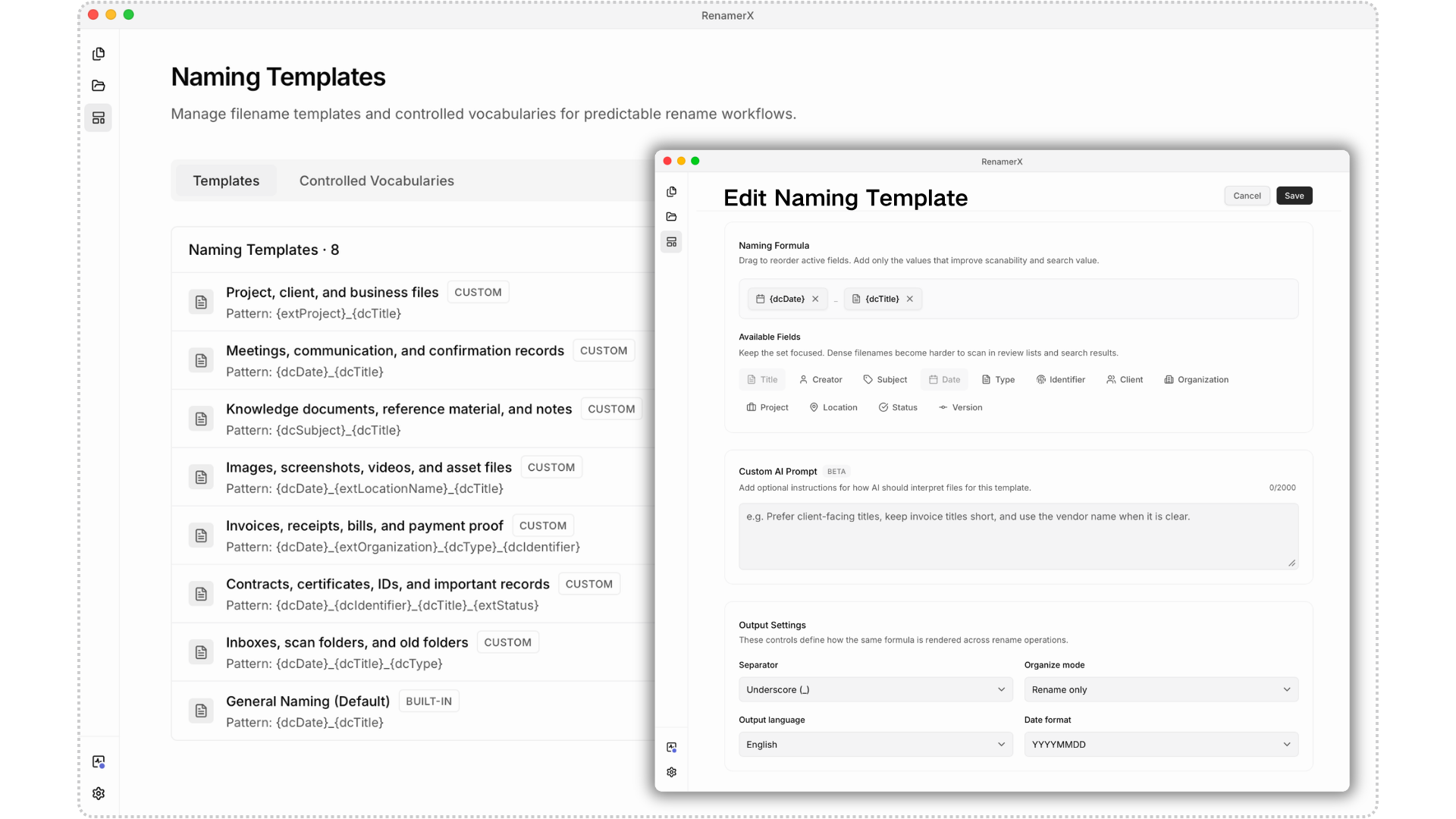
- 2. File naming conventions: Use naming templates to choose what information appears in a filename—such as date, title, t
- 3. Review first. Apply when ready. Undo if needed: Review the new filenames, then rename files in a batch once everythin
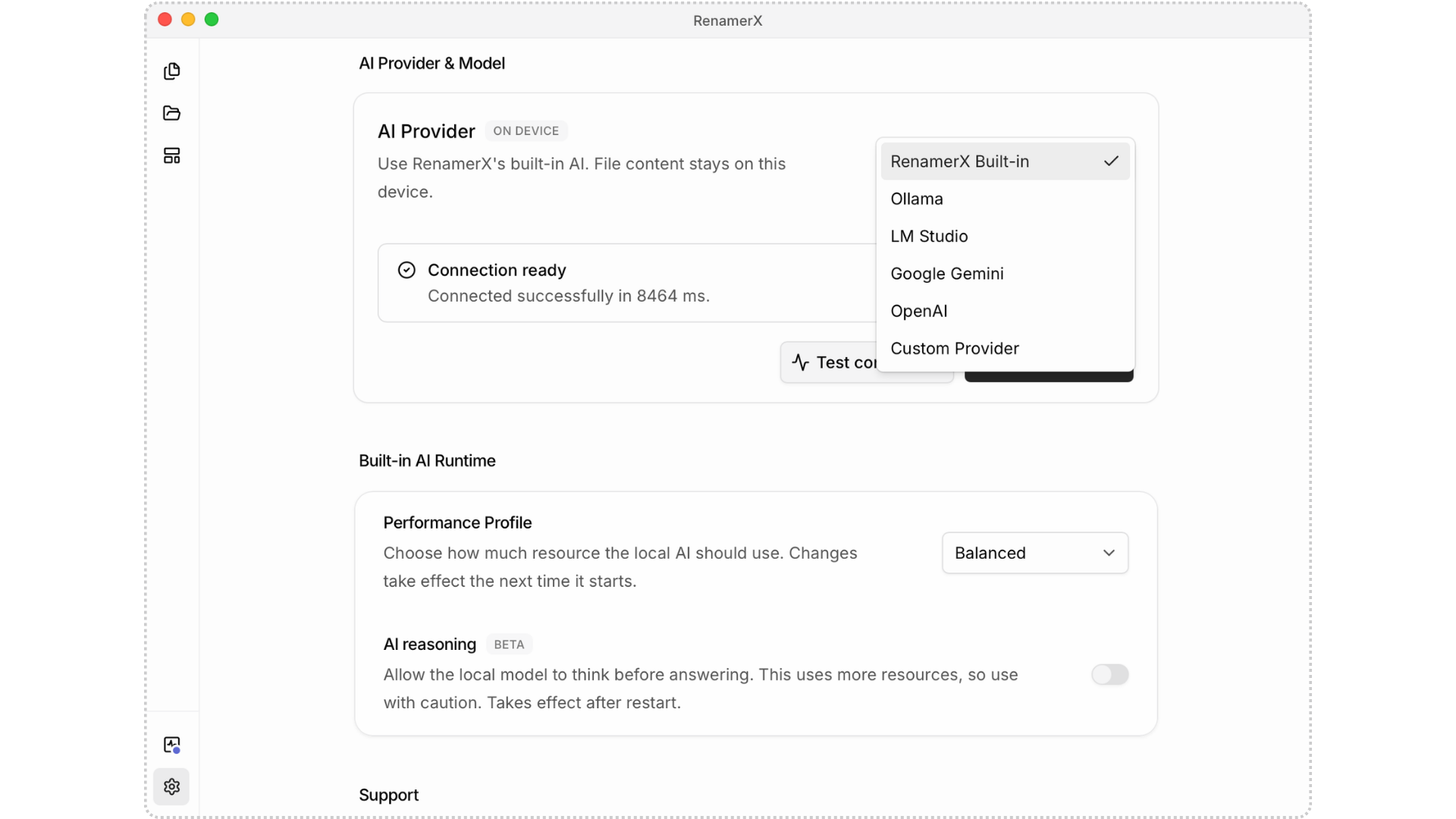
- 4. Built-in local AI: Built-in local AI runs on your device, so there is no need to upload files or install and configur
- 5. File organization: Organize files into folders by date, topic, file type, project, or organization.
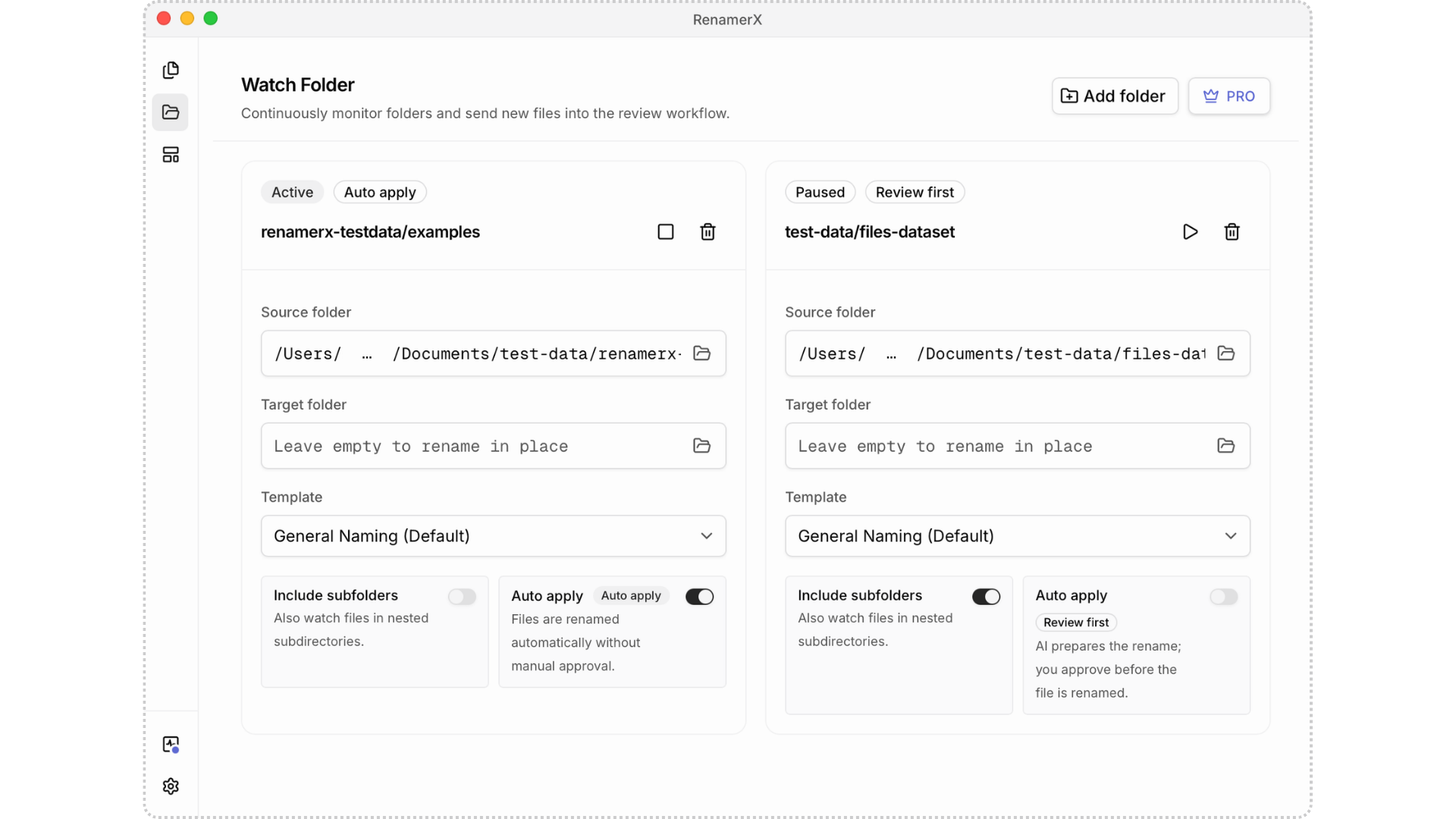
- 6. Watch Folders and automation: Continuously monitor selected folders, automatically renaming and organizing new or mod
- 7. Documents, images, and videos: Rename common file formats, including Office documents, PDFs, scans, screenshots, phot
- 8. Multiple AI services: Built-in Local AI, Ollama, LM Studio, OpenAI, Google Gemini, and other compatible AI services.
Use cases
- Renaming scanned documents and images for easier searching.
- Organizing large video libraries by date and topic.
- Automating file organization in folders that receive frequent new files.
- Applying consistent naming conventions to business project files.
Pros
- Runs locally, so files are not uploaded to external servers by default.
- Free plan available with core features and monthly credits.
- One-time payment option for unlimited use.
- Supports a wide range of document, image, and video file formats.
Overview
Screenshots
Reviews
Sign in to share your experience with this tool.
Sign inNo reviews yet. Be the first to review this tool.
RenamerX alternatives
More Productivity tools → MindNoteProductivity
AI Notetaker. Write x10 times faster with AI. You can input information in any format: written, voice, meeting, video to text or image to text.
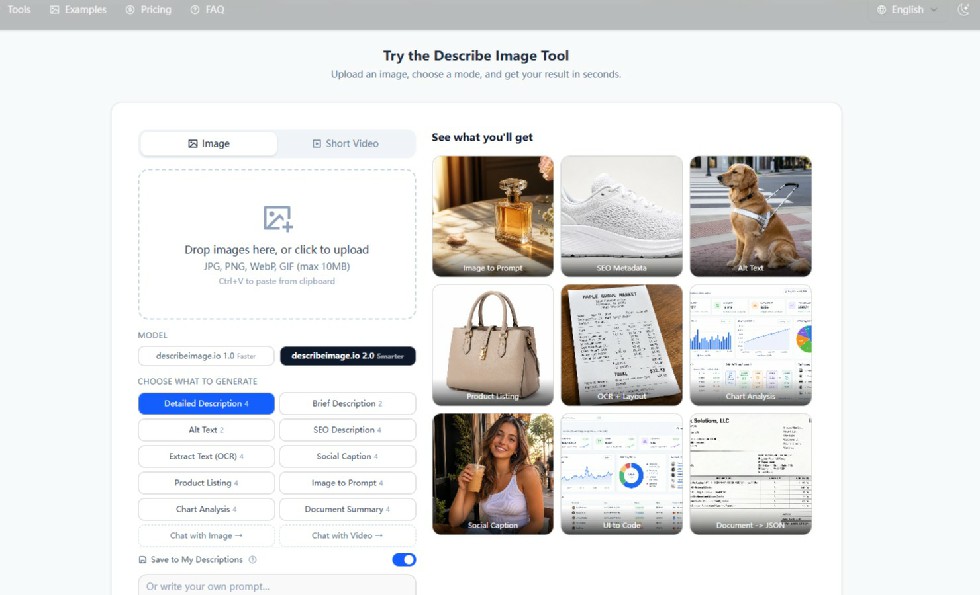 Describe ImageProductivity
Describe Image turns images and short videos into descriptions, alt text, OCR, captions, SEO copy, product descriptions, and reusable AI prompts.
 Alma by Olivares AIProductivity
Alma keeps a persistent memory of every chat, runs background agents that research and report on a schedule, and bundles image, video, music and more.
 GlarityProductivity
Glarity, a cost-free browser extension, accelerates the research process by condensing and presenting concise summaries of search result data.
 Video Transcription AIProductivity
AI-powered video transcription tool that converts videos into accurate text, summaries, subtitles, and searchable content in seconds.
 Bargou OneProductivity
Bargou One is an all-in-one suite for AI chat, image, music & video creation, writing tools, speech transcription, and text & file translation.
Related tools
 APIMartOther
APIMart is a unified AI API platform that provides access to over 500 AI models, including GPT-5 and Sora 2, through a single API key, ensuring cost savings and ease of integration.
 Transcript Generator AIAudio
AI transcription & captions for audio/video with time-stamps, speaker labels, SRT/VTT, summaries, and translation - edit in browser, export anywhere, collaborate securely.
 KoozeeDesign
Koozee is an AI visual production platform for apparel sellers - covering model try-ons, product images, fashion videos, and listing assets in one workflow, with native Shopify integration.
 Framia Pro - Free AI Image & Video Generator and Editor OnlineVideo
Framia Pro is an all-in-one AI creative platform for generating and editing images and videos. It combines smart guided workflows, full creative control, and DIY-to-pro editing tools to help users produce high-quality visual content faster. With support for multiple top AI models, adaptive music gen
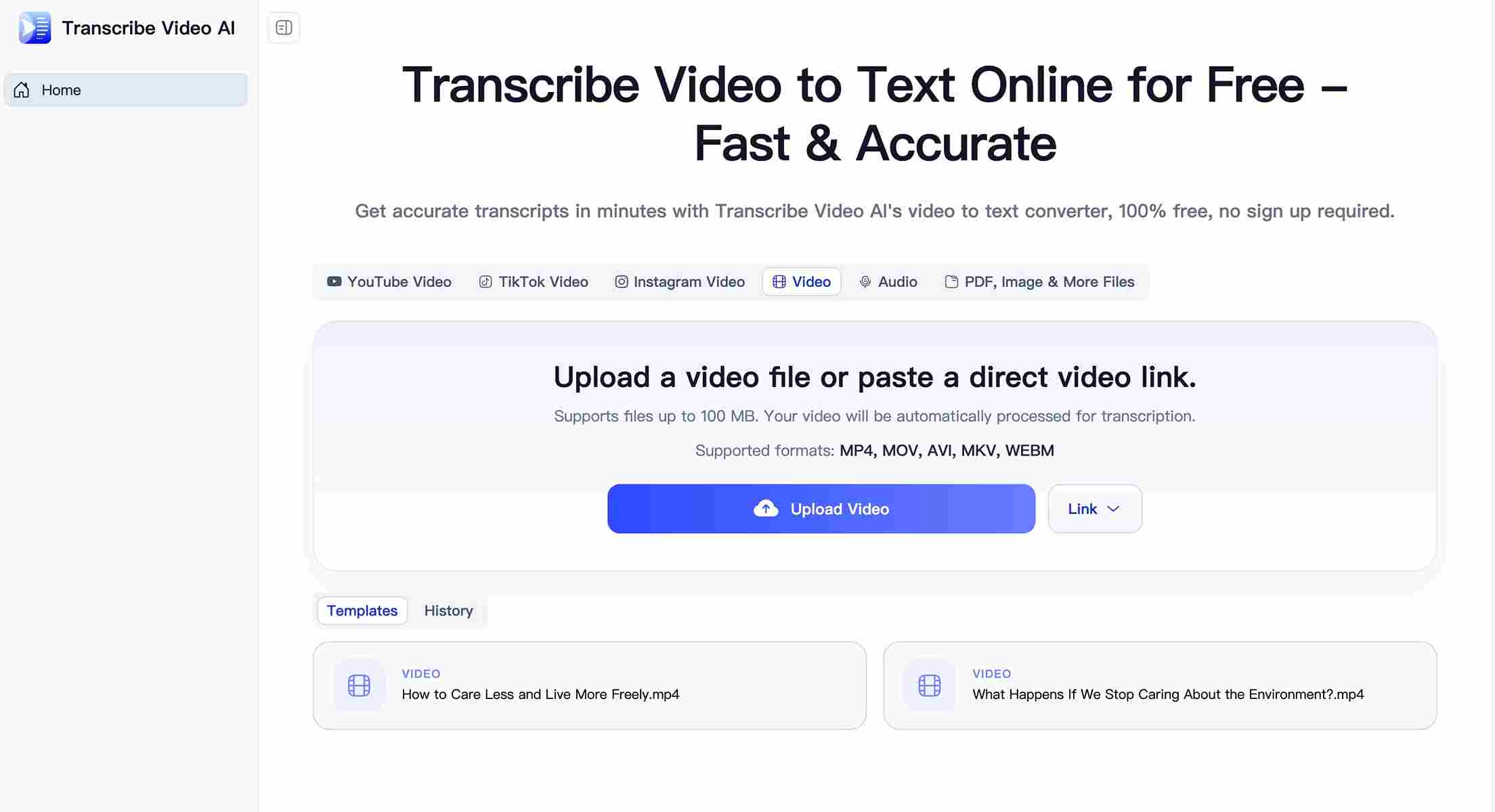 Transcribe Video AIOther
Transcribe Video AI is a 100% free, no-login-required AI tool that converts videos into transcripts, summaries, and mind maps to help users quickly understand and reuse video content.
 SellerPicImage
AI-powered tool for e-commerce. Instantly create high-quality product images, videos, and realistic scenes to boost sales. No skills needed.
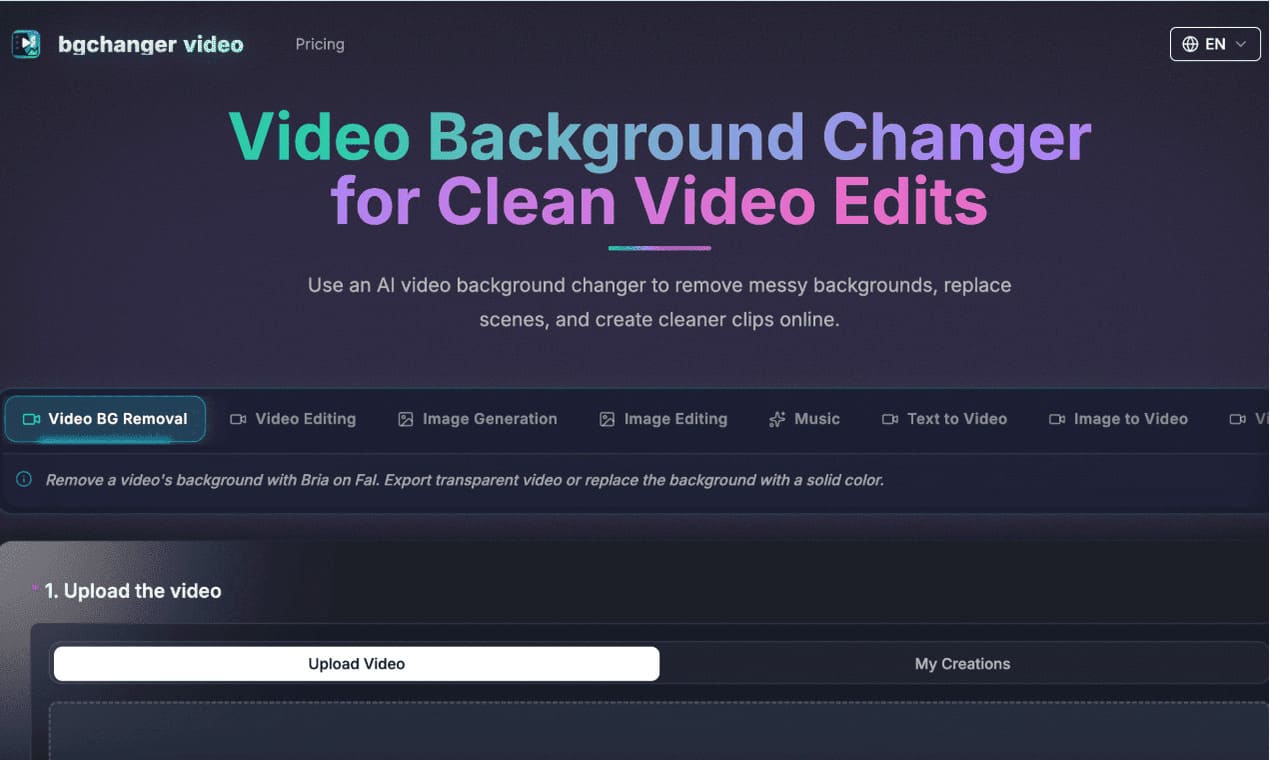 AI Video Background ChangerVideo
https://bgchanger.video is an online tool for removing, cleaning up, and replacing video backgrounds with AI. Users can upload a video, isolate the main subject, export transparent background videos, or replace the original background with solid colors such as white, black, green, or custom colors.
 Ankon AIEducation
Ankon AI transforms prompts, PDFs, documents, blogs, scripts, and images into engaging AI-generated whiteboard explainer videos with narration in minutes.