
Selects
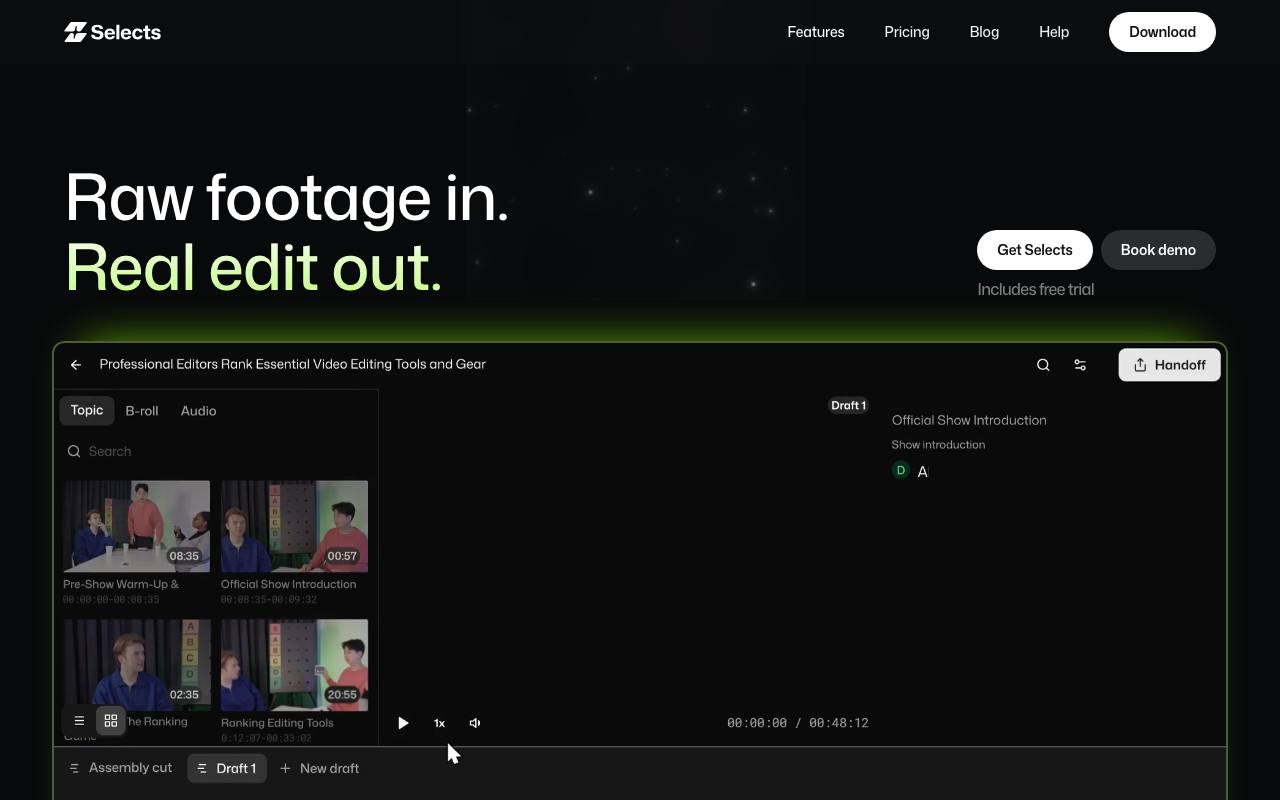
AI video editing tool that preps your footage for you
About Selects
Best for: video editors, podcast producers, content creators, production teams
Key features
- Automatically syncs video and audio from multiple sources, even without a clapboard
- Removes filler words, dead air, and unnecessary clips while maintaining natural pacing
- Organizes raw footage into topics and scenes for easier editing
- Exports structured project files for Premiere Pro, Final Cut Pro, and DaVinci Resolve
- Provides text-based editing and visual search within the editing environment
- Identifies speakers and switches camera angles based on conversation
- Flags and skips blurry, shaky, or out-of-focus shots automatically
- Integrates with AI assistants and pipelines via Model Context Protocol (MCP)
Use cases
- Prepping podcast or interview footage for editing by removing dead space and syncing audio
- Creating highlight reels from long-form video content
- Organizing and cleaning up multi-camera event recordings
- Accelerating the assembly edit for vlogs and lectures
- Exporting project files for further creative editing in professional NLEs
Pros
- Fits into existing editing workflows without requiring a new editor
- Supports major professional editing software for handoff
- Free trial available for new users
Limitations
- Processing time depends on file size and number of cameras
Screenshots
Reviews
Sign in to share your experience with this tool.
Sign inNo reviews yet. Be the first to review this tool.
Selects alternatives
More Video tools →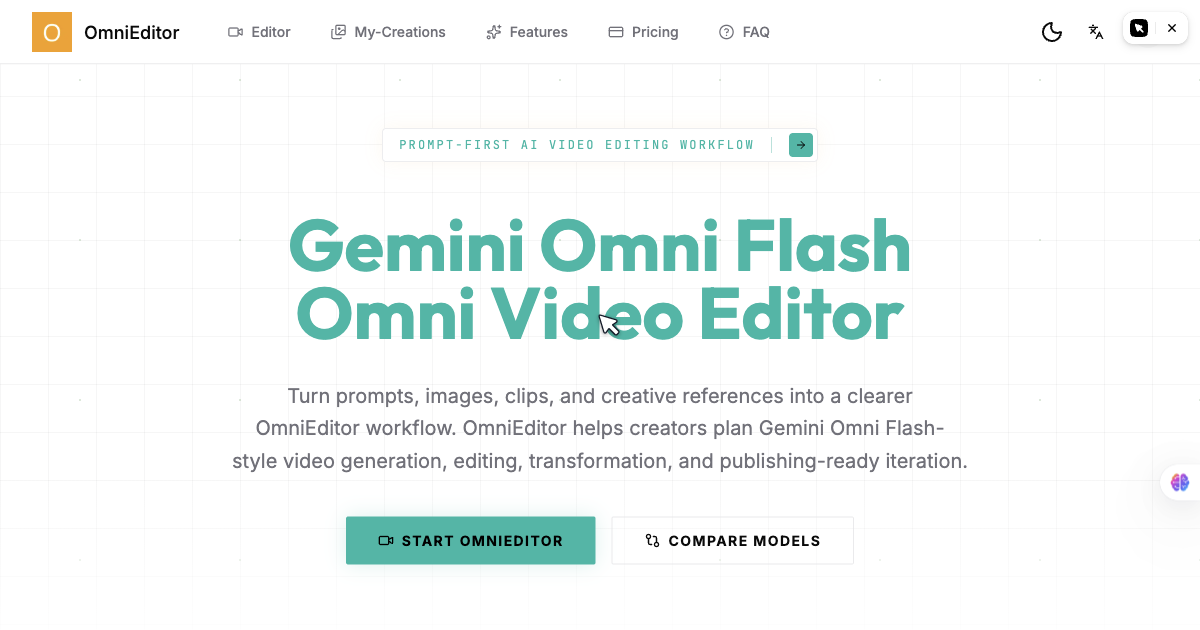 OmniEditorVideo
Prompt-first AI video editor for Gemini Omni Flash-style video creation, multimodal references, and creator-ready video iteration.
 CoCoClip.AIVideo
CoCoClip.AI is an all-in-one AI-powered video editor designed for social media creators. Effortlessly create viral content for TikTok, YouTube Shorts, and Instagram Reels with advanced tools like text-to-video, face swap, AI script generation, lip syncing, talking photo animations, watermark removal
 TOPVIEWVideo
Topview.ai: AI Viral Video Generator to turn links or media assets into viral videos in one click
 AI Video Background ChangerVideo
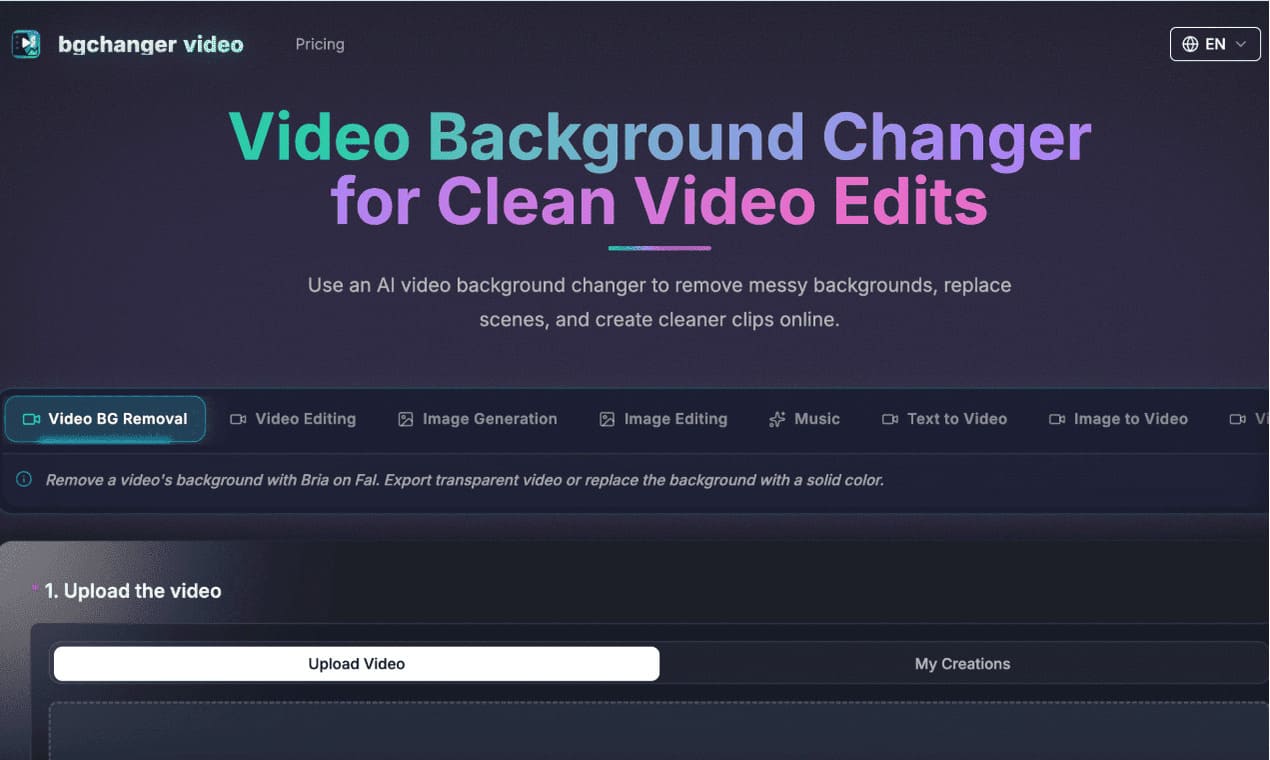
https://bgchanger.video is an online tool for removing, cleaning up, and replacing video backgrounds with AI. Users can upload a video, isolate the main subject, export transparent background videos, or replace the original background with solid colors such as white, black, green, or custom colors.
 FreeLipSyncVideo
FreeLipSync is an innovative AI-powered platform that automatically translates videos and synchronizes lip movements in 40+ languages. Perfect for content creators and businesses to localize videos with professional voice cloning and seamless lip-syncing for free.
 AI FacefyVideo
AI Facefy is an all-in-one creative hub that integrates the world’s best models - like VEO 3.1 and Sora 2 - to help you craft stunning videos, realistic headshots, and even AI-generated music without needing any technical or editing skills.
Related tools
Every AI creative tool you need, one subscription
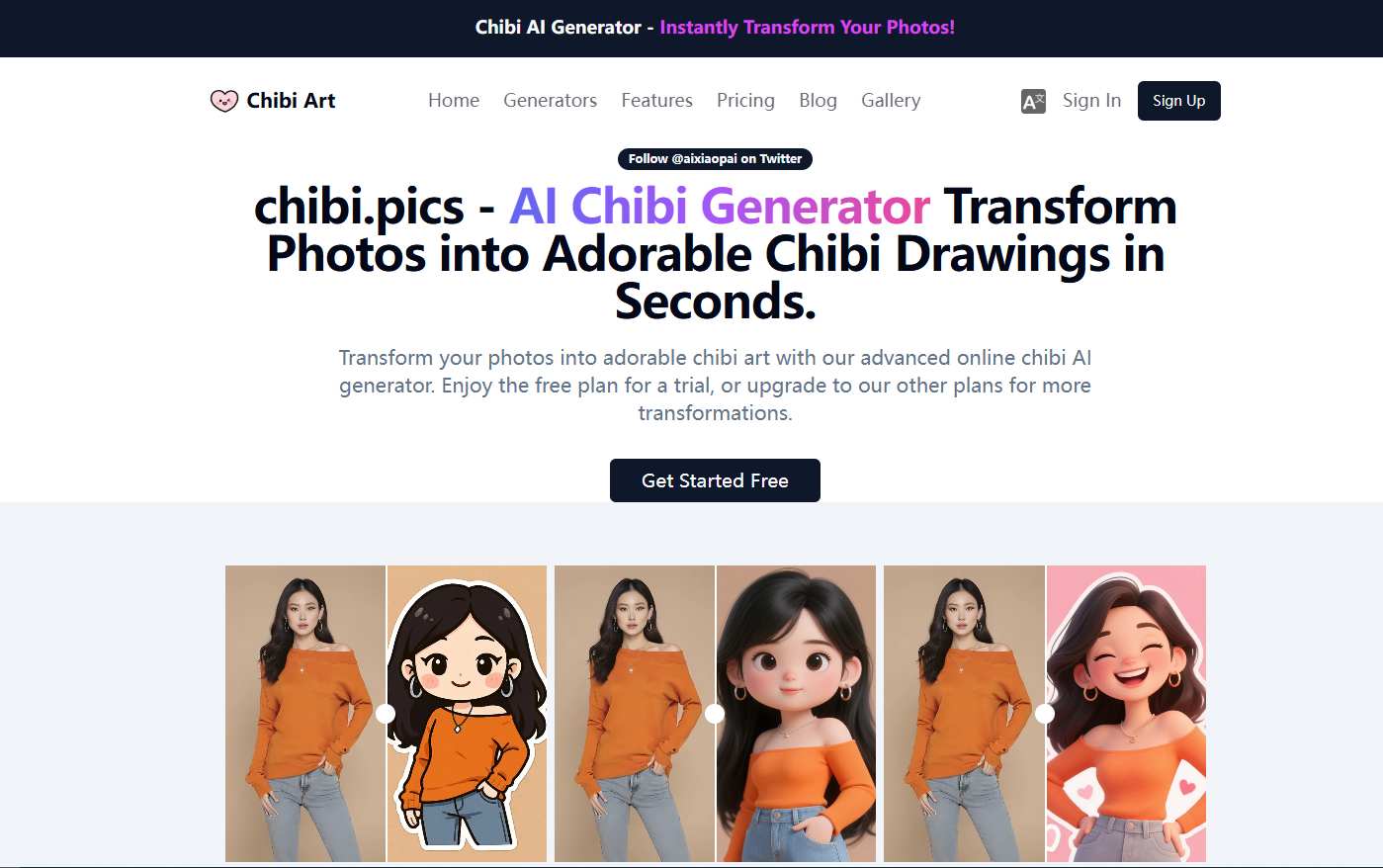 Chibi PicsImage
chibi.pics is an all-in-one AI platform that turns any photo into adorable, customizable chibi art in seconds - no drawing or prompts needed. Powered by the proprietary Nano Banana Pro engine, it offers 12 specialized generators for creating avatars, emoji packs, couple merges, pet portraits, animat
 ImgEdifyProductivity
All-in-one AI image and video creation platform.
 PrizmadProductivity
AI generates the complete video ad - avatar, voiceover, music, B-roll, subtitles in one pass. Not just talking heads like other AI UGC tools.
 AI BoostDesign
All-in-one service for creating and editing images with AI
 VidBG RemoverProductivity
VidBG Remover is an AI-powered online tool that allows users to remove video backgrounds quickly and easily without the need for green screens or complex software.
 PicMovi | Photo to Video AIProductivity
Bring your memories to life with powerful AI photo to video transformation tools.
 Portfolio VideoProductivity
AI Video Resume & Pitch Deck Generator