
Spark Tray
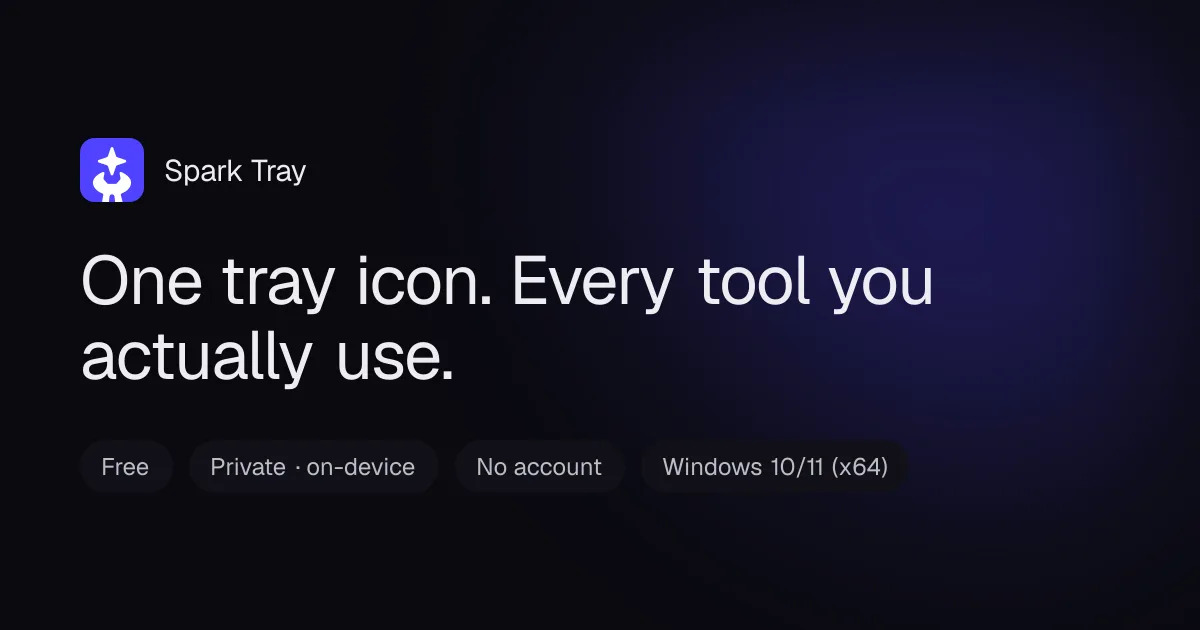
One tray icon. Every tool you actually use.
About Spark Tray
Best for: Windows power users, content creators, privacy-conscious professionals, students
Key features
- Workflow Automation: Connects your apps to handle repetitive tasks for you automatically.
- Smart Organization: Keeps your digital workspace tidy by sorting files and projects instantly.
- Creative Assistance: Provides AI suggestions to help you get unstuck when starting new projects.
- Task Simplification: Breaks down complicated jobs into small, easy steps to save you time.
- Focus Enhancement: Filters out distractions so you can stay locked in on what matters most.
- Project Management: Tracks your progress across different tools to keep everything in one place.
Use cases
- Download and save videos or audio from online sources for offline use.
- Extract and convert audio tracks from video files for editing or listening.
- Batch download multiple files from a list or CSV without manual intervention.
- Remove backgrounds from photos for presentations or creative projects.
- Transcribe and translate media files for accessibility or content creation.
Pros
- All processing is local, ensuring privacy.
- No cloud uploads or server round-trips needed.
Screenshots
Reviews
Sign in to share your experience with this tool.
Sign inNo reviews yet. Be the first to review this tool.
Spark Tray alternatives
More Productivity tools → MinutesLinkProductivity
MinutesLink is an AI-powered assistant that records, transcribes, and summarizes your Google Meet calls, helping you stay organized and boost productivity effortlessly.
 Connect MachineProductivity
AI agent for cards, contacts and networking
 UpdaytrProductivity
Turn phone calls into organized content. Call our AI agents to share updates, brainstorm ideas, or record your life story - no typing required
 Nuveda AIProductivity
AI for multi-media creation. Unified, API access.
 VoiceBrief.ioProductivity
Turn any PDF into natural-sounding audio lessons with AI. Upload a textbook or document, get summaries, podcasts, voice chat with an AI tutor, quizzes, and flashcards - all from one upload.
 WritingmateProductivity
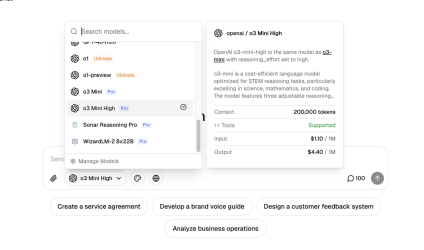
All-in-One AI platform that provides access to all the best AI models under a single plan.
Related tools
 LuxoretVideo
AI creative platform with 400+ built-in tools for image generation, video creation, voice cloning, music production, and a directory of 2,500+ AI tools.
 TeestaAIAssistant
TeestaAI - Your AI Study-Abroad Agent 🌍
 Transcript Generator AIAudio
AI transcription & captions for audio/video with time-stamps, speaker labels, SRT/VTT, summaries, and translation - edit in browser, export anywhere, collaborate securely.
 Board Games BotEducation
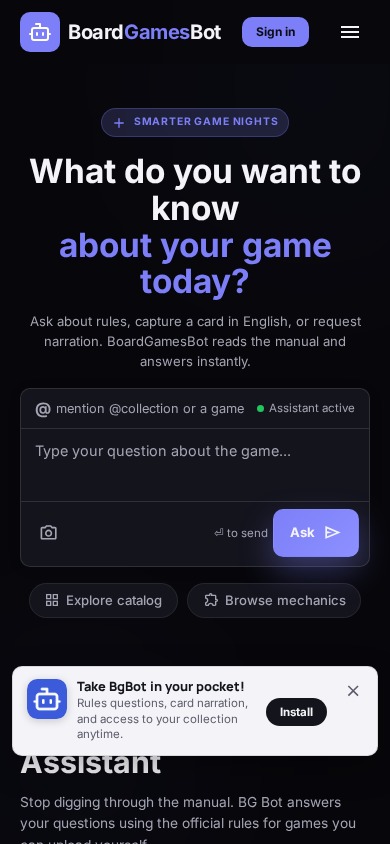
BoardGameBot is a free AI assistant for board game players. Ask any rules question in plain language, scan physical cards with OCR to get instant explanations, and explore a catalog of 300+ games with mechanics, ratings, and prices. Works in English and Brazilian Portuguese.
 ThoughtStack.aiBusiness
Organized AI research for founders. No lost chats.
 Kestrel VoiceBusiness
Deploy a no-code AI receptionist in minutes
 Smalles AIAudio
Smallest AI offers real-time voice AI - TTS, STT, and native speech-to-speech - using smaller, specialized models built for speed and scale.
 InboundCollieBusiness
InboundCollie is designed for small service businesses like bookkeepers, consultants, and insurance agents.