Vectorizer AI
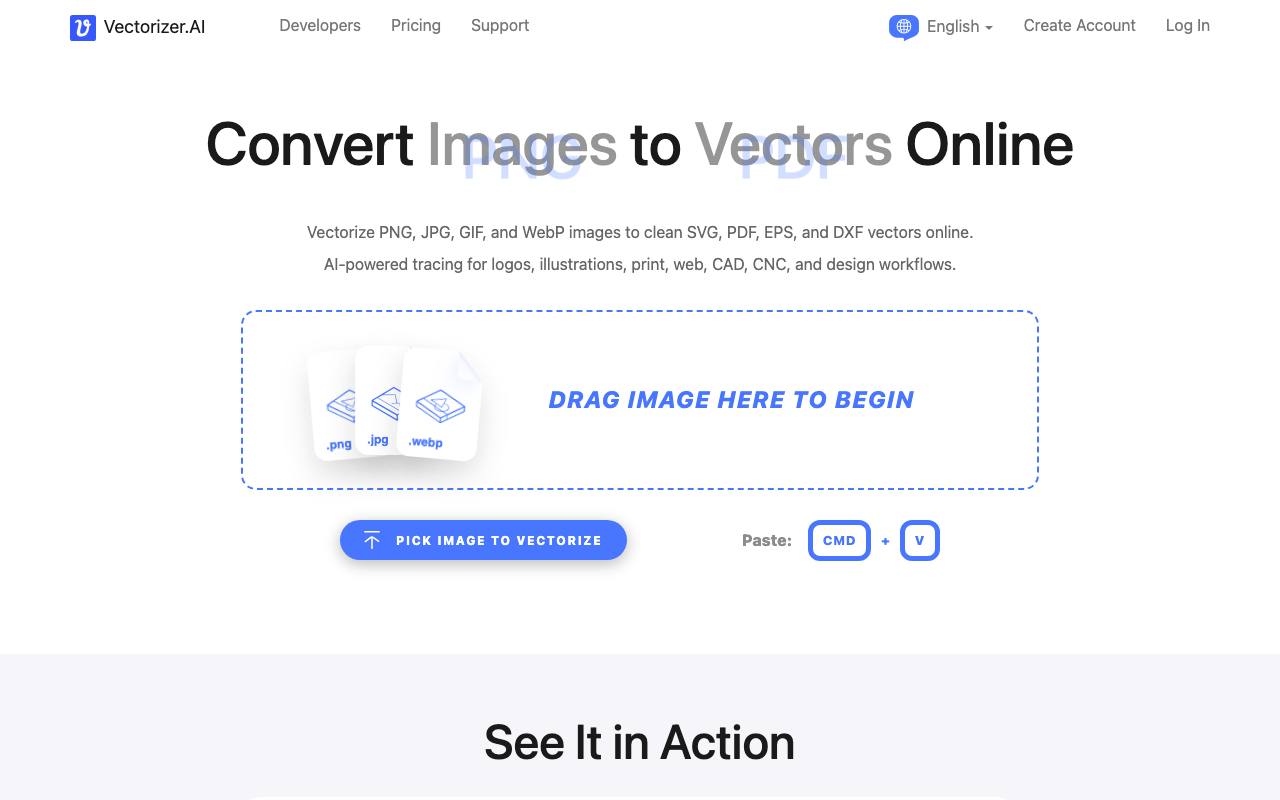
Vectorizer AI converts your JPEG and PNG bitmaps to SVG vectors quickly and easily, ideal for blurry and noisy images that typically pose vectorization challenges.
About Vectorizer AI
Best for: graphic designers, logo creators, print professionals, web designers, CAD/CNC users, developers needing image vectorization
Key features
- Converts PNG, JPG, GIF, BMP, and WebP images to SVG, PDF, EPS, and DXF vector formats
- AI-based tracing for logos, illustrations and sketches, including blurry or noisy images
- Supports full color and transparency, including 32-bit ARGB input
- Export options allow control over shape grouping and format-specific settings
- API available for automated and programmatic image vectorization
Use cases
- Convert logos to scalable vector files for print or web use
- Prepare artwork for laser engraving, vinyl cutting, or screen printing
- Vectorize hand-drawn sketches or scanned artwork
- Automate image vectorization in production pipelines via API
Pros
- Free interactive preview before purchase or download
- No installation required, works in browser
- Supports multiple input and output formats
Limitations
- Maximum input image size is 3 megapixels and 30 megabytes
- Cannot use output for training machine learning models
Screenshots
Reviews
Sign in to share your experience with this tool.
Sign inNo reviews yet. Be the first to review this tool.
More Design tools
 Versy AIDesign
Versy AI provides image creation for interior design, offering visually appealing and customized designs for various interiors.
 Vibe3DDesign
High-fidelity, realistic rendering of 3D models in seconds
 VibeFrameDesign
VibeFrame is a creator-first thumbnail generator that learns your face and style from your own library to stay on-brand and boost clicks. Get quick results with instant modes, then refine with personalized training.
 VidregenDesign
Create Images and Videos With the World’s Best AI Models
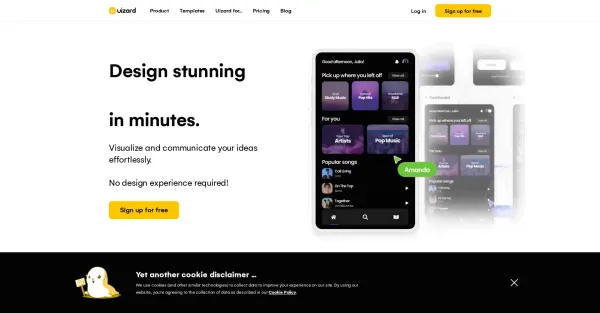 UizardDesign
Uizard is a revolutionary design tool that utilizes AI technology, allowing you to effortlessly craft impressive web and mobile applications within a matter of minutes, regardless of your previous design expertise.
 UX Magic AIDesign
AI-Powered UX/UI Design from Text to Production-Ready Screens
 TwinningDesign
Creating a twin through twinning technology enables you to generate an AI replica of yourself, offering an engaging opportunity for your followers to interact and have conversations with.
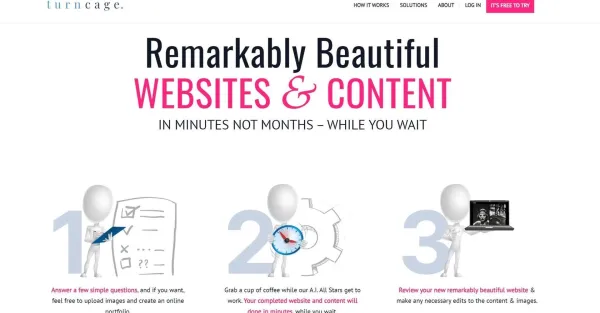 TurnCageDesign
TurnCage simplifies website creation and content development for small and medium businesses by harnessing the power of AI.