
VibeTat
Why Choose VibeTat? Everything you need to visualize your dream tattoo before you ink. Make confident decisions with AI-powered preview technology.
About VibeTat
Best for: tattoo enthusiasts, people considering tattoos, tattoo artists
Key features
- Lets users preview tattoos on their own body photos using AI-generated visuals
- Supports eight different tattoo styles, including Japanese, tribal, and minimalist
- Generates tattoo designs from text descriptions or uploaded photos
- Allows virtual try-on of existing tattoo designs for placement comparison
- Provides instant AI-generated previews in seconds
- Enables downloading and sharing of high-definition previews
- Offers secure, encrypted uploads with automatic deletion after processing
Use cases
- Visualizing how a tattoo will look on a specific body part before committing
- Generating custom tattoo designs from text ideas
- Turning personal photos, pets, or keepsakes into tattoo art
- Comparing different tattoo placements and styles for decision-making
Pros
- Offers a free plan with limited generations for new users
- No design experience required to use the tool
- No sign-up needed to try photo-to-tattoo feature
Limitations
- Free plan is limited to 2 generations and images expire in 10 minutes
Screenshots
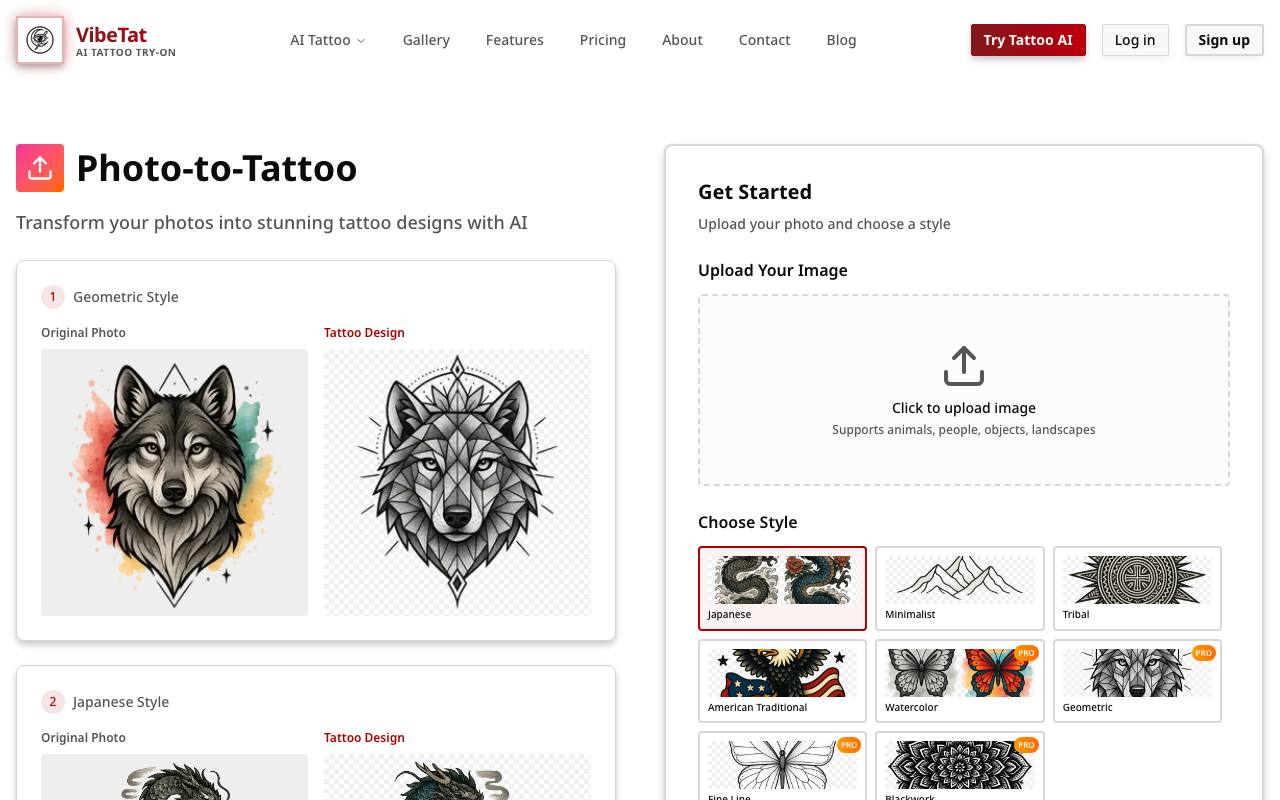
Reviews
Sign in to share your experience with this tool.
Sign inNo reviews yet. Be the first to review this tool.
More Assistant tools
 Viralt.aiAssistant
Viralt is an AI talent manager for Instagram creators that helps manage brand deals, automate creator workflows, and turn audience growth into revenue.
 VocAIAssistant
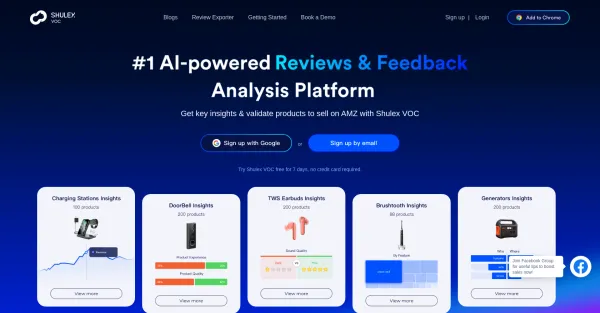
VocAI, an AI-powered platform, expertly analyzes reviews and feedback for Amazon sellers and product managers, driving performance with actionable insights.
 WebQnAAssistant
Discover the future of online support with WebQnA’s Smart Q&A Chatbots. Leveraging advanced AI, our chatbots deliver human-like interactions, personalized branding, and effortless knowledge extraction from websites and documents, enhancing customer engagement and learning experiences.
 WhelpAssistant
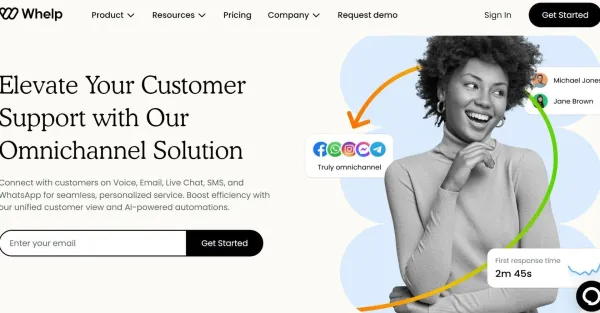
Whelp is an AI-powered omnichannel customer service automation tool with chatgpt, Google AI, and Amazon Lex integration, serving your customers 24/7 without human interaction.
 VeeAssistant
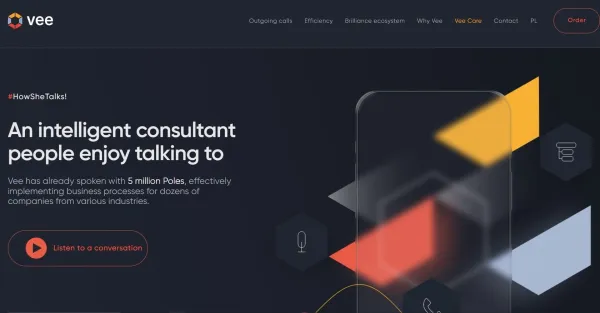
Vee, an intelligent consultant, is adept at engaging with people and has already provided assistance to numerous companies spanning across diverse industries.
 ValidforAssistant
AI
 UseChatAssistant
UseChat allows you to integrate ChatGPT into your website, providing your users with a customized and engaging encounter.
 UnfoxAssistant
Free Online AI Detector Checker