
Video To Transcript
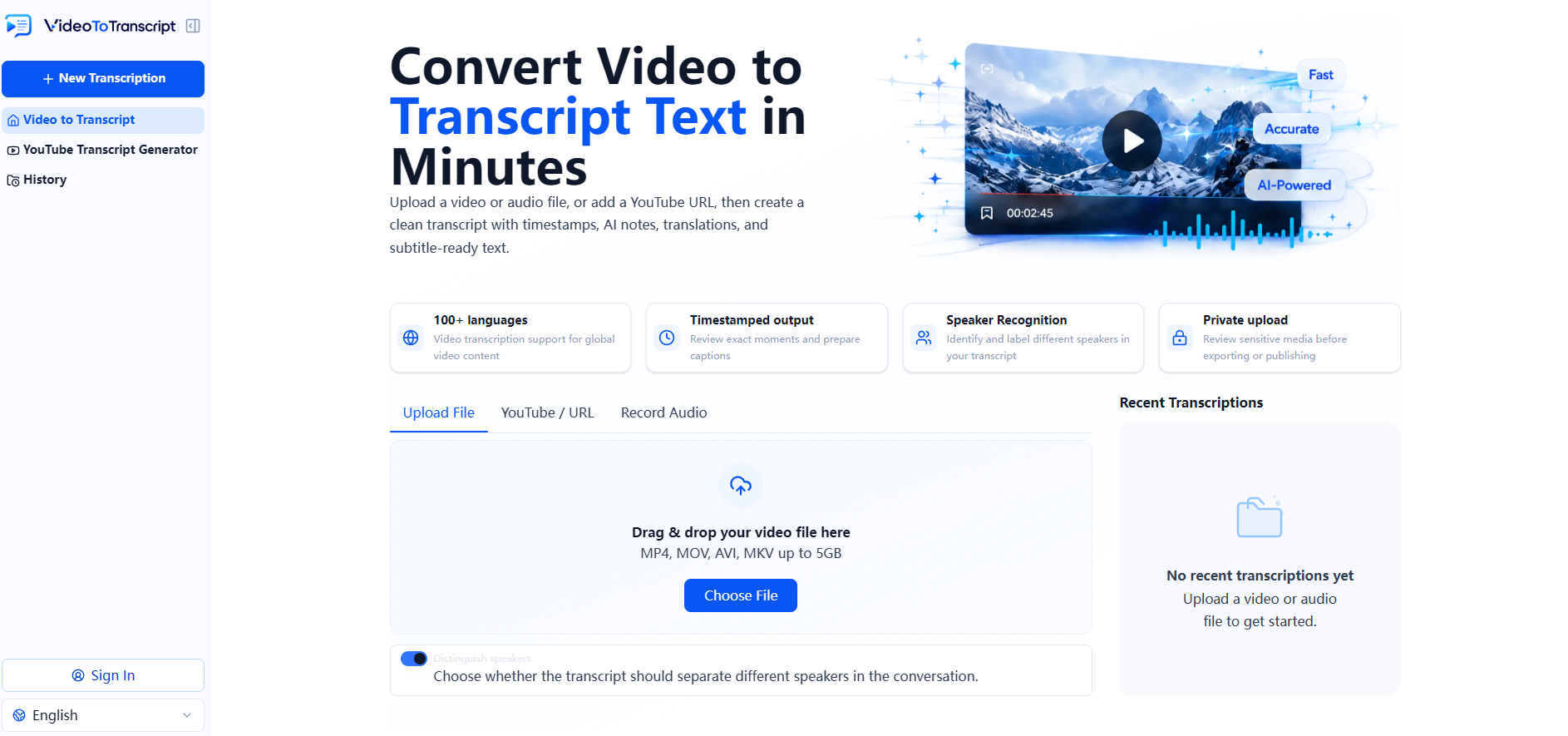
Video To Transcript: Turn videos and audio into searchable transcripts, translated subtitles, summaries, mind maps, and AI-powered insights.
About Video To Transcript
Best for: students and researchers, content creators and YouTubers, journalists and media professionals, teachers and trainers, business teams and marketers, podcasters and streamers
Key features
- AI Video Transcription
- Youtube Transcript Generator
- Subtitle Translation
- Speaker Identification
- AI Video Summarizer
- AI Mind Map Generator
- Ask AI Video Chat
Use cases
- Transcribing YouTube videos to text for easier review and quoting.
- Documenting meetings and interviews with searchable transcripts.
- Turning lectures and online courses into study notes.
- Creating subtitles and captions for podcasts and webinars.
- Preparing legal and compliance transcripts from recordings.
- Archiving conference and event recordings as searchable text.
Pros
- Free to use with no account required.
- Accessible on any device via web browser.
- Supports a wide range of video and audio formats.
- Allows export of transcripts in multiple formats.
- Offers speaker recognition for multi-person recordings.
Screenshots
Reviews
Sign in to share your experience with this tool.
Sign inNo reviews yet. Be the first to review this tool.
Video To Transcript alternatives
More Other tools → Transcribe AudioOther
Fast, accurate transcription for videos and audio, with AI-powered summaries, subtitles, mind maps, and content analysis.
 YtbTranscript.comOther
Free YouTube Transcript Generator, Extractor & AI Summary
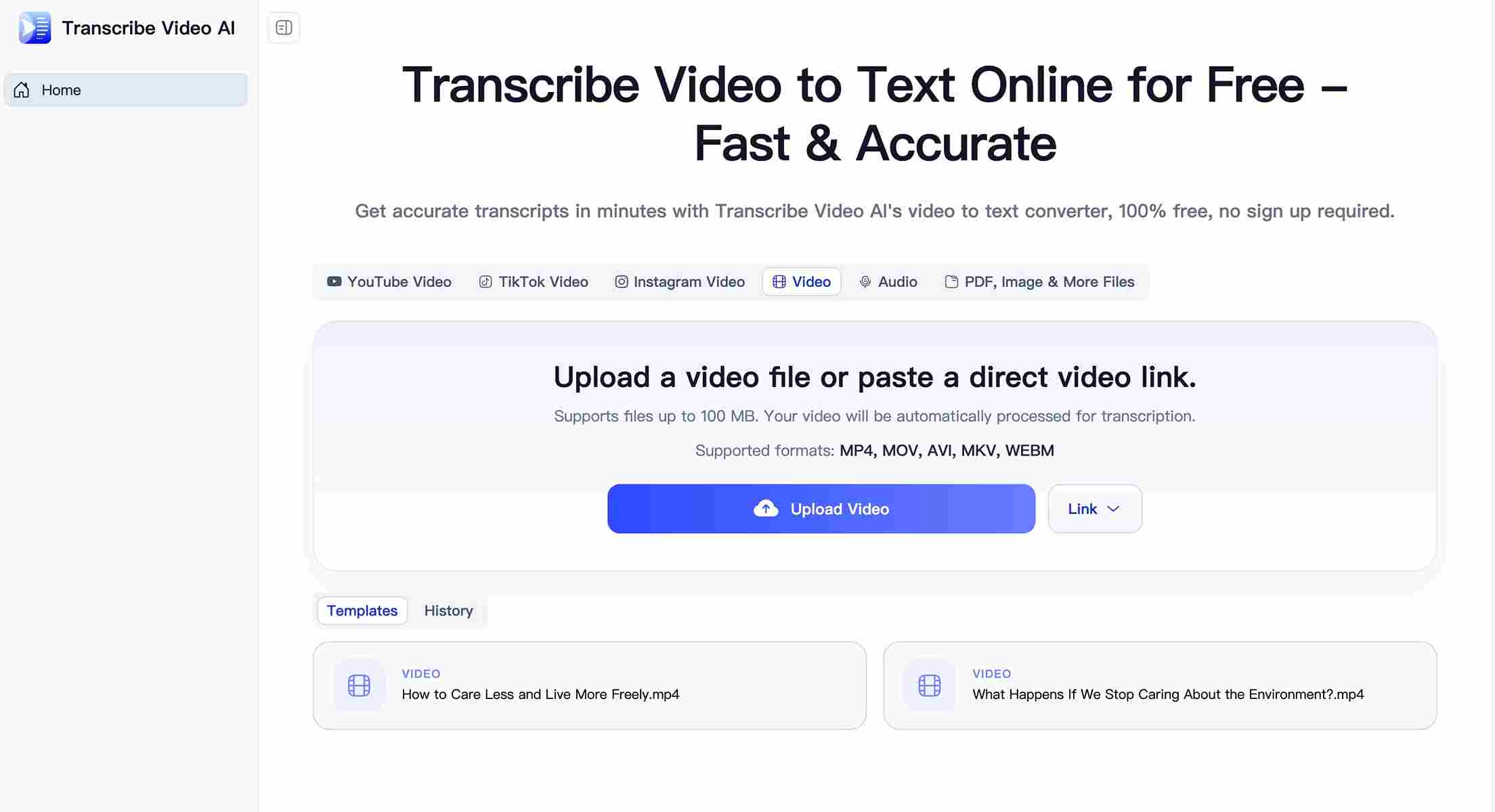 Transcribe Video AIOther
Transcribe Video AI is a 100% free, no-login-required AI tool that converts videos into transcripts, summaries, and mind maps to help users quickly understand and reuse video content.
 KnowzillaOther
AI calls & sales intelligence platform
 Diktat AIOther
Fast, Accurate, Secure Transcriptions
 AITuberOther
Create viral AI videos in minutes for YouTube Shorts, TikTok, and Reels. Text-to-video with 1,300+ AI voices, AI visuals, captions, and direct publishing. All in one place.
Related tools
 MP3ToTextProductivity
Online MP3 to text - upload audio and export in multiple formats.
 Transcript Generator AIAudio
AI transcription & captions for audio/video with time-stamps, speaker labels, SRT/VTT, summaries, and translation - edit in browser, export anywhere, collaborate securely.
 MindNoteProductivity
AI Notetaker. Write x10 times faster with AI. You can input information in any format: written, voice, meeting, video to text or image to text.
 Caption.IMProductivity
Caption.im is a self-sovereign macOS app that turns any audio into real-time captions, translation, recordings, meeting summaries, and mind maps.
 ScribeTo -- AI Video to Text Transcription ToolVideo
AI Video to Text Transcription Tool
 ShortTranscriptAudio
English transcripts for public TikTok videos and Instagram Reels
 Video Transcription AIProductivity
AI-powered video transcription tool that converts videos into accurate text, summaries, subtitles, and searchable content in seconds.
 BibiGPTVideo
BibiGPT is an AI-powered video assistant that summarizes and visualizes content from YouTube, Bilibili, podcasts, and local files, helping users learn faster and understand better.