AudioToSRT
VerifiedConvert Audio to SRT Subtitles
About AudioToSRT
Best for: TikTok, Youtube
Key features
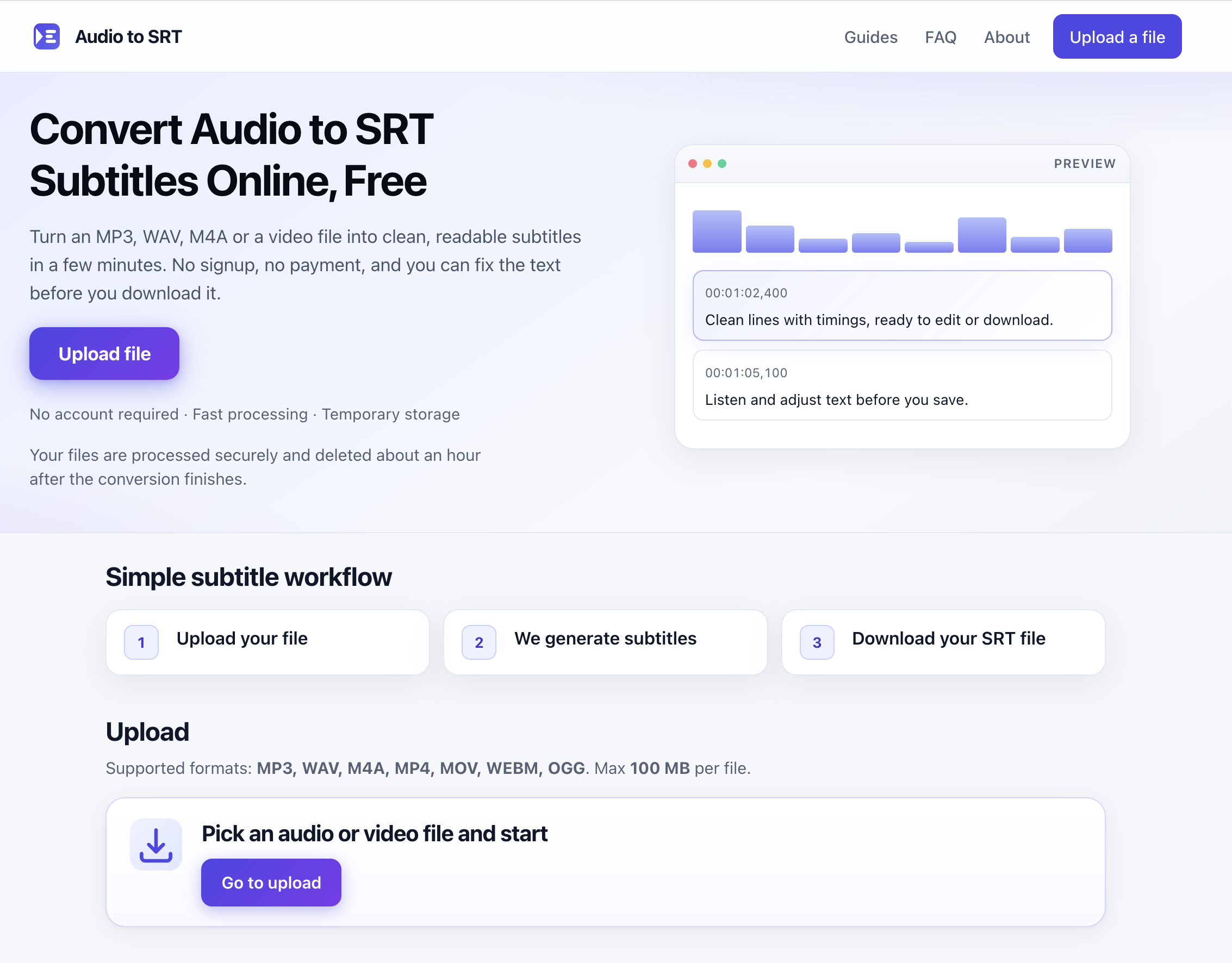
- Automatic audio and video transcription
- SRT subtitle generation
- Built-in subtitle editor and preview
- Timestamped subtitles
- MP3, WAV, M4A, MP4, MOV, WEBM & OGG support
- No signup required
- Free online conversion
- Temporary and privacy-focused file storage
Use cases
- Podcasts
- Social media: Youtube, TikTok
- Capcut
Pros
- No signup required no account, no email address
- Works in your browser nothing to install
- Clean subtitle formatting .srt in UTF-8, plain text
- Temporary file storage about 60 minutes, then deleted
Limitations
- 100 MB max file size
- 45 min max length
- five uploads per hour and ten files per session
Screenshots
Reviews
Sign in to share your experience with this tool.
Sign inNo reviews yet. Be the first to review this tool.
AudioToSRT alternatives
More Audio tools → ShortTranscriptAudio
English transcripts for public TikTok videos and Instagram Reels
 Transcript Generator AIAudio
AI transcription & captions for audio/video with time-stamps, speaker labels, SRT/VTT, summaries, and translation - edit in browser, export anywhere, collaborate securely.
 TranspocketAudio
AI-powered speech recognition; Real-time audio/video transcription; Multi-language support (100+ languages); Automatic language detection; Speaker separation and identification; Interactive transcript editing; Multiple export formats (TXT, DOCX, SRT, VTT); Drag-and-drop file uploads; In-browser voic
 musegenAudio
AI Music Generator for Commercial Songs from Text, Audio, or Lyrics
 StarwhisperAudio
Free voice-to-text software for Windows. Dictate anywhere with AI-powered transcription. Works offline with local Whisper AI or connects to OpenAI for 99% accuracy.
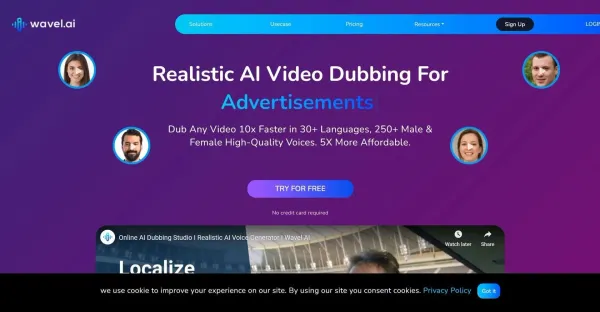 Wavel AIAudio
Wavel AI provides multilingual voiceovers and subtitles for videos.
Related tools
 MP3ToTextProductivity
Online MP3 to text - upload audio and export in multiple formats.
 Transcribe AudioOther
Fast, accurate transcription for videos and audio, with AI-powered summaries, subtitles, mind maps, and content analysis.
 MindNoteProductivity
AI Notetaker. Write x10 times faster with AI. You can input information in any format: written, voice, meeting, video to text or image to text.
 Video To TranscriptOther
Video To Transcript: Turn videos and audio into searchable transcripts, translated subtitles, summaries, mind maps, and AI-powered insights.
 AITuberOther
Create viral AI videos in minutes for YouTube Shorts, TikTok, and Reels. Text-to-video with 1,300+ AI voices, AI visuals, captions, and direct publishing. All in one place.
 Caption.IMProductivity
Caption.im is a self-sovereign macOS app that turns any audio into real-time captions, translation, recordings, meeting summaries, and mind maps.
 MoogooseWriting
An Android keyboard that starts a reply with your voice and leaves the final words to you.
 AddSubtitleVideo
Subtitles, voiceover, and translation, all in one tool to speed up your video workflow.