
HD Photo Converter
HD Photo Converter is an advanced AI-powered image enhancement platform that transforms ordinary, blurry, or low-resolution photos into crystal-clear 4K masterpieces. Using cutting-edge machine learning algorithms, our free tool intelligently enhances details, removes noise, and optimizes colors to
About HD Photo Converter
This description was prepared by the ToolTrove editors. Is this your product? Claim it and write it in your own words.
Best for: photographers, e-commerce sellers, content creators, businesses needing high-res images
Key features
- Upscales images to 4K resolution using AI algorithms
- Batch processing for up to 10 images at once
- Supports JPG, PNG, WEBP, JPEG, and BMP formats
- AI reconstructs lost details and textures in low-res images
- Removes noise and compression artifacts automatically
- Optimizes color saturation, dynamic range, and contrast
- Portrait mode with facial feature enhancement
- Privacy-focused: images deleted after processing
Use cases
- Restoring old or blurry photos for personal or professional use
- Improving product images for e-commerce listings
- Preparing high-resolution images for printing or social media
- Batch processing multiple images for business or creative projects
Pros
- Free tier available for basic use
- Fast processing, typically under 30 seconds per image
- No permanent storage of uploaded images
Limitations
- Requires quick registration to access conversion features
- Maximum file size per image is 10MB
- Batch upload limited to 10 images at a time
Reviews
Sign in to share your experience with this tool.
Sign inNo reviews yet. Be the first to review this tool.
HD Photo Converter alternatives
More Image tools →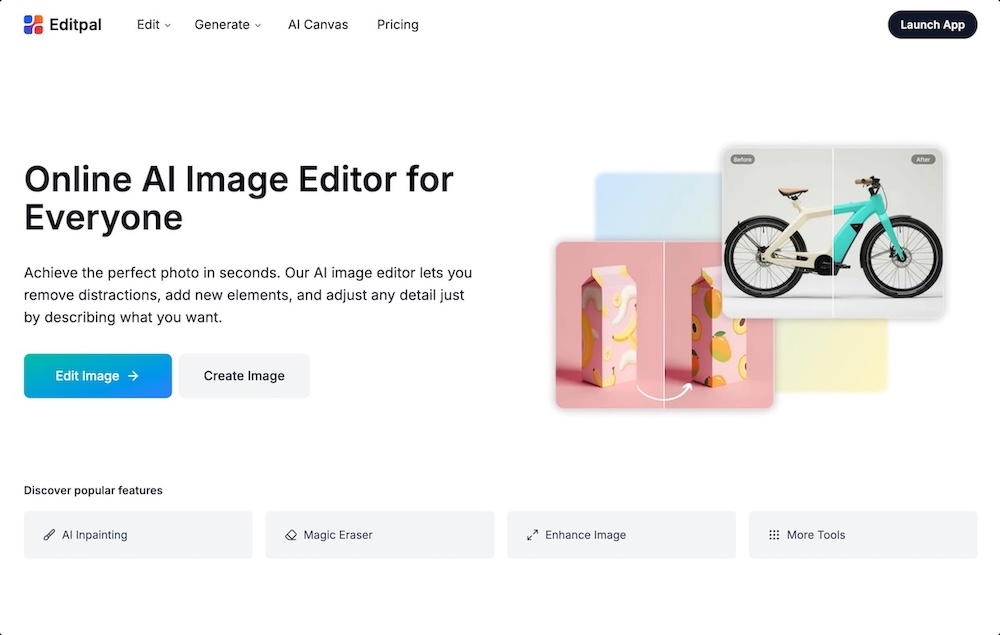 EditpalImage
Editpal is an online AI image editor that lets anyone edit, enhance, replace, expand, and generate images using simple text prompts.
 Picture EnhancerImage
Picture Enhancer is an AI-powered web app for enhancing photos online. It focuses on three practical jobs - deblur, smart upscale, and photo r
 ImageFKImage
Using cutting-edge AI technology, ImageFK offers automatic background removal, old photo restoration, image upscaling, and 2D-to-3D conversion. It simplifies complex photo editing into one-click tasks, significantly boosting creative efficiency.
 refiniImage
Refini is a comprehensive photo restoration solution that combines advanced AI algorithms with user-friendly design to deliver exceptional photo enhancement and restoration services. Our platform specializes in breathing new life into your precious memories through intelligent photo processing.
 AI Image to Image GeneratorImage
Effortlessly edit photos with Image to Image Generator: upscale, remove backgrounds or objects, restore and colorize old photos - just describe what you want.
 ImgfulImage
Imgful.io is an intelligent AI photo editing platform driven by Nana Banana. Users can edit images via simple text commands to remove backgrounds, adjust styles and optimize details easily.
Related tools
 AgentkitProductivity
Agentkit is a no-code platform to build AI chatbots trained on your own content and embed them on any website with one line of code.
 hd image converterDesign
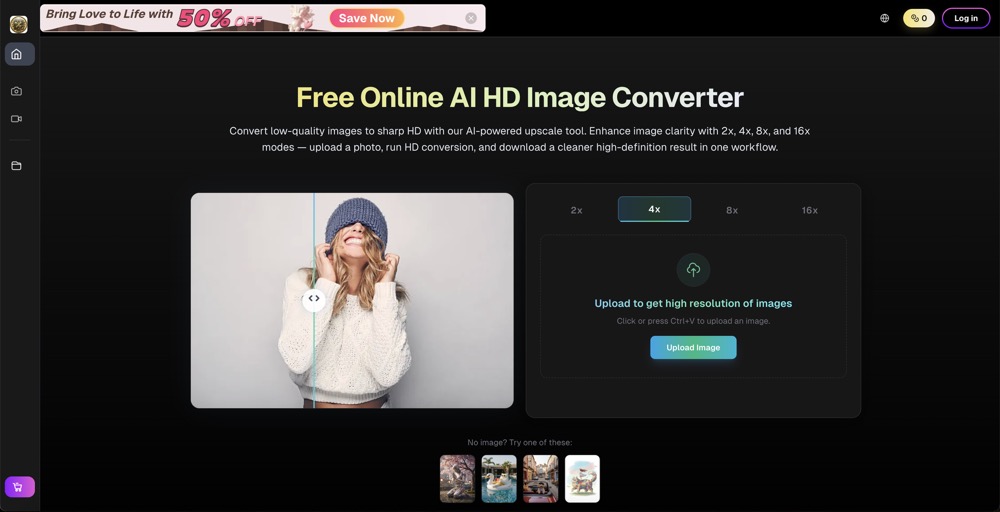
HD Image Converter - Enhance & Upscale Your Images Instantly
 AIGenToolsProductivity
From an old photo to a finished podcast voiceover, in one place - restore, upscale to 8K, animate a still, or clone a voice without switching tabs.
 Anifun AIProductivity
AniFun AI is a comprehensive, professional AI anime creation platform for anime fans and creators, offering powerful tools for generating manga, illustrations, and anime videos with ease.
 Synthesys StudioVideo
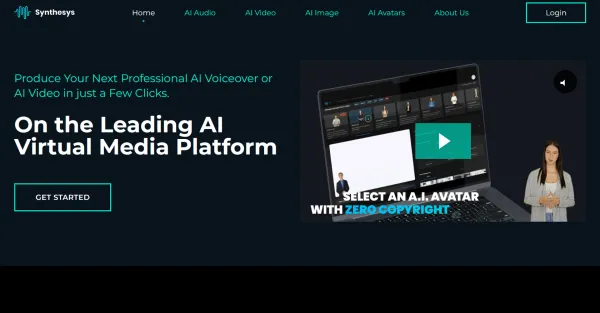
Synthesys Studio specializes in developing algorithms that facilitate the conversion of text into voiceover and commercial videos. By automating the entire process, it significantly enhances the efficiency of video production, enabling seamless creation of voiceovers and videos.
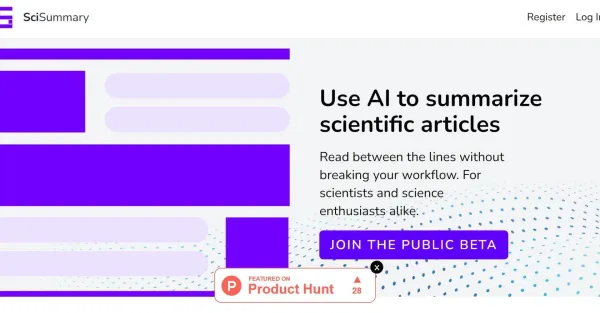 SciSummaryEducation
SciSummary utilizes artificial intelligence to streamline scientific articles, rendering them more digestible. With its assistance, researchers, students, or any science enthusiasts can enhance their comprehension of intricate scientific materials.
 Carly AIAssistant
AI Assistant for Email, Calendar, and More
 Active DictionaryEducation
Language practice with texts, videos and PDFs