
KwaFlux
Local AI video enhancer for Windows - restore, denoise, upscale. No cloud upload.
About KwaFlux
Best for: video professionals needing local processing, users who avoid uploading media to the cloud, creators enhancing footage on Windows or Mac
Key features
- Enhances video detail using AI upscaling
- Removes noise, cuts reverb, and separates vocals in audio
- Stabilizes video with three adjustable strength levels
- Upscales and repairs compressed, noisy, or low-resolution photos
- Batch converts MP4, MKV, and MOV files
- Removes unwanted objects from video locally
- Offers free 1, 3, and 5 second effect previews without an account
- Processes all media locally; nothing is uploaded to the cloud
Use cases
- Restore and upscale low-resolution or compressed video
- Denoise and enhance audio alongside video
- Stabilize shaky handheld footage
- Remove unwanted objects from video locally
- Preview enhancement effects on the user's own hardware before exporting
- Batch convert and export enhanced media in multiple formats
Pros
- All AI processing runs locally; media files are not uploaded
- Free previews without an account
- Unified workspace for all enhancement tools
- Supports Windows 10/11 and macOS 12+ on Apple Silicon
- Flexible licensing: monthly, quarterly, yearly, or one-time perpetual
Limitations
- Export and format conversion require a paid plan
- Only supports Windows 10/11 and macOS 12+ on Apple Silicon
- Requires a 2016 or newer GPU on Windows, or Apple Silicon on Mac
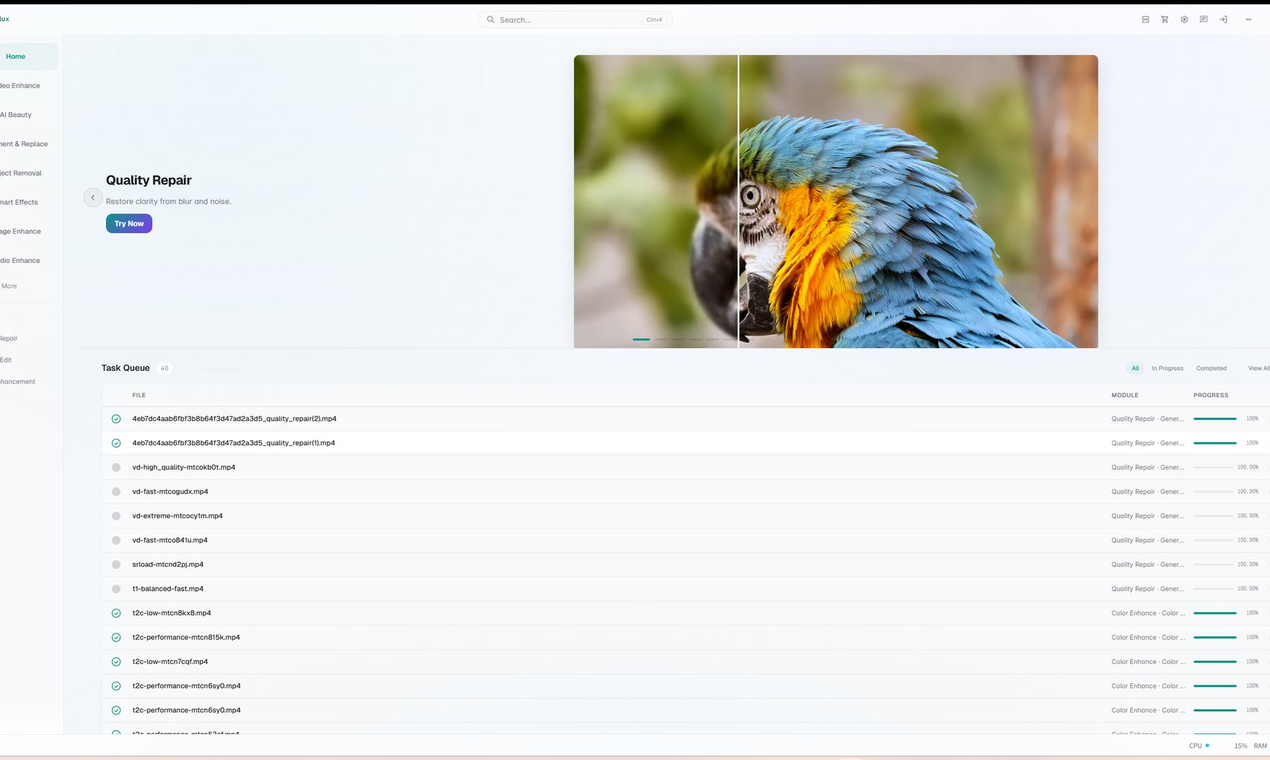
Screenshots
Reviews
Sign in to share your experience with this tool.
Sign inNo reviews yet. Be the first to review this tool.
KwaFlux alternatives
More Video tools → LuxoretVideo
AI creative platform with 400+ built-in tools for image generation, video creation, voice cloning, music production, and a directory of 2,500+ AI tools.
 Vailo AiVideo
Vailo: multi-model AI video from text/images to video in seconds. Sora/Veo/Kling. No watermark, no quality caps. 450 free credits (~11 videos).
 ImageHubVideo
Built for speed, simplicity, and professional-quality results, Imagehub.ai combines advanced artificial intelligence with an intuitive user experience. From social media graphics and product photography to digital art and branding assets, the platform helps users create polished visuals faster than
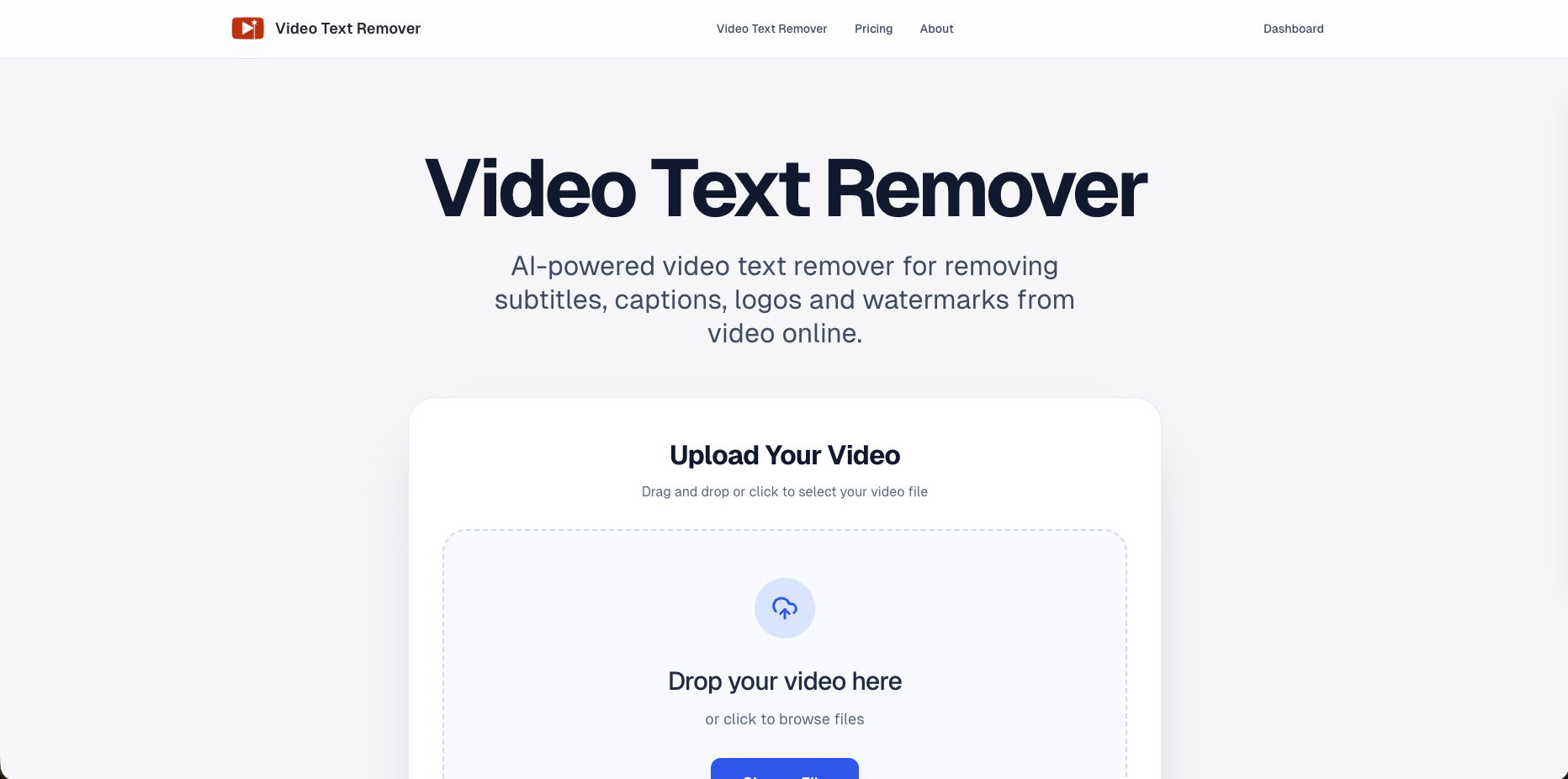 Video Text RemoverVideo
AI video text and object remover for cleaner content.
Axsar AI allows you to chat with Gen AI, generate images, transcribe audios/videos and chat with documents & videos
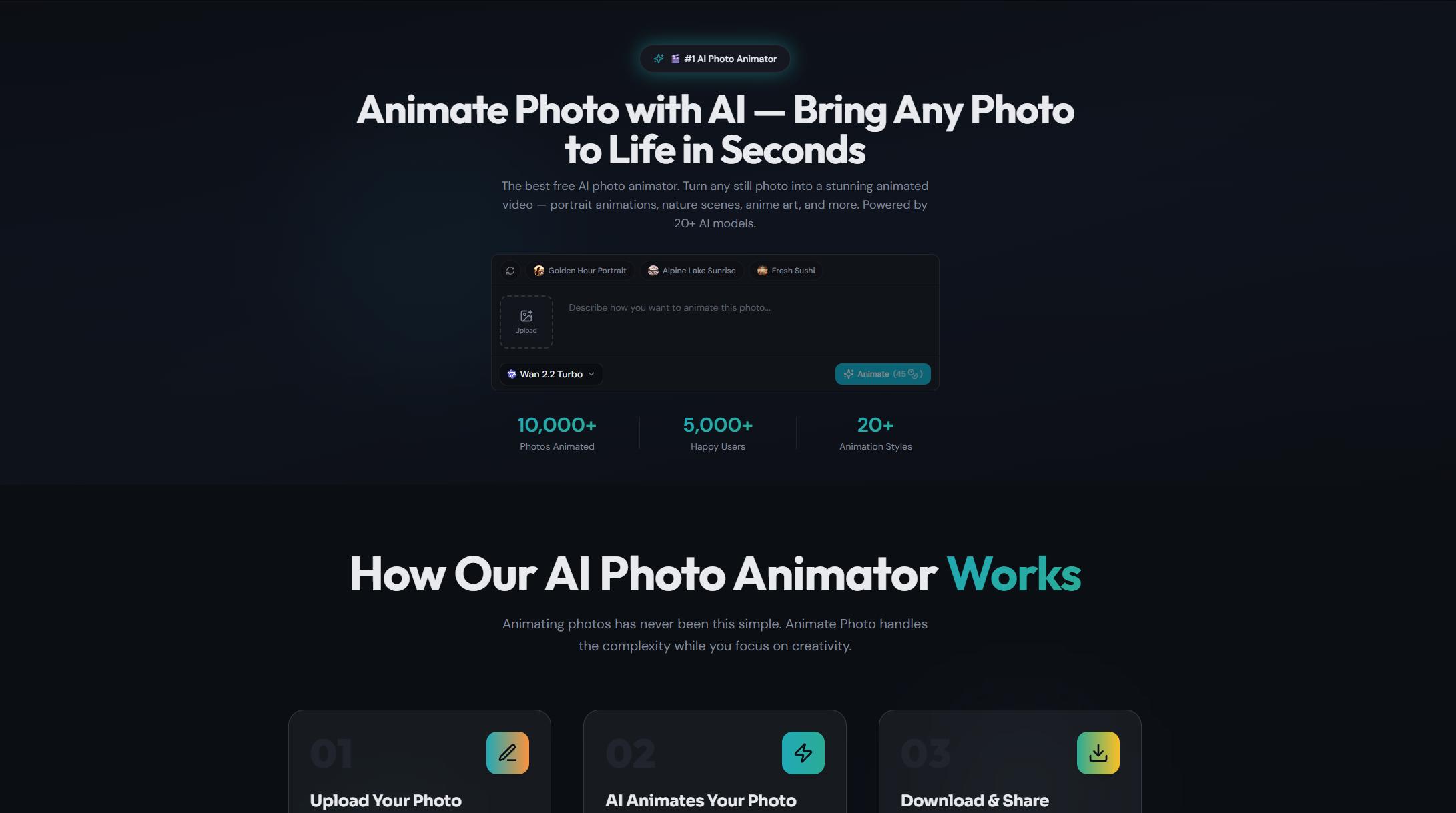 Animate PhotoVideo
Animate Photo is the best free AI photo animator. Transform any photo to video with AI in seconds. Bring your photos to life with natural motion - no editing skills needed. Features include image-to-video, text-to-video, video face swap, video upscaler, video effects, and video studio. Supports 8 la
Related tools
 AIGenToolsProductivity
From an old photo to a finished podcast voiceover, in one place - restore, upscale to 8K, animate a still, or clone a voice without switching tabs.
 ClipdropDesign
Clipdrop is a collection of apps, plugins, and tools that utilize AI technology to help you effortlessly design impressive visuals in no time.
 ImageFKImage
Using cutting-edge AI technology, ImageFK offers automatic background removal, old photo restoration, image upscaling, and 2D-to-3D conversion. It simplifies complex photo editing into one-click tasks, significantly boosting creative efficiency.
 AI Image to Image GeneratorImage
Effortlessly edit photos with Image to Image Generator: upscale, remove backgrounds or objects, restore and colorize old photos - just describe what you want.
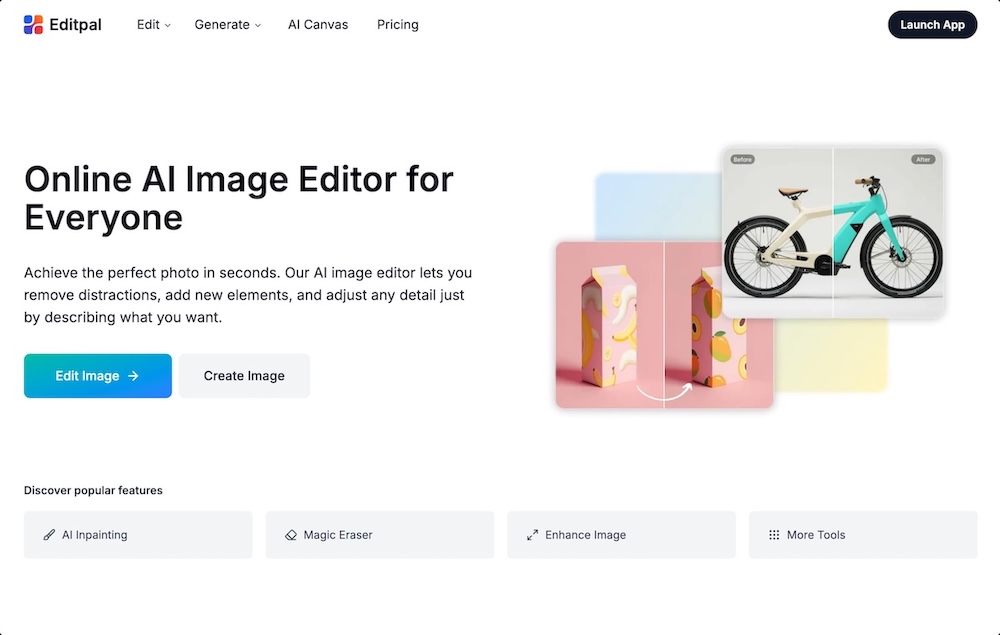 EditpalImage
Editpal is an online AI image editor that lets anyone edit, enhance, replace, expand, and generate images using simple text prompts.
 PixPark AIImage
Generate and edit images with AI - no login, free and unlimited
 Facy AI Face SwapImage
Free online AI face swap, plus head swap, AI image generator, image-to-image editing and image-to-video tools. Runs in your browser, no sign-up to start.
 ImgEditor AIImage
AI Image Editor is a premier AI-powered image editing platform crafted for creators and professionals. It surpasses basic editors with intelligent object detection, precision editing, background removal, high-resolution upscaling, and style transfer - delivering professional-grade results effortless