
loqua
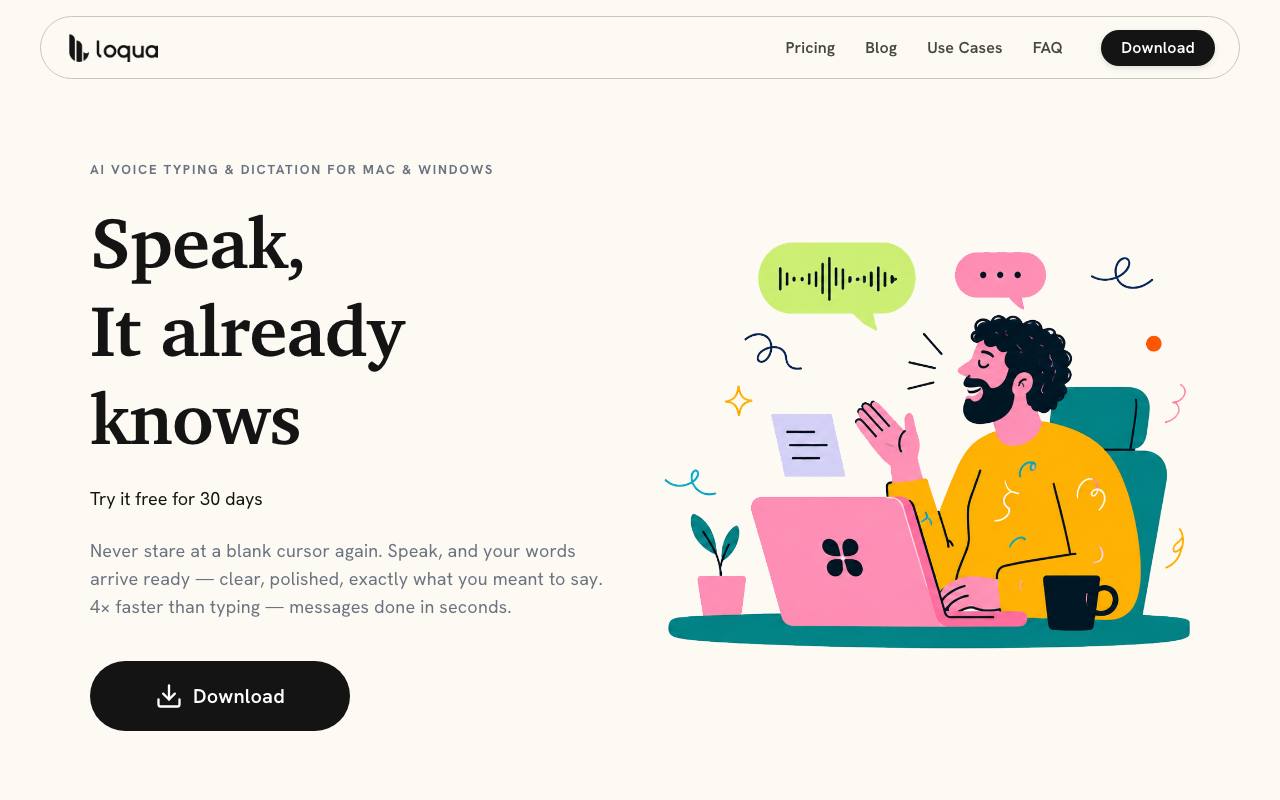
The ultimate voice OS for Mac. Dictate, rewrite, translate, and query AI across any application using global shortcuts Dictate directly into any Mac app with context-aware cleanup
About loqua
Best for: desktop professionals, multilingual users, knowledge workers, people with accessibility needs
Key features
- Voice dictation works in any desktop app via a global shortcut
- Real-time text cleanup removes filler words and refines phrasing
- Automatically detects and applies text structure like lists and headings
- Supports translation in nearly 100 languages with native phrasing
- Screen capture and AI query for instant answers or summaries
- Voice-activated commands to trigger reminders, open apps, and more
- Text-to-speech assistant reads selected text aloud
- Personal dictionary and batch import for custom vocabulary
Use cases
- Dictate and edit emails, notes, or documents hands-free
- Translate spoken content into other languages during dictation
- Capture a screenshot and ask AI for a summary or analysis
- Rewrite or polish drafts by speaking edits aloud
- Trigger reminders or open applications using voice commands
- Listen to text content read aloud for multitasking or accessibility
Pros
- Free plan available with core features and usage limits
- Works across all desktop apps with a single shortcut
- Supports over 100 languages for translation
- No cloud data retention and GDPR compliant
- Personal dictionary and batch import supported
Screenshots
Reviews
Sign in to share your experience with this tool.
Sign inNo reviews yet. Be the first to review this tool.
loqua alternatives
More Assistant tools → Stylo AIAssistant
Stylo AI is the #1 Zendesk AI app, empowering customer support teams to automate workflows, optimize knowledge bases, and deliver multilingual, personalized responses with unmatched accuracy.
 Mee Manga TranslatorAssistant
AI-powered manga translator preserves layout, gives accurate translations.
 CraftedCVAssistant
CraftedCV is an AI-powered resume tool that instantly rewrites and formats your resume for any job - no templates, no hassle, just job-winning results.
 BetterDBAssistant
Observable memory and caching for your AI agents
 WhelpAssistant
Whelp is an AI-powered omnichannel customer service automation tool with chatgpt, Google AI, and Amazon Lex integration, serving your customers 24/7 without human interaction.
 YOUSAssistant
YOUS streamlines communication with audio/video meetings, phone calls, chats, and messages, all featuring a built-in AI-based translator. Connect globally with ease using YOUS.
Related tools
 Bargou OneProductivity
Bargou One is an all-in-one suite for AI chat, image, music & video creation, writing tools, speech transcription, and text & file translation.
 AddSubtitleVideo
Subtitles, voiceover, and translation, all in one tool to speed up your video workflow.
 AIBlogMaxWriting
AI-powered content automation platform that finds trending news, rewrites it as SEO-optimised blog posts, and publishes directly to WordPress, Shopify
 Wondershare VirboVideo
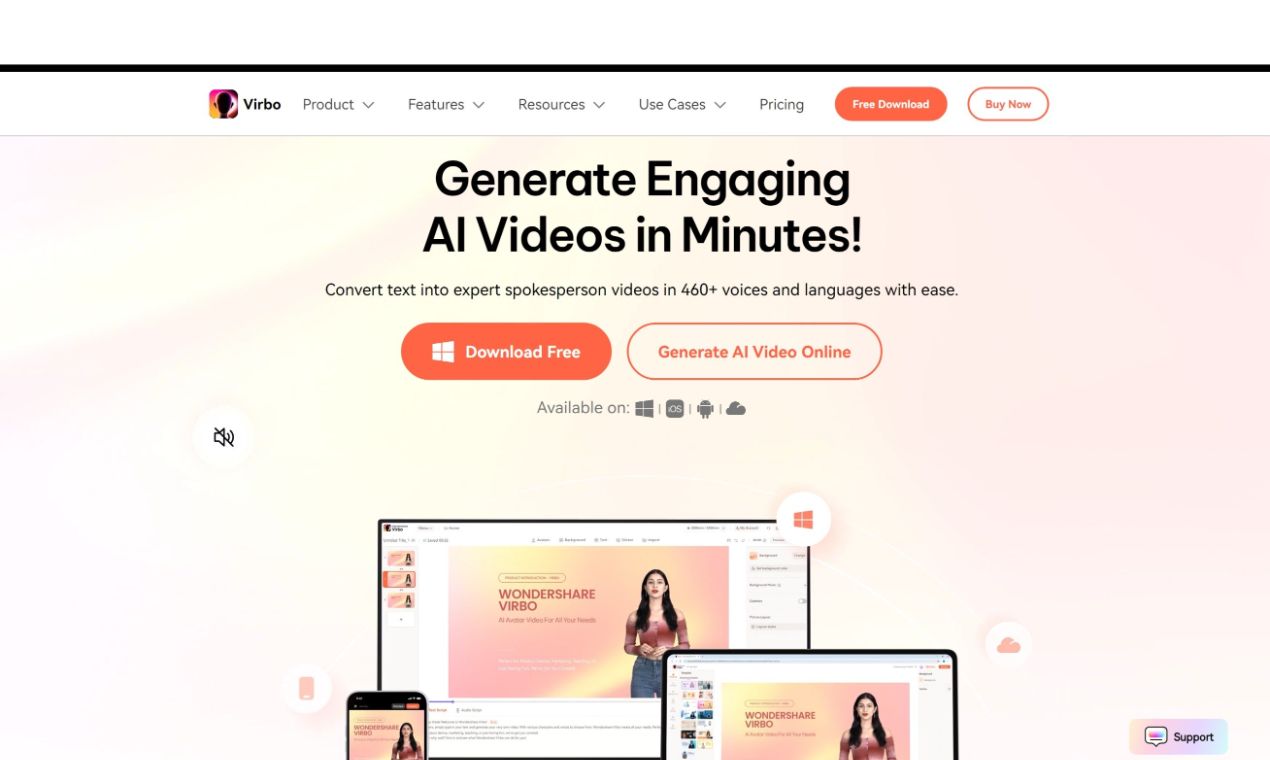
Wondershare Virbo uses AI to create realistic avatar videos in 120+ languages. With 300+ avatars and customizable templates, it’s perfect for marketing, tutorials, and presentations. Create professional videos effortlessly without hiring a crew or actors.
 Transync AI Inc.Design
Transync AI - Seamless Dual-Screen Translation for Cross-Language Communication
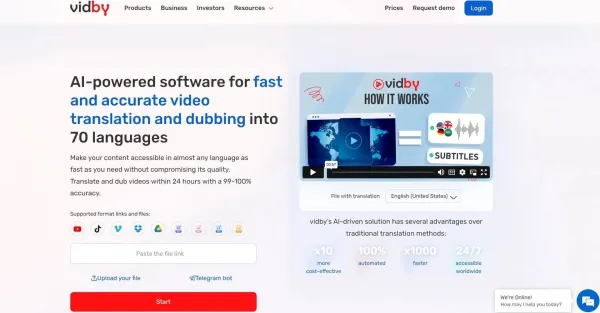 VidbyAudio
Vidby utilizes artificial intelligence to provide video translation and voice-over services, making it possible to localize content and ensure multilingual accessibility.
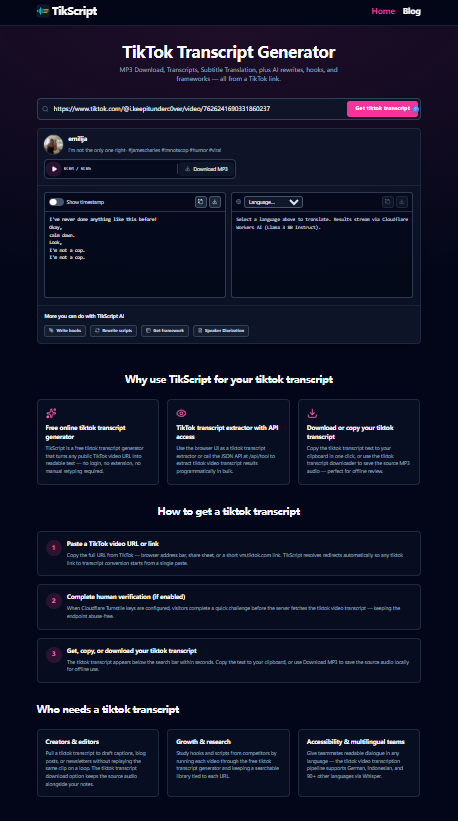 tikscript.orgAudio
TikScript: From a TikTok Link to Audio, Subtitles, and Editorial Drafts TikScript is a web tool for teams and creators who need more than playback from short-form video. Paste a public TikTok video URL and work with the same clip as downloadable audio, on-page subtitles, and text you can copy into y
 Glad AIWriting
The Roadmap: X, Reddit, SEO and more We are starting with LinkedIn because it is the foundation of professional authority, but the bigger picture is much broader: X and Reddit Integration: Moving beyond the feed into real-time conversations. Glad AI will soon adapt your core expertise into punchy th