
Peanut AI
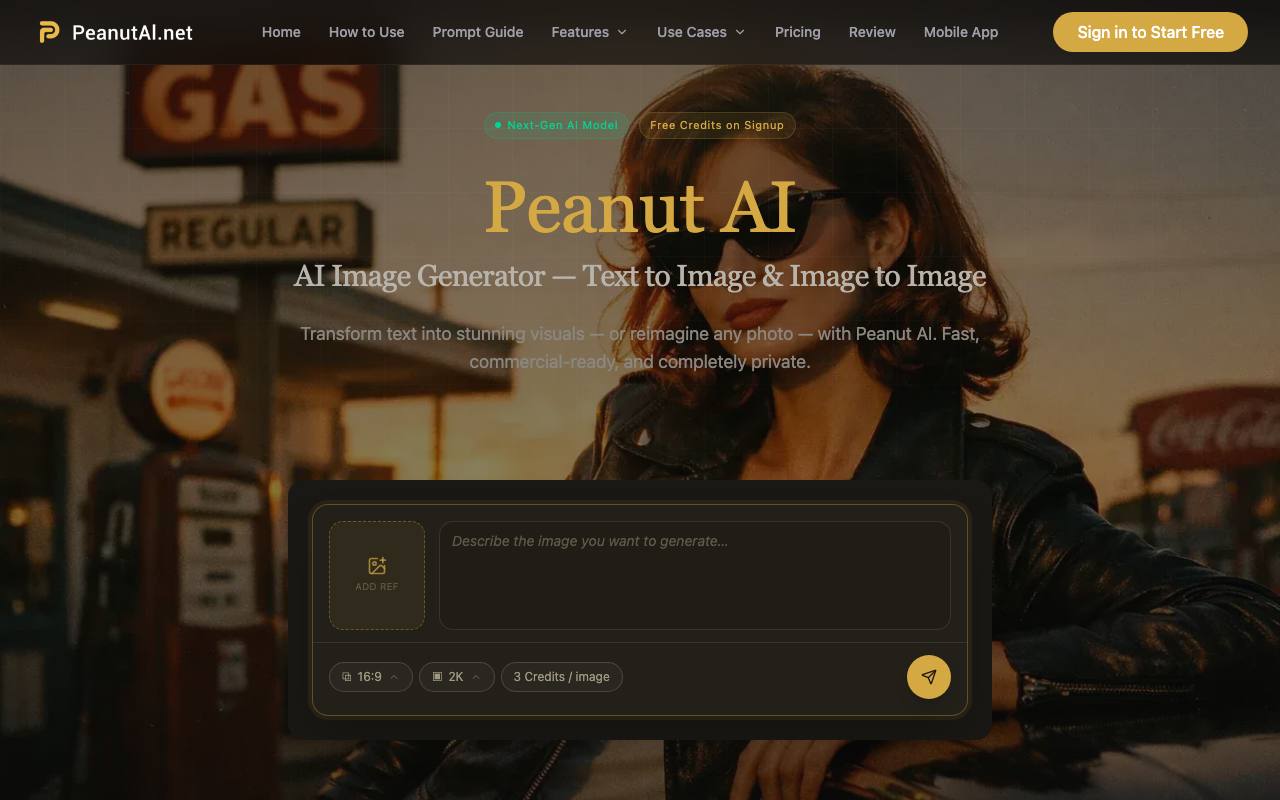
Peanut AI is an all-in-one AI video creation tool under Bilibili, featuring core capabilities of text-to-video and audio-to-video. It can automatically split scripts, match copyrighted materials, generate intelligent subtitles and multi-style AI dubbing, and support MG animation production. Without
About Peanut AI
Best for: e-commerce teams, marketing professionals, designers, publishers, architects, creative agencies
Key features
- Creates images from text descriptions in various styles and resolutions.
- Transforms uploaded images by applying new styles or enhancements.
- All generated images include full commercial rights for business use.
- User prompts and uploads are kept private and not used for AI training.
- High-resolution outputs suitable for print, ads, and presentations.
- Credits are only deducted for successful image generations.
Use cases
- Produce product images for online stores without photography.
- Create visuals for social media and marketing campaigns quickly.
- Develop concept art and iterate on design ideas efficiently.
- Generate architectural renders from text or sketches for presentations.
- Design book covers and editorial illustrations with original artwork.
Pros
- Free plan available with no credit card required.
- Credits never expire after purchase.
- All outputs are free of watermarks and ready for commercial use.
Limitations
- Free plan is limited to standard resolution and personal use only.
Screenshots
Reviews
Sign in to share your experience with this tool.
Sign inNo reviews yet. Be the first to review this tool.
Peanut AI alternatives
More Video tools →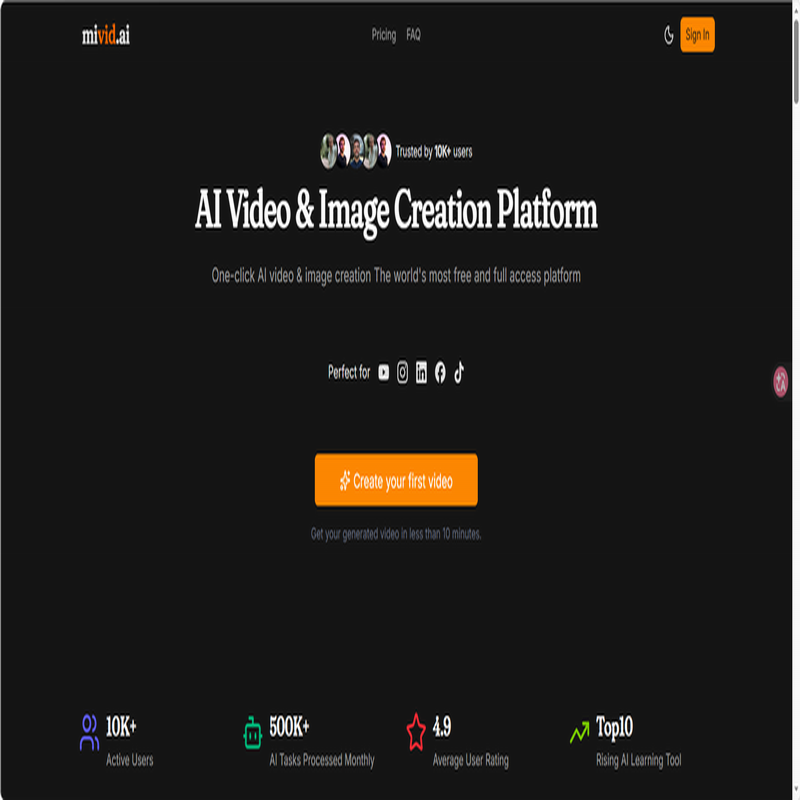 AI Video & Image Creation PlatformVideo
Turn scripts into faceless short-form videos with AI
 AddSubtitleVideo
Subtitles, voiceover, and translation, all in one tool to speed up your video workflow.
 Type StudioVideo
Type Studio is a cutting-edge video editing platform that utilizes text transcription technology. With this innovative software, users can effortlessly edit their videos, add subtitles, create podcasts, repurpose content, and even record new videos.
 Video Text RemoverVideo
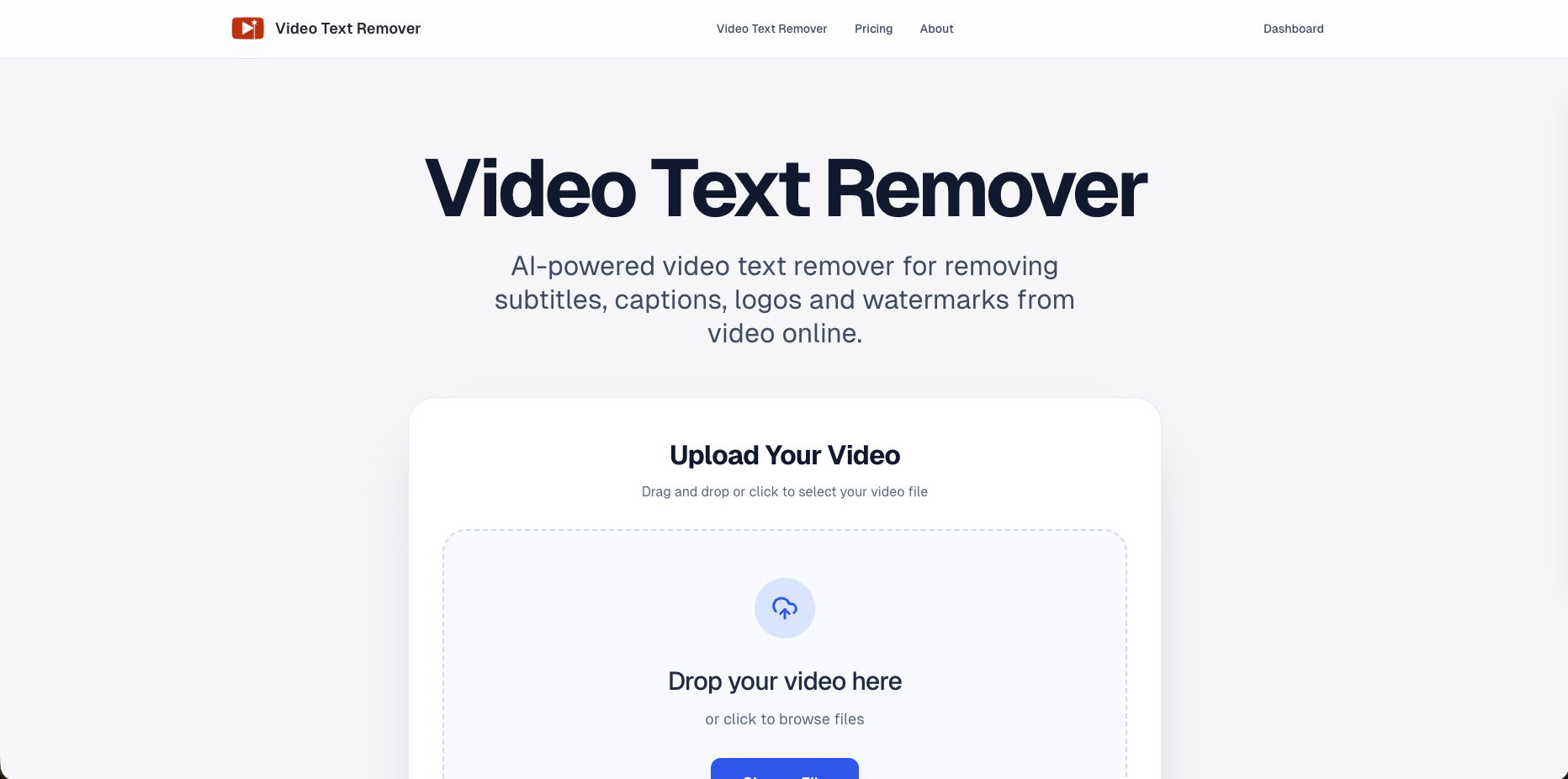
AI video text and object remover for cleaner content.
 FlickSpeedVideo
FlickSpeed is an AI content studio built for teams that need to ship more creative - faster - without sacrificing quality.
 CutoVideo
AI video editing tool that creates fast first cuts, subtitles, and social-ready outputs from raw footage.
Related tools
 Describe ImageProductivity
Describe Image turns images and short videos into descriptions, alt text, OCR, captions, SEO copy, product descriptions, and reusable AI prompts.
 BlitzCutProductivity
Blitzcut is an AI-powered video editor that auto-cuts silences, transcribes speech, and burns subtitles in for you to create viral videos fast!
 AudioToSRTAudio
Convert Audio to SRT Subtitles
 TranspocketAudio
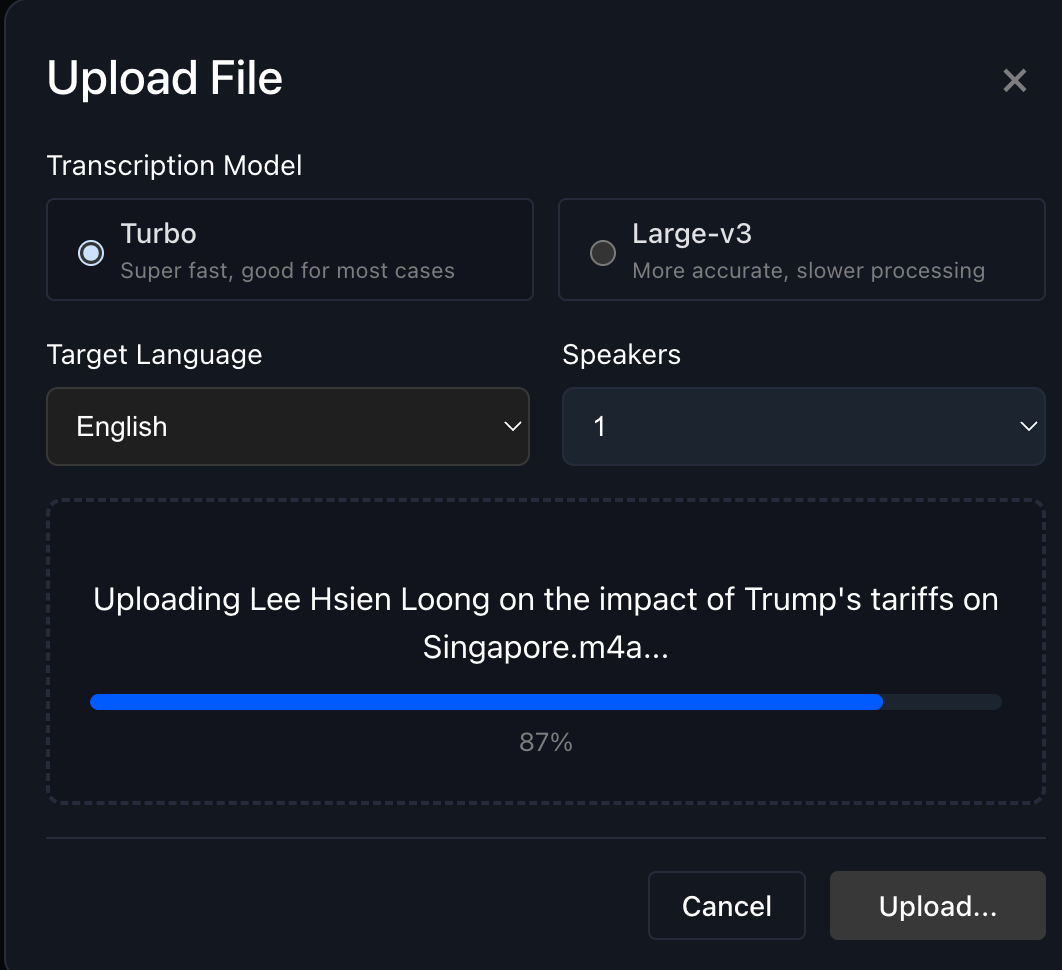
AI-powered speech recognition; Real-time audio/video transcription; Multi-language support (100+ languages); Automatic language detection; Speaker separation and identification; Interactive transcript editing; Multiple export formats (TXT, DOCX, SRT, VTT); Drag-and-drop file uploads; In-browser voic
 Outcast.aiProductivity
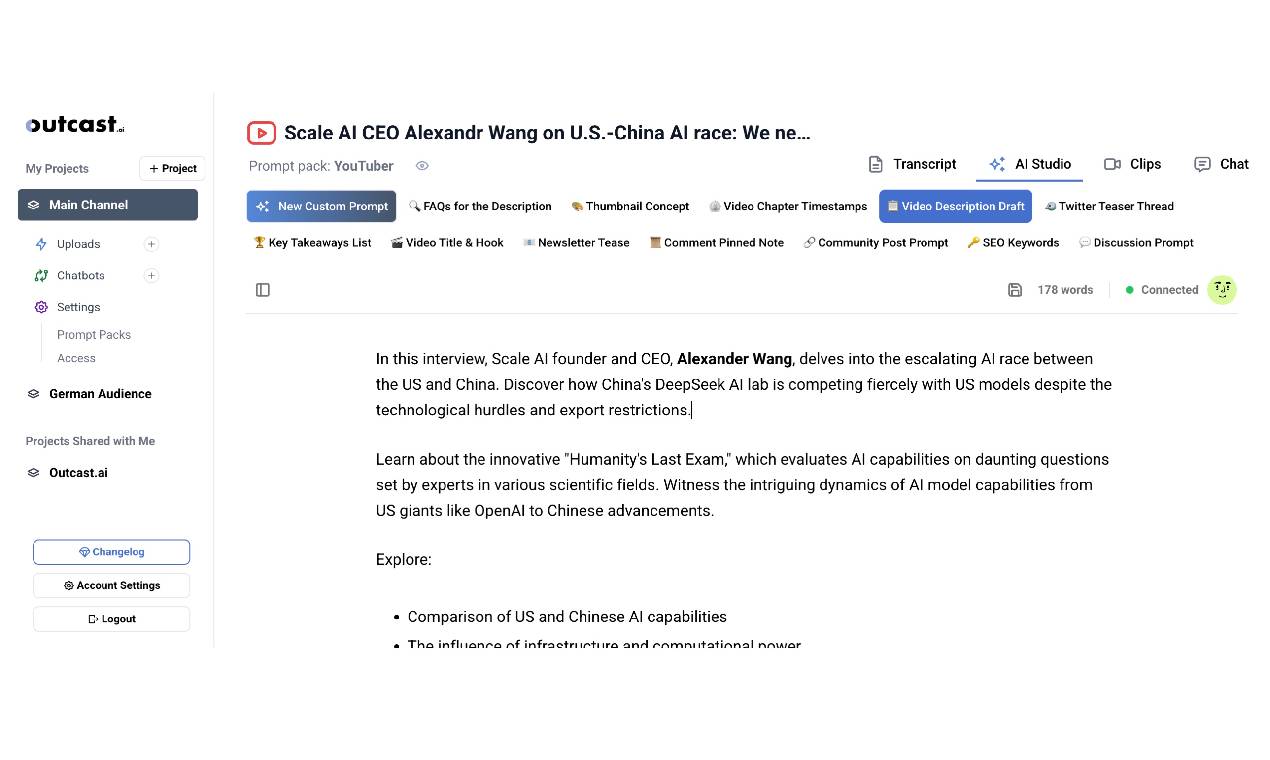
Turn your media into shareable, polished content fast. With tools like Prompt Packs, Clip Creator, and AI Studio, it’s all about making content creation easier and letting you focus on what you do best.
 StreamGenBusiness
AI Highlight Detection Automatically scans entire Twitch VODs to find the most viral moments - no timestamps or manual review needed. Instant Shorts Creation Converts clips into vertical videos with AI-generated captions, layouts, and platform-optimized formatting for TikTok & YouTube Shorts. Full Aut
 tikscript.orgAudio
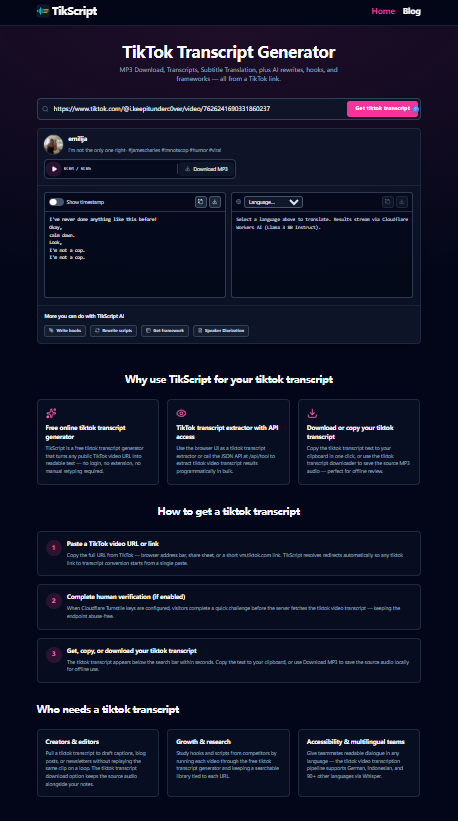
TikScript: From a TikTok Link to Audio, Subtitles, and Editorial Drafts TikScript is a web tool for teams and creators who need more than playback from short-form video. Paste a public TikTok video URL and work with the same clip as downloadable audio, on-page subtitles, and text you can copy into y
 ScribeTo -- AI Video to Text Transcription ToolVideo
AI Video to Text Transcription Tool