
Remove Shadow
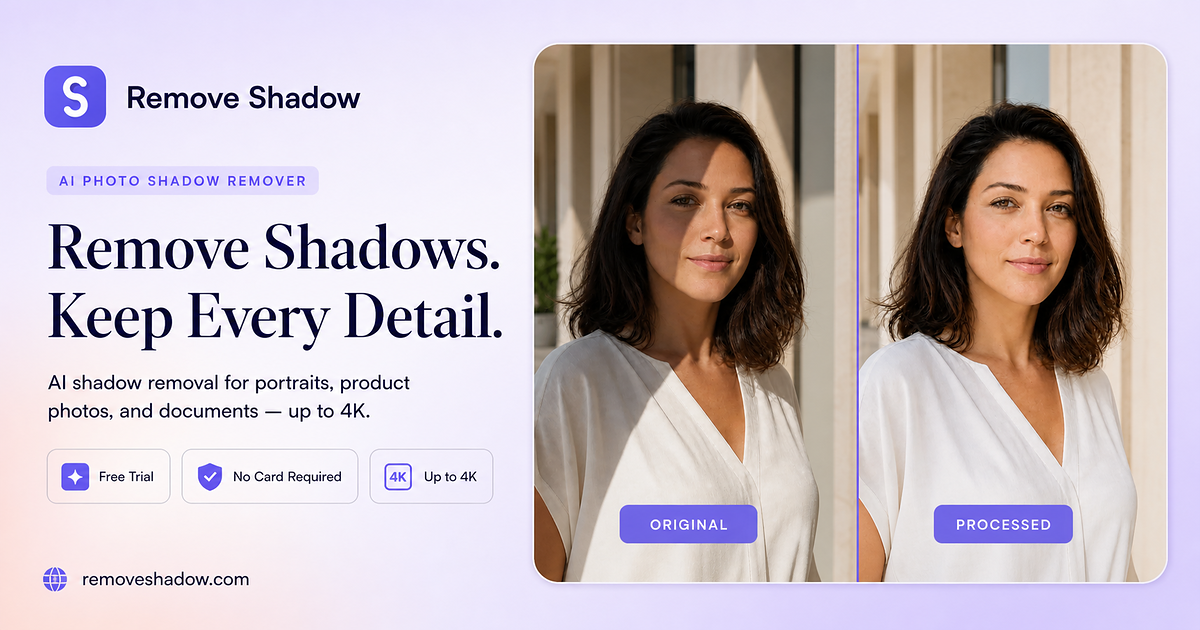
VerifiedRemove unwanted shadows from photos with AI.
About Remove Shadow
Best for: photographers, e-commerce sellers, students, professionals handling scanned documents
Key features
- Removes cast shadows, harsh face shadows, background shadows, and document shading
- Smart Detect plus dedicated Portrait, Product, and Document modes
- Preserves natural colors, texture, composition, and facial identity
- Before-and-after comparison before download
- 1K, 2K, and 4K output options
- Works in desktop and mobile browsers with no installation
- Free starter credits with no card required
- Automatic credit refund when a processing job fails
Use cases
- Removing harsh shadows from portraits and selfies for a natural look.
- Cleaning up product photos for e-commerce listings by removing distracting shadows.
- Making scanned documents and book pages more readable by eliminating shading.
- Fixing everyday phone photos affected by accidental shadows.
- Preparing ID or visa photos to meet strict lighting requirements.
Pros
- No installation or sign-up required to start using the tool.
- Free starter credits allow trial use without payment information.
- Supports high-resolution downloads up to 4K.
- Works on both desktop and mobile browsers.
- Images are deleted after processing for privacy.
Limitations
- Each processed image costs credits, and continued use requires purchase.
Screenshots
Reviews
Sign in to share your experience with this tool.
Sign inNo reviews yet. Be the first to review this tool.
Remove Shadow alternatives
More Image tools →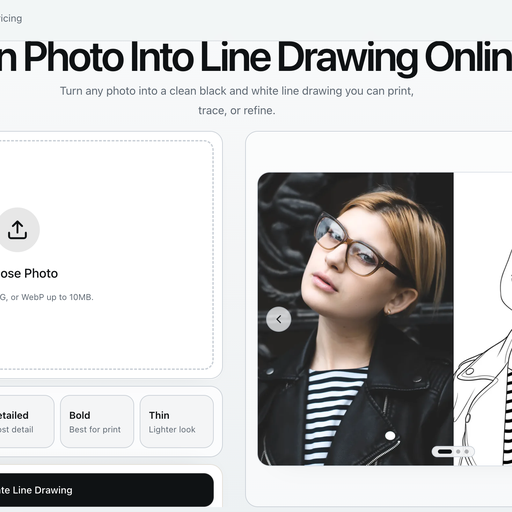 Line Drawing ConverterImage
Turn photos and images into clean black-and-white line drawings online
 Nero AI Image UpscalerImage
Nero AI Image Upscaler is an AI-powered image enhancement tool that enlarges low-resolution images up to 32K while improving sharpness, clarity, and fine details. It helps users upscale photos, portraits, anime, product images, old family pictures, and digital artwork without complex editing skills.
 Fast Image AI Image EnhancerImage
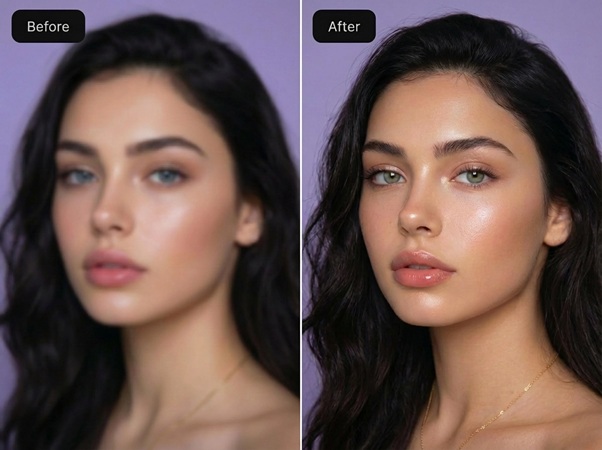
Free Online Convert Image to Any Style
 TranspicImage
Transpic is an AI image translator that helps users translate text inside photos, screenshots, product images, manga, posters, and document scans while preserving the original layout, visual context,.
 AI Cartoon GeneratorImage
AI Cartoon Generator helps creators turn photos or text prompts into cartoon avatars, anime-style characters, pet cartoons, stickers, and social-ready visuals in a fast, easy workflow.
 AI Clothes ChangerImage
AI Clothes Changer is an AI-powered platform that allows users to virtually try on clothes
Related tools
 Adobe Firefly Background RemoverDesign
Strip backgrounds from photos with one click.
 EnigmaEasel - AI Color Palette GeneratorDesign
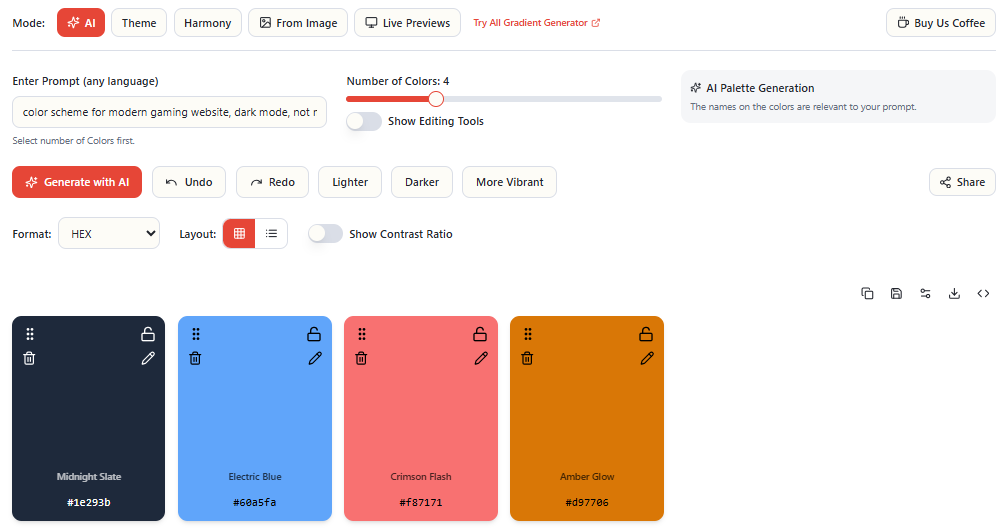
Generate Color Schemes with AI from text, images, harmony, themes to accessible, pro-ready color systems
 AI Headshot GeneratorImage
Turn your selfies into corporate headshots with our AI Headshot Generator. Build trust and credibility. Make a powerful first impression.
 ImgEditor AIImage
AI Image Editor is a premier AI-powered image editing platform crafted for creators and professionals. It surpasses basic editors with intelligent object detection, precision editing, background removal, high-resolution upscaling, and style transfer - delivering professional-grade results effortless
 Image to ImageImage
ai image generator, image to image, img2img, photo restyle, ai photo editor, background replacement, product photo staging, portrait restyling
 BatchRemoverImage
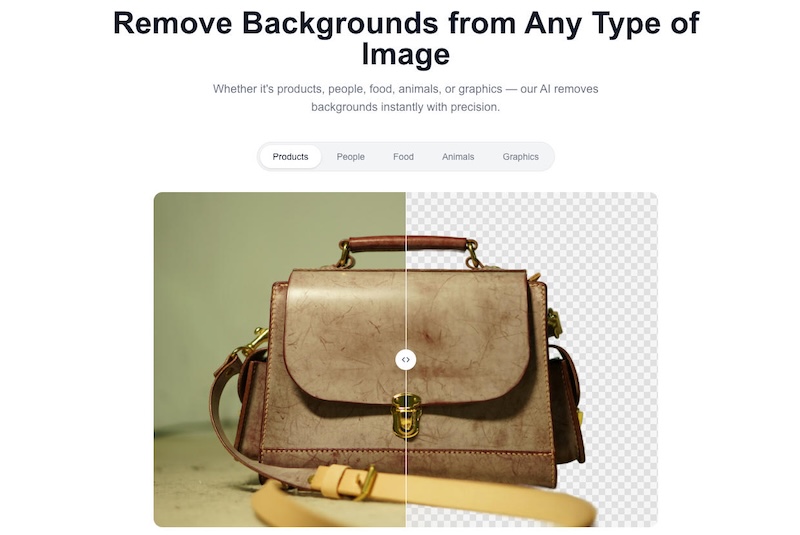
Free AI background remover with HD, no watermarks. Single images free, batch for pros.
 Pet PrintImage
Transform your beloved pet into a stunning masterpiece with Pet Print, the innovative AI-powered tool that brings your furry friend to life in a whole new way. Using cutting-edge artificial intelligence technology, Pet Print captures the unique look of your pet and turns it into a beautiful work of
 Meta ImageDesign
Meta Image is an online platform that allows users to edit and generate images using AI, offering a range of features for photo editing and creative composition.