
Vaultaire
Private iPhone Photo Vault, End-to-End Encrypted
About Vaultaire
Best for: iPhone users, privacy-focused individuals, people storing sensitive photos or files
Key features
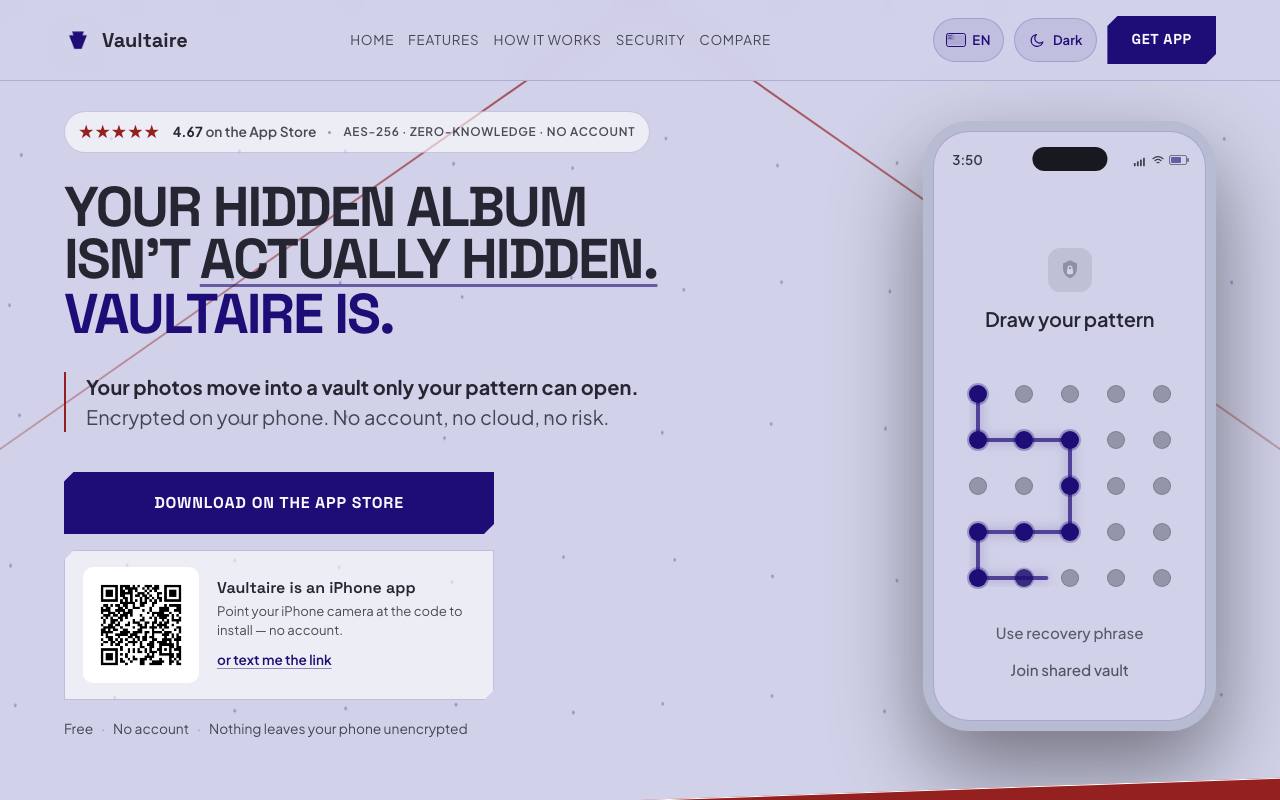
- Uses pattern-based AES-256-GCM encryption for files and metadata on device
- No account, email, or personal data required to use the app
- Zero-knowledge architecture ensures only the user can access stored files
- Duress mode allows opening a decoy vault and hiding others under pressure
- Encrypted iCloud backup with client-side encryption and optional disable
- Secure sharing of vaults with control over access duration and export
- Secure camera feature saves photos and videos directly to the vault
- Device sync for vaults available in Pro version
Use cases
- Storing private photos and videos securely on an iPhone
- Sharing sensitive files with others while controlling access
- Backing up encrypted vaults to iCloud without exposing data to Apple
- Using a secure camera to capture sensitive media without saving to camera roll
Pros
- No sign-up or account required to use the app
- Free version available with basic vault and file limits
- Analytics and crash diagnostics can be turned off in settings
Limitations
- Free version limited to 3 vaults, 100 photos, and 10 videos
- Folders are not supported; use separate vaults instead
Screenshots
Reviews
Sign in to share your experience with this tool.
Sign inNo reviews yet. Be the first to review this tool.
More Productivity tools
 Vaydur AIProductivity
AI agents that research, track, ideate and create viral content for you and your niche
 VectorizeProductivity
Fast, Accurate, Production-Ready RAG Pipelines
 VehlaProductivity
One Mac app. Your entire workflow.
 VersQProductivity
AI-powered document translation for professionals. 20+ languages, 50+ AI models, formatting preserved across PDFs, DOCX, EPUB, and more.
 VarosAIProductivity
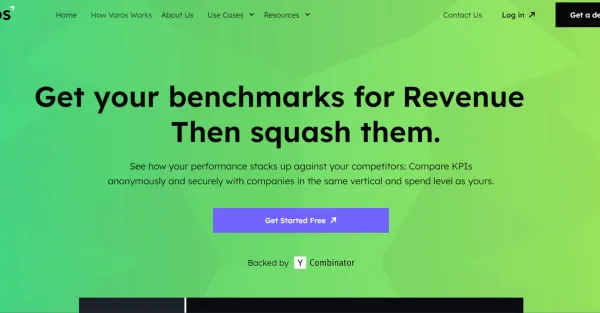
VarosAI evaluates your conversion rates and customer retention, offering valuable insights and suggestions to enhance the efficiency of your business.
 VaizProductivity
Vaiz is a work management platform that brings tasks, projects, and documents into one workspace. Teams of 5-100 plan, track, and ship work without switching between Jira, Notion, and Google Docs. Fast to set up. No surveillance, no micromanagement - just clarity and speed.
 Utkrusht AIProductivity
Evaluate candidates inside live running prod-systems, no more coding tests or take-home assignments
 UserdocProductivity
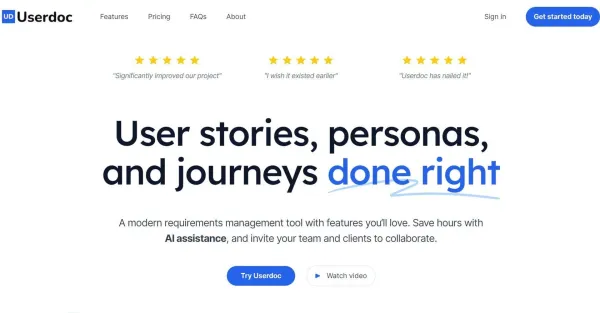
Userdoc is an innovative requirements management tool that helps organize, analyze, and collaborate on requirements of large-scale technical systems.