Remake Face AI
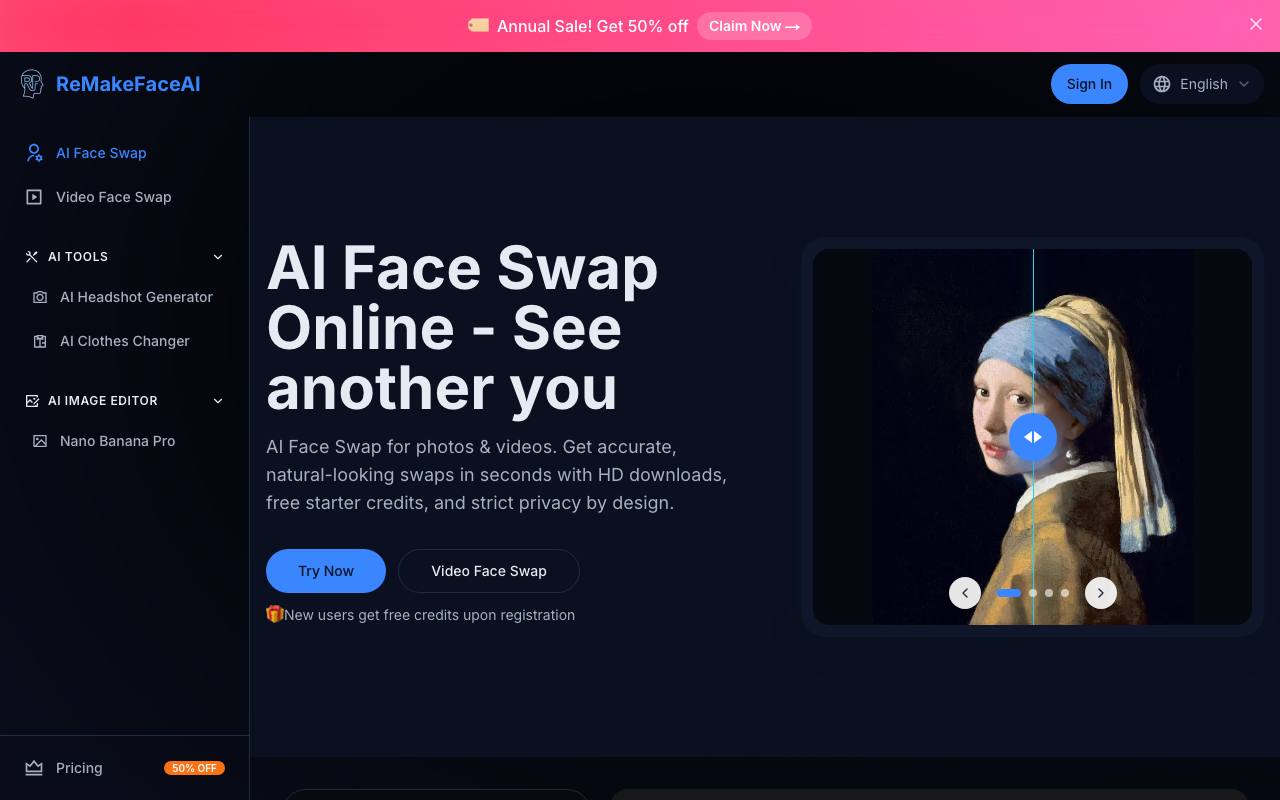
AI-powered face remaking and editing tool for realistic and creative portrait transformations.
About Remake Face AI
This description was prepared by the ToolTrove editors. Is this your product? Claim it and write it in your own words.
Best for: social media users, content creators, photographers, casual users, creative professionals
Key features
- Swaps faces in photos and videos using AI
- Applies style filters such as cartoon, anime and oil painting
- Enables virtual makeup, hairstyle and fashion changes
- Provides high-resolution output for social media and printing
- Generates custom AI portraits from text descriptions or combined images
- Includes one-click skin smoothing and facial beautification
Use cases
- Swapping faces in group or personal photos to fix closed eyes or expressions.
- Creating humorous or creative group photos by swapping friends' or family members' faces.
- Transforming into celebrities, movie, or anime characters for entertainment.
- Applying virtual makeup or hairstyles to preview new looks.
- Blending faces into famous artworks for creative projects.
Pros
- Free starter credits for new users
- No watermark on generated images
- The vendor says images are not stored without permission
Limitations
- Maximum upload size per image is 5MB.
Screenshots
Reviews
Sign in to share your experience with this tool.
Sign inNo reviews yet. Be the first to review this tool.
Remake Face AI alternatives
More Image tools →We create headshots with AI from your photos. You only need to upload some photos, and our generator does the rest. After a short while, you will receive your professional headshots, created by our AI.
 Nero AI Image UpscalerImage
Nero AI Image Upscaler is an AI-powered image enhancement tool that enlarges low-resolution images up to 32K while improving sharpness, clarity, and fine details. It helps users upscale photos, portraits, anime, product images, old family pictures, and digital artwork without complex editing skills.
 Headshot ProImage
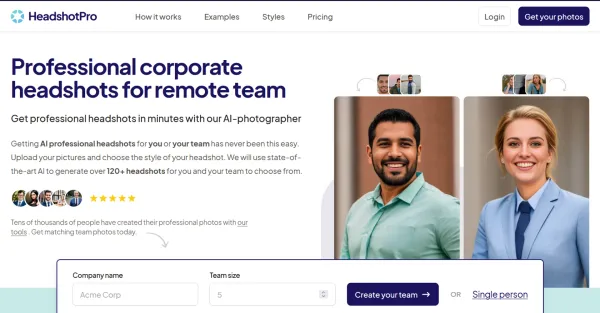
At Headshot Pro, we specialize in delivering high-quality corporate headshots for your entire team. By harnessing the power of AI, we are able to enhance the lighting, focus, and color aspects to ensure a professional outcome.
 HD Photo ConverterImage
HD Photo Converter is an advanced AI-powered image enhancement platform that transforms ordinary, blurry, or low-resolution photos into crystal-clear 4K masterpieces. Using cutting-edge machine learning algorithms, our free tool intelligently enhances details, removes noise, and optimizes colors to
 Kogashitsuka AIImage
An online AI image tool that enhances photos and illustrations at their original size or upscales them by 2x or 4x.
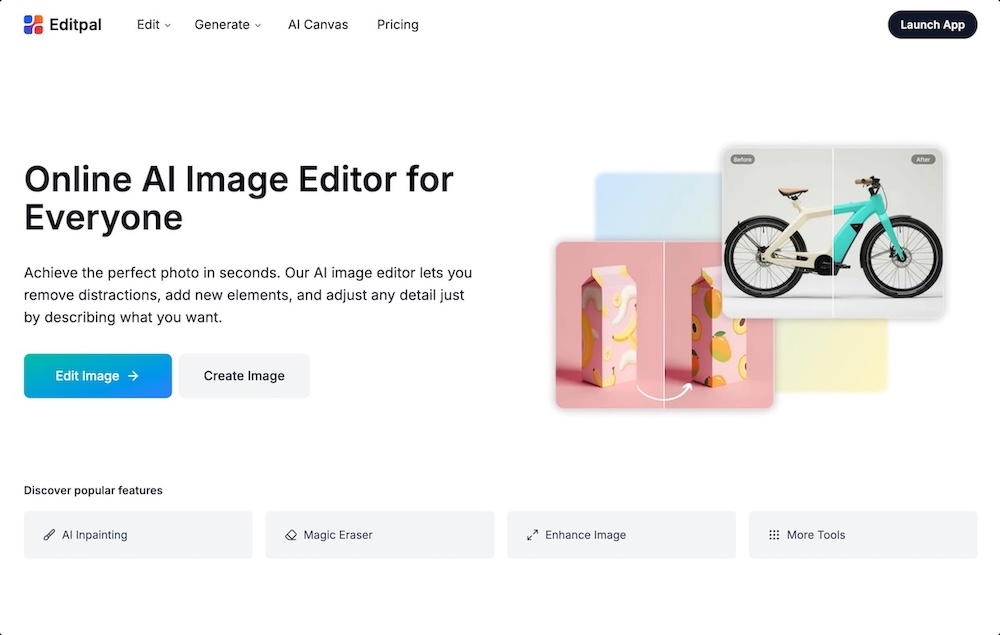 EditpalImage
Editpal is an online AI image editor that lets anyone edit, enhance, replace, expand, and generate images using simple text prompts.
Related tools
 InspiaDesign
Inspia is a curated AI image and video prompt library where creators can discover real visual references, inspect the prompts behind them, and reuse ideas in their own work.
 AI FacefyVideo
AI Facefy is an all-in-one creative hub that integrates the world’s best models - like VEO 3.1 and Sora 2 - to help you craft stunning videos, realistic headshots, and even AI-generated music without needing any technical or editing skills.
 Vailo AiVideo
Vailo: multi-model AI video from text/images to video in seconds. Sora/Veo/Kling. No watermark, no quality caps. 450 free credits (~11 videos).
 Image to Video AIVideo
Transform photos into stunning videos with our free image to video AI generator. Upload an image, add a prompt, and create AI-powered animations in seconds - no sign-up required.
 ImgEditor AIImage
AI Image Editor is a premier AI-powered image editing platform crafted for creators and professionals. It surpasses basic editors with intelligent object detection, precision editing, background removal, high-resolution upscaling, and style transfer - delivering professional-grade results effortless
 Picture EnhancerImage
Picture Enhancer is an AI-powered web app for enhancing photos online. It focuses on three practical jobs - deblur, smart upscale, and photo r
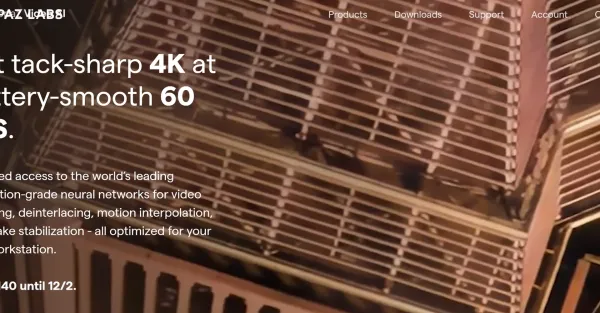 Topaz Video AIVideo
Topaz Video AI provides unrestricted access to cutting-edge neural networks designed for enhancing video quality, including upscaling, deinterlacing, motion interpolation, and shake stabilization. These networks are fine-tuned and optimized specifically for your local workstation.
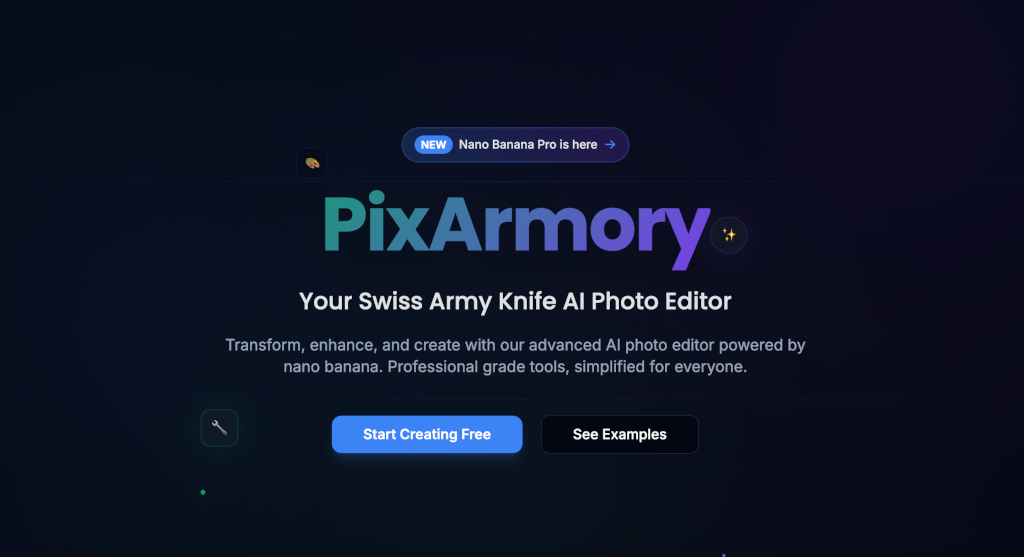 PixArmoryImage
PixArmory is your all-in-one AI image editing toolkit. Remove backgrounds, add anime effects, enhance photos, or generate new styles in seconds. Fast, secure, and credit-based - perfect for creators, designers, and anyone who wants pro results without Photoshop.