
Should I Use It
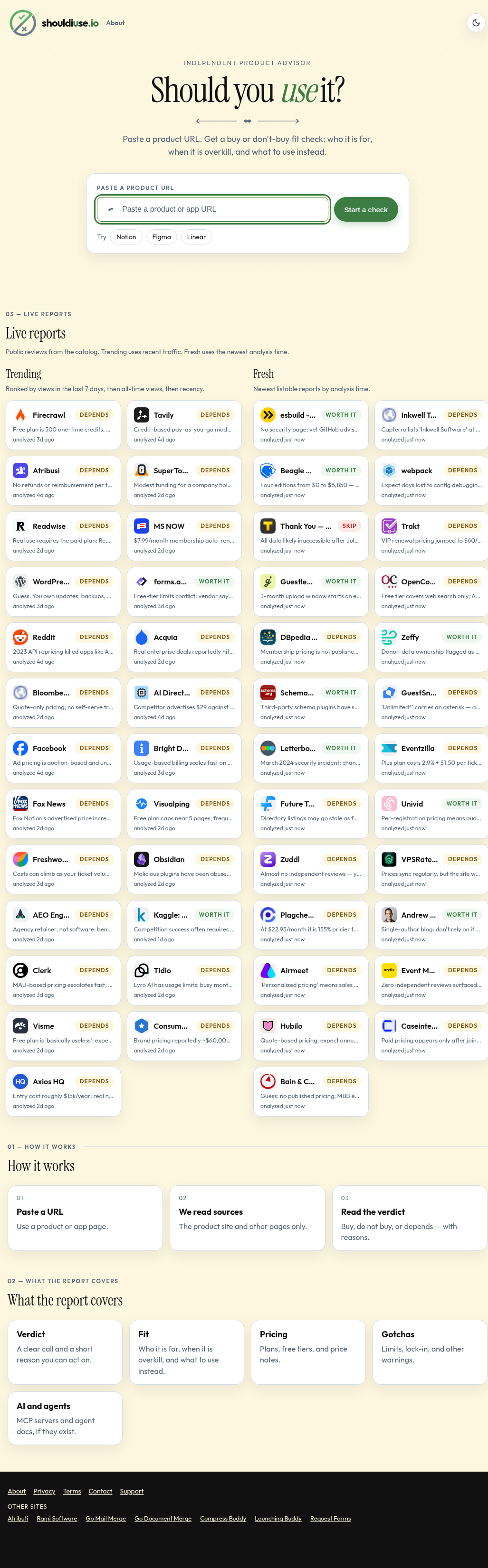
Paste a product URL and get a buy or don't-buy fit check.
About Should I Use It
Best for: shoppers comparing software before buying, buyers wanting a quick fit check, people evaluating subscription pricing and lock-in risk
Key features
- Accepts a pasted product URL as input
- Returns a buy, do not buy, or depends verdict with reasons
- Analyzes fit: who the product is for, when it is overkill, and alternatives
- Summarizes pricing: plans, free tiers, and price notes
- Flags gotchas: limits, lock-in, and other warnings
- Notes AI and agent support, such as MCP servers, when available
Use cases
- Check whether a product is a good fit before buying
- Identify pricing details and hidden costs
- Identify potential limitations or lock-in risks
Pros
- Provides a buy, do not buy, or depends verdict with reasons
Screenshots
Reviews
Sign in to share your experience with this tool.
Sign inNo reviews yet. Be the first to review this tool.
Should I Use It alternatives
More Productivity tools →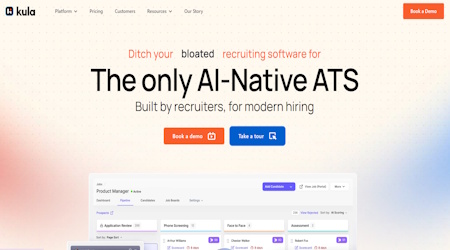 Kula AIProductivity
The AI-native hiring platform is built for modern recruiting teams.
 ShareSpeakProductivity
An invisible AI teleprompter for desktop
 Lynk.CoachProductivity
Lynk helps coaches move from scattered WhatsApp, spreadsheets, manual reminders, and memory-led operations to a structured system that helps them grow
 PDF to MarkdownProductivity
PDF to Markdown is an AI-powered web tool that converts PDF files into clean, editable Markdown with OCR, layout analysis, and structure recovery.
 ACE StudioProductivity
A workstation empowering music creators with advanced AI technology
 Memo CardProductivity
AI study tool with notes, quizzes & replays
Related tools
 Tutorly.sgEducation
Imagine giving your child a personal tutor, available 24/7, for just SGD 49/month. That’s what Tutorly.sg offers - a smarter, more affordable way to help your child excel in school without breaking the bank.
 MokaruEducation
Mokaru is a tool that helps you organize your job search and create resumes that match the jobs you apply to. It makes finding and applying for jobs faster and easier.
 md2cardDesign
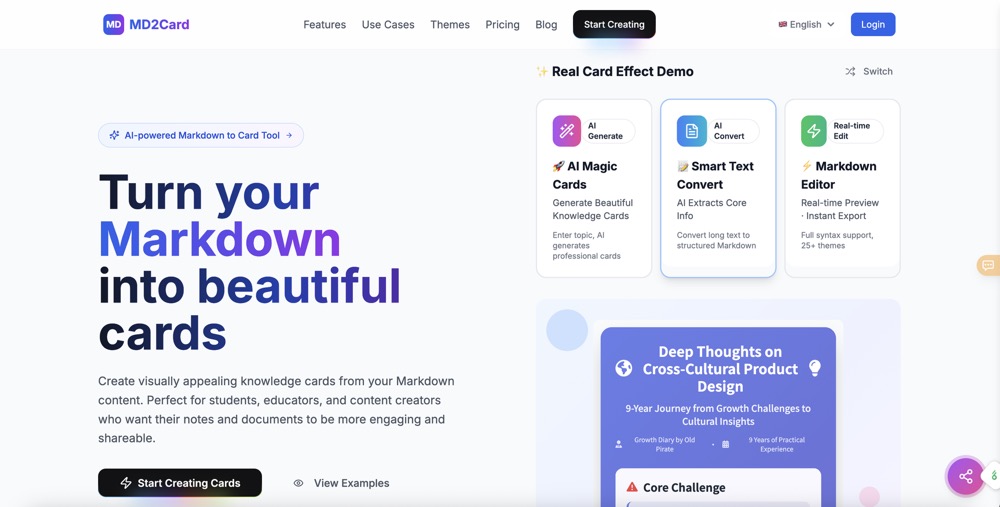
Turn your Markdown into beautiful cards.
 LitespaceBusiness
Litespace is an AI‑powered recruiting assistant that automates key stages of the hiring process. It searches for talent, screens resumes and more.
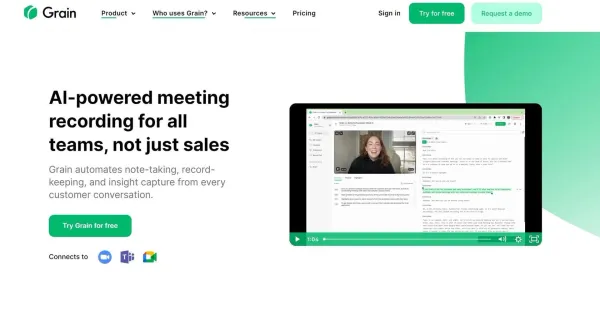 GrainEducation
Grain automates note-taking from customer conversations, making it easier to keep track of important details and insights.
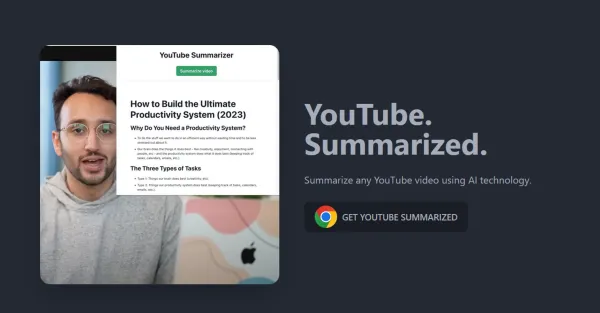 YouTube SummarizedVideo
YouTube Summarized simplifies the process of note-taking and identifying key concepts by utilizing AI technology. Regardless of a video’s duration, this tool effectively summarizes YouTube videos, allowing users to grasp the core of the content effortlessly. Explore YouTube Summarized to effortlessl
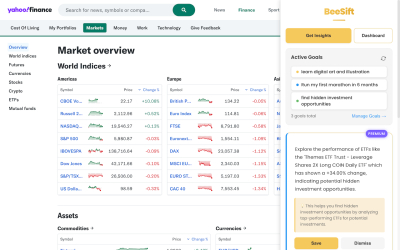 BeesiftProductivity
Extract meaningful insights from pages based on your personal goals. A Chrome extension built for thinkers to filter out the noise get the nectar.
 OmniCanvasProductivity
Spatial canvas for notes & files. Synced & secure.